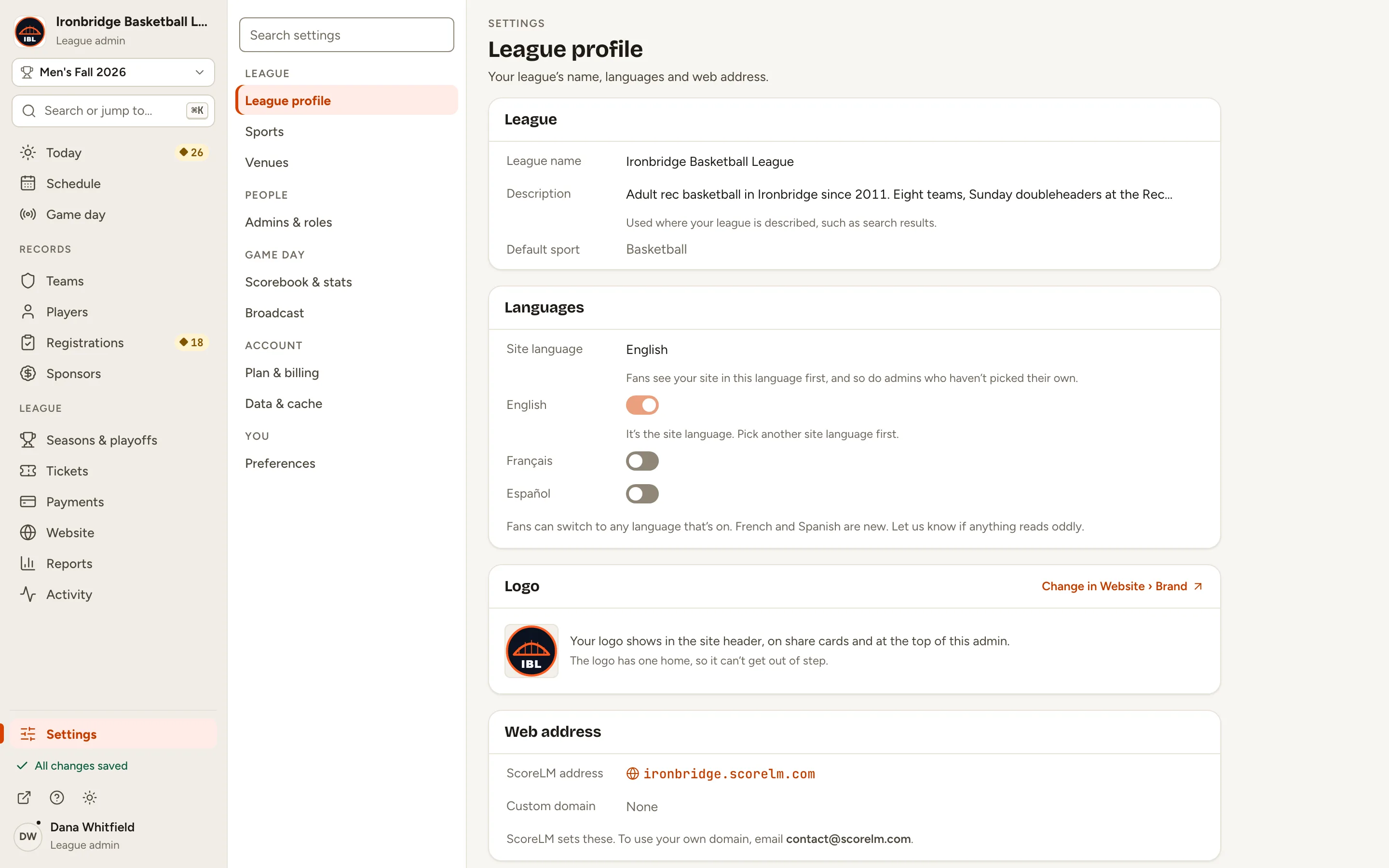
Step 1: At the bottom of the menu, click Settings.
Settings opens on League profile.
Fig. 1Settings, at the bottom of the menu.
2
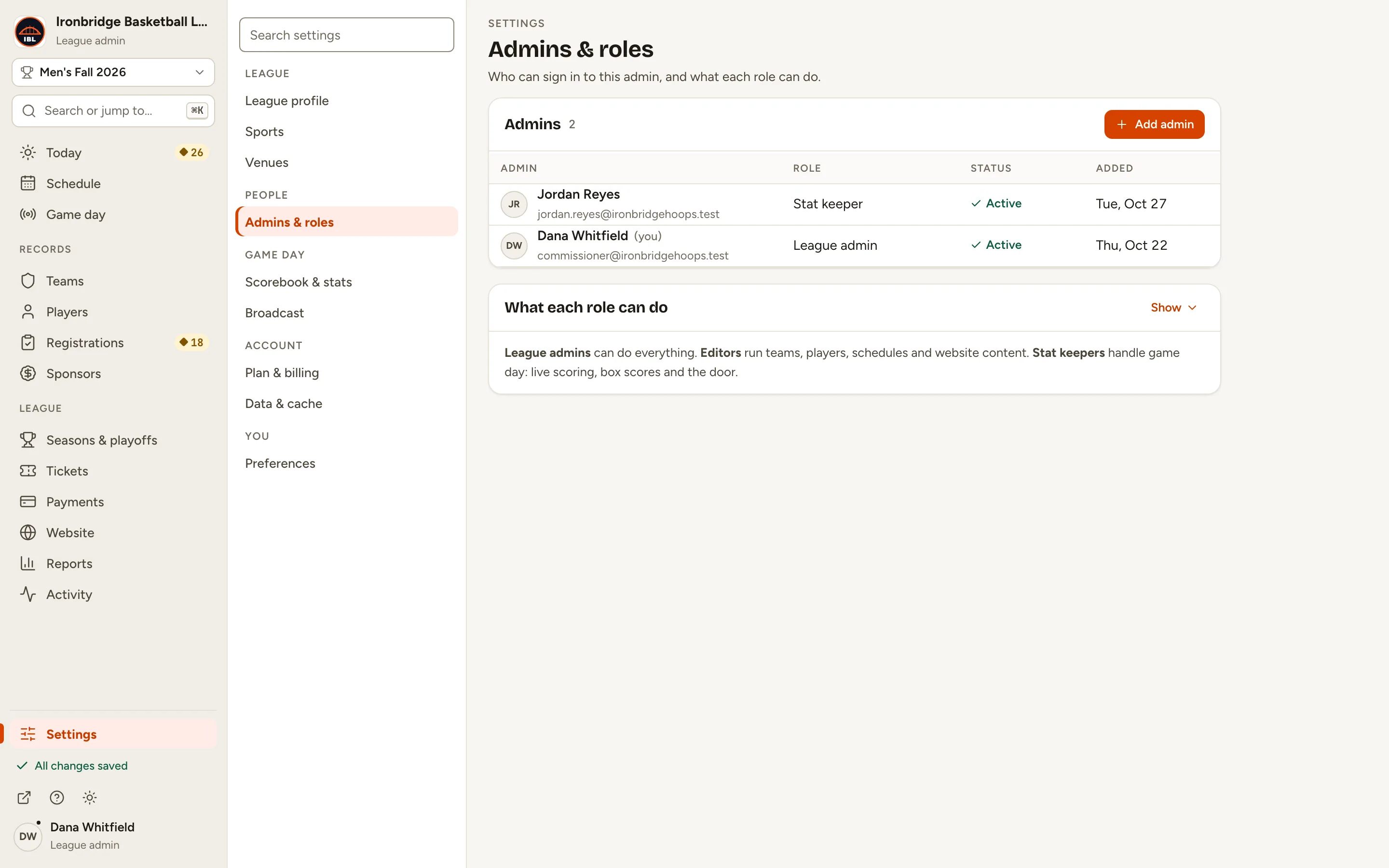
Step 2: Under People, click Admins & roles.
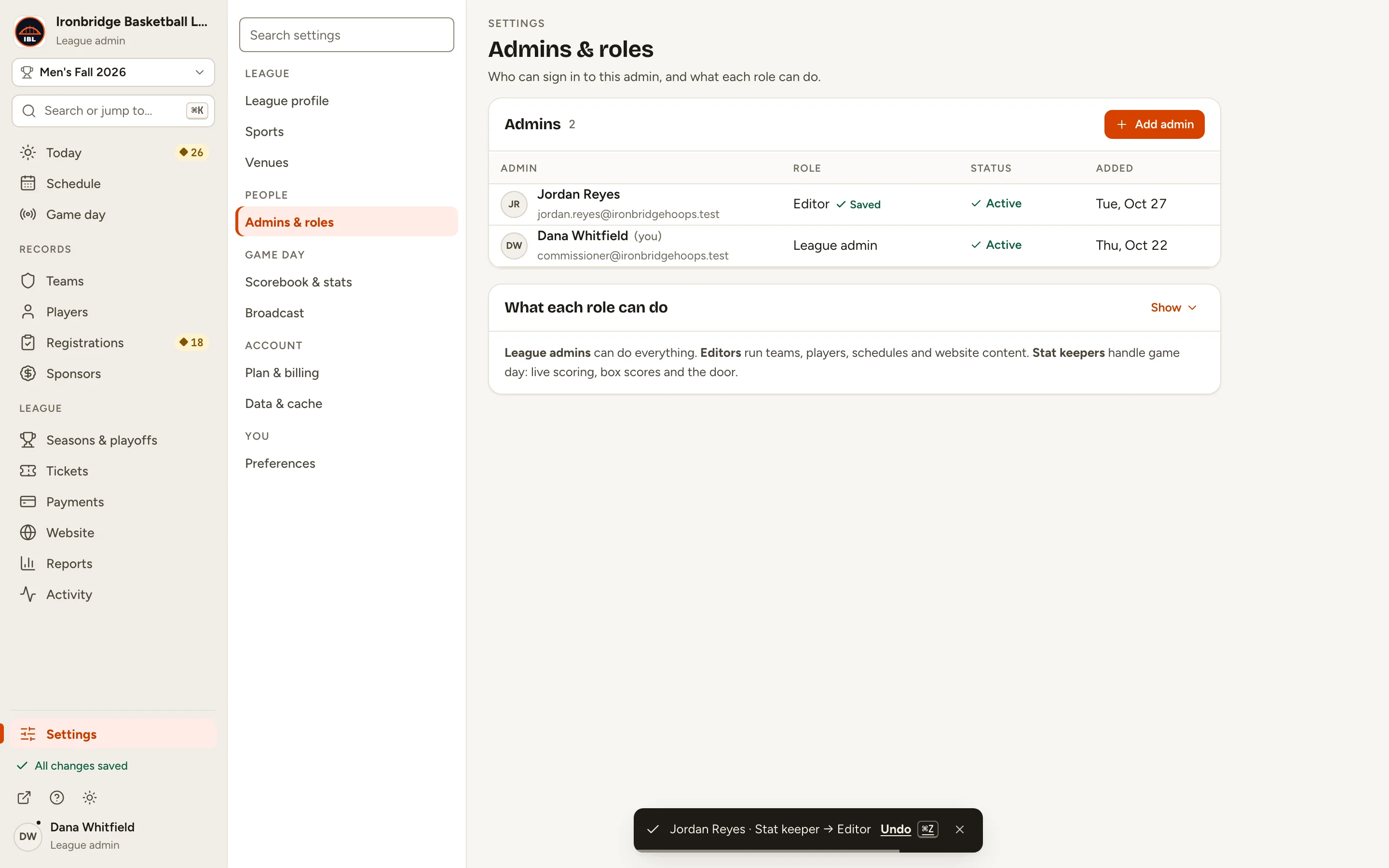
Everyone who can sign in to your admin is listed with their role: here Dana Whitfield is a League admin and Jordan Reyes a Stat keeper.
1 of 2
2 of 2
Fig. 2Each person’s role, in the Admins list.
3
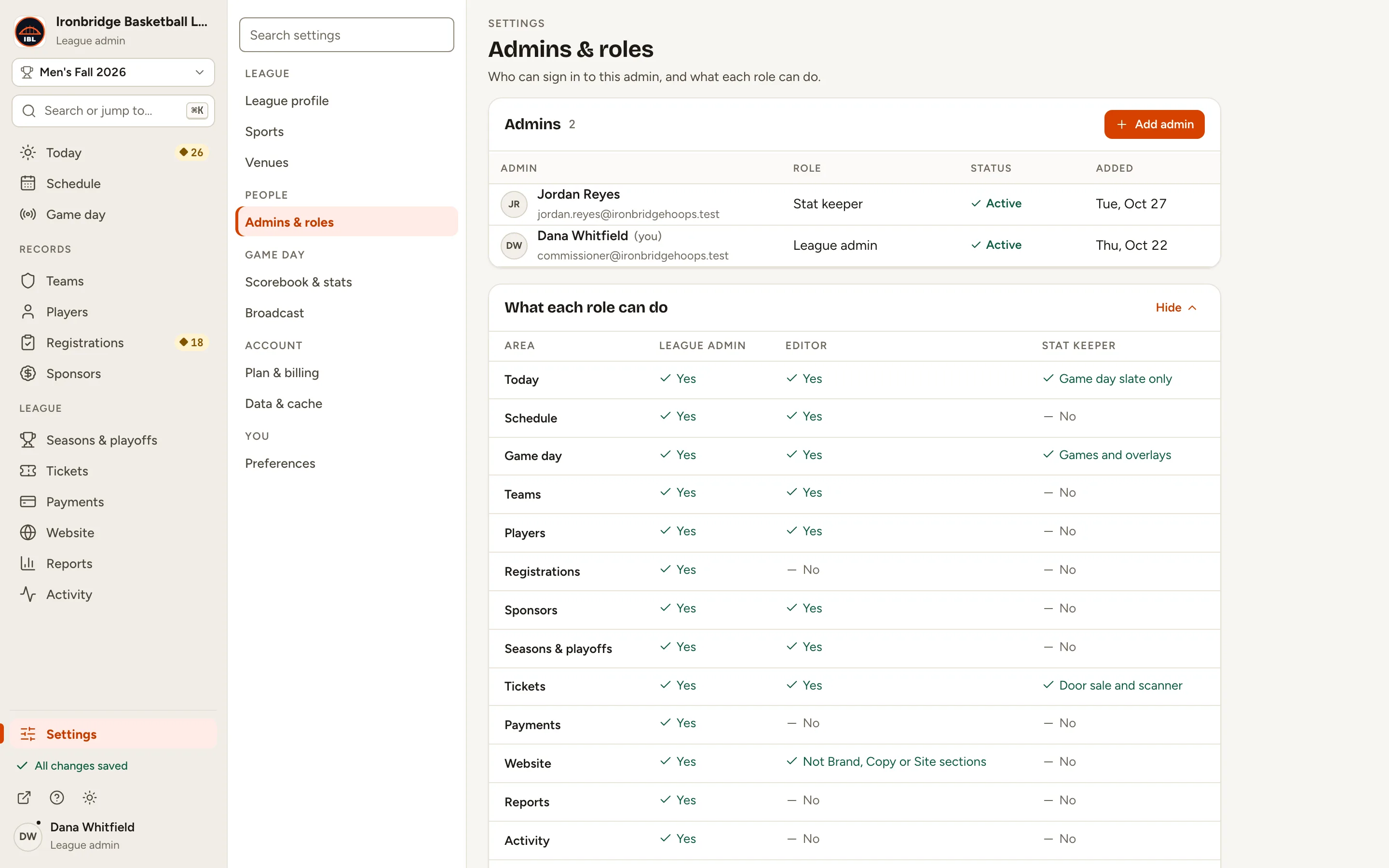
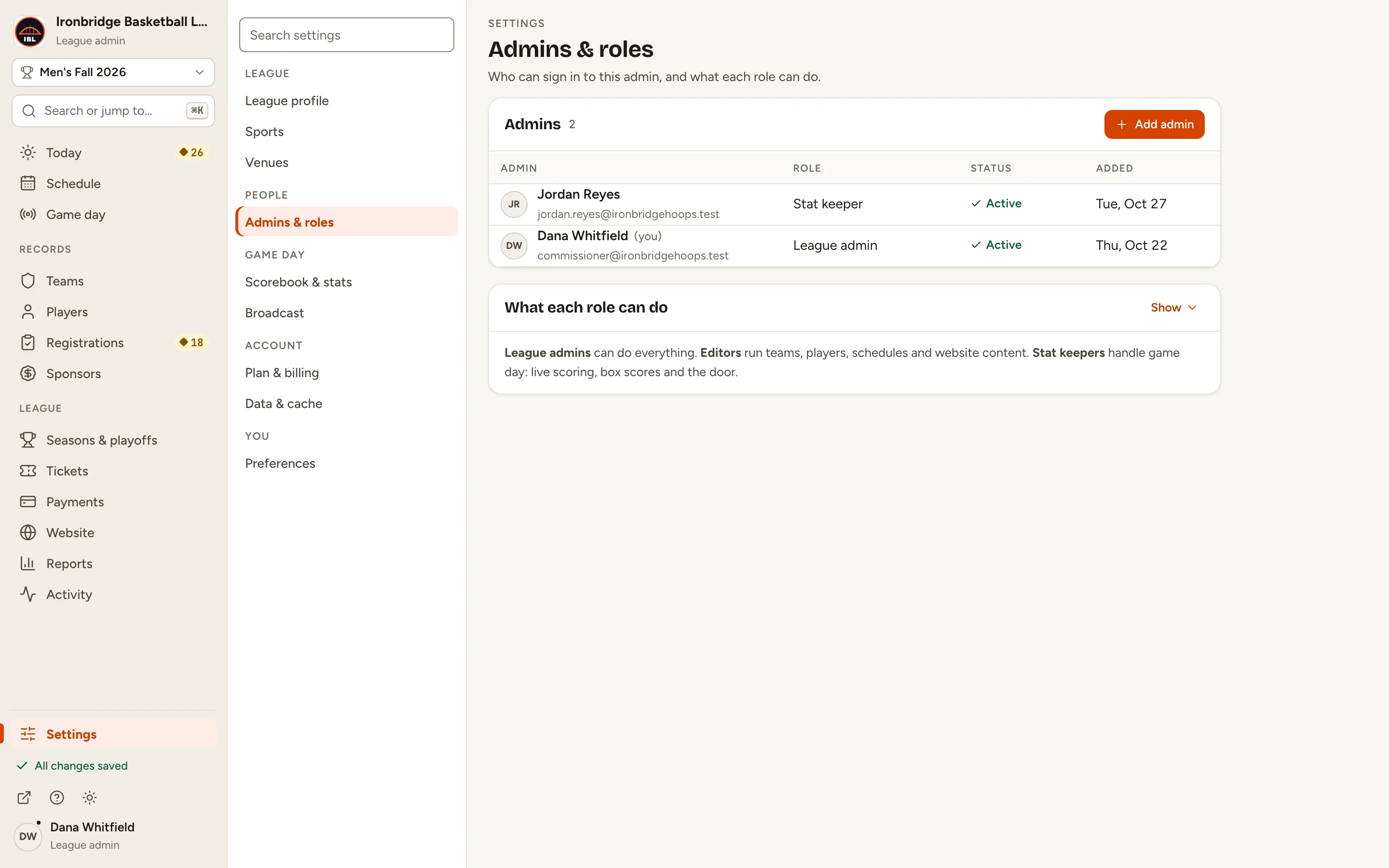
Step 3: Next to What each role can do, click Show.
A table lists each part of the menu against the three roles, with notes where a role sees only part of an area. For now it under-reports editors: they also see Reports (the season summary only) and Settings › Venues.
1 of 2
2 of 2
Fig. 3What each role can do, in a table.
4
Step 4: In the Admins list, click Jordan Reyes’s role.
The role turns into a menu of the three roles.
Fig. 4Click a role to change it.
5
Step 5: Choose Editor.
It saves straight away, and Undo shows for a few seconds. Jordan’s menu changes the next time they load the admin.
1 of 2
2 of 2
Fig. 5Jordan Reyes is now an editor.
What you’ll see
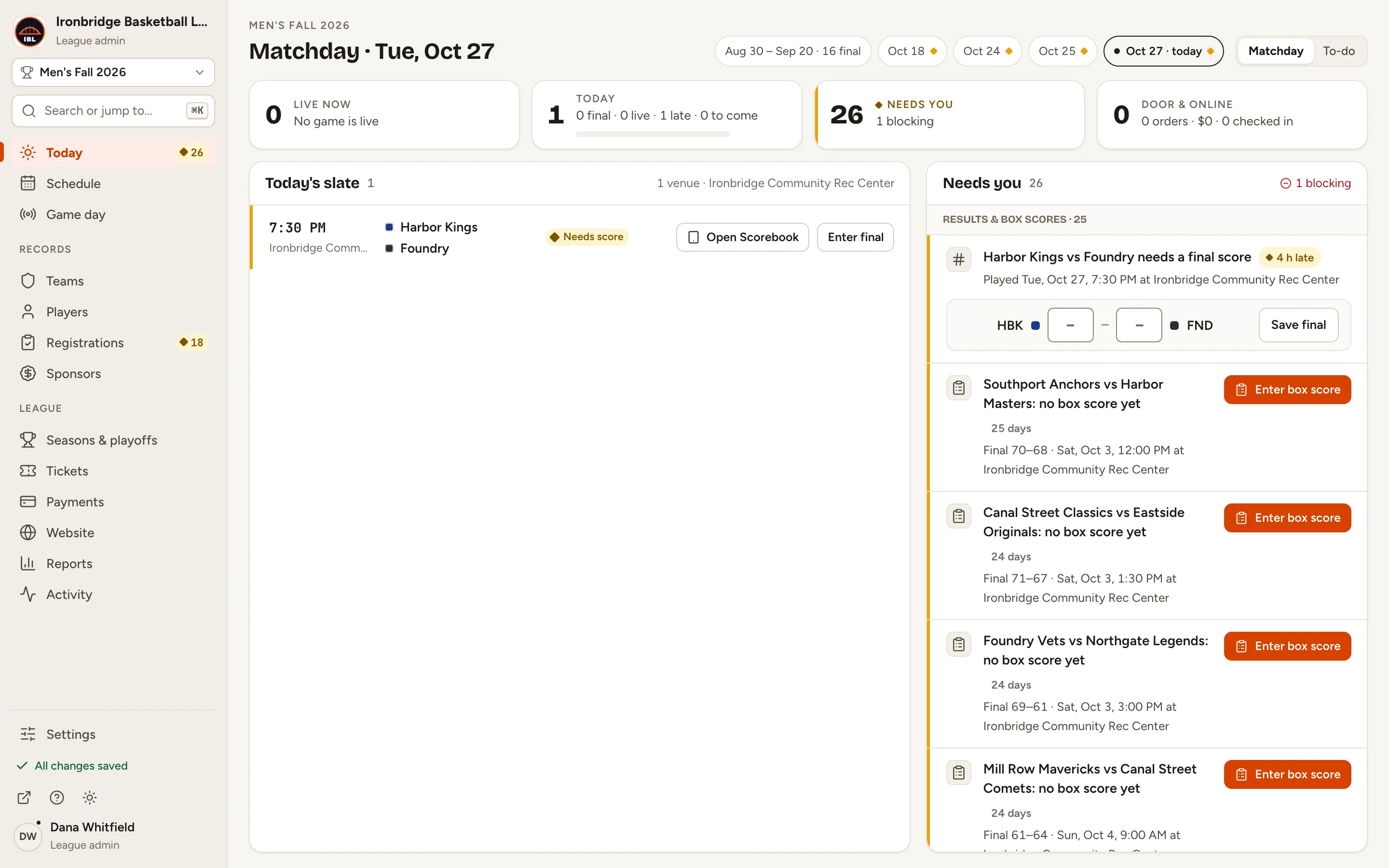
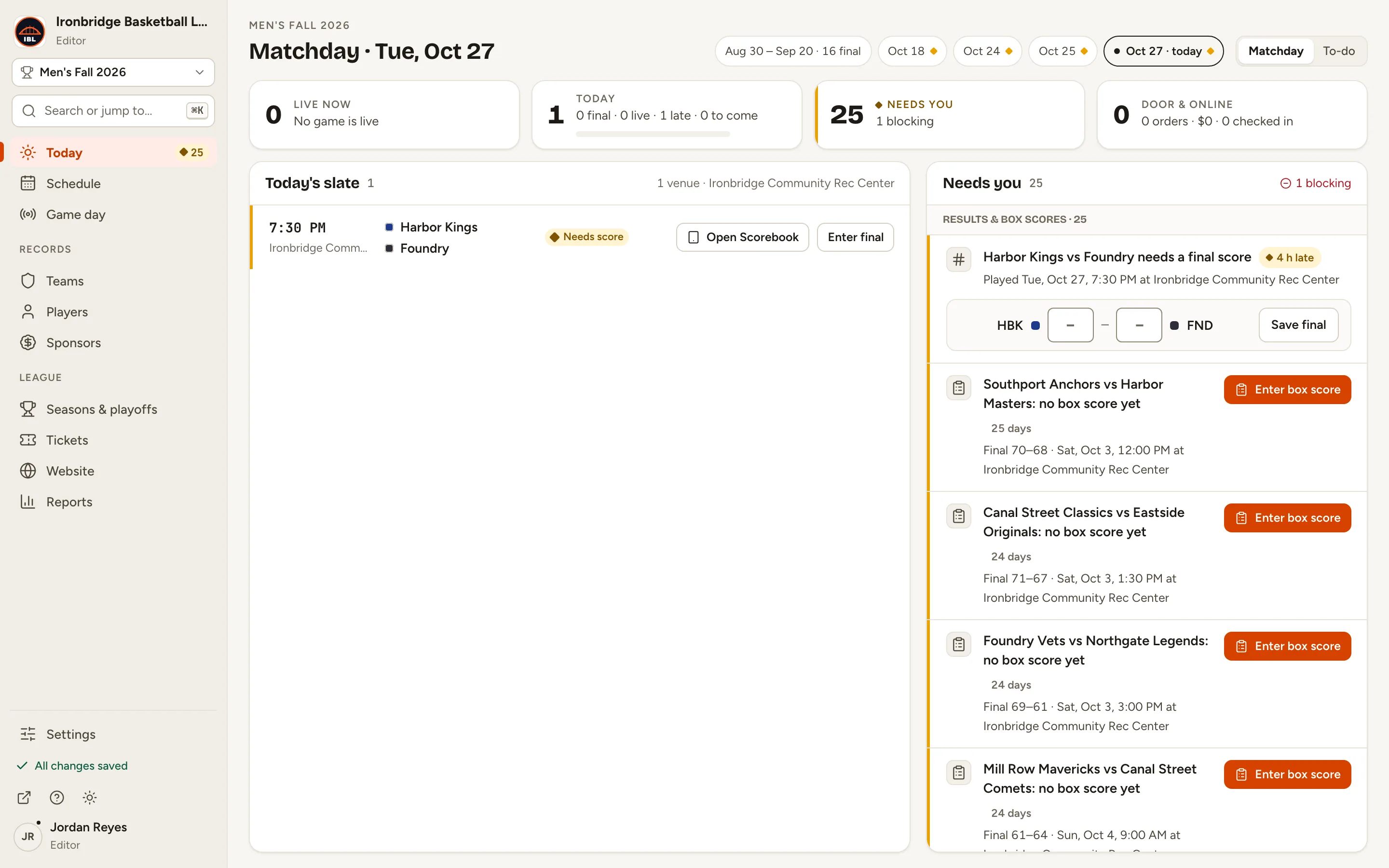
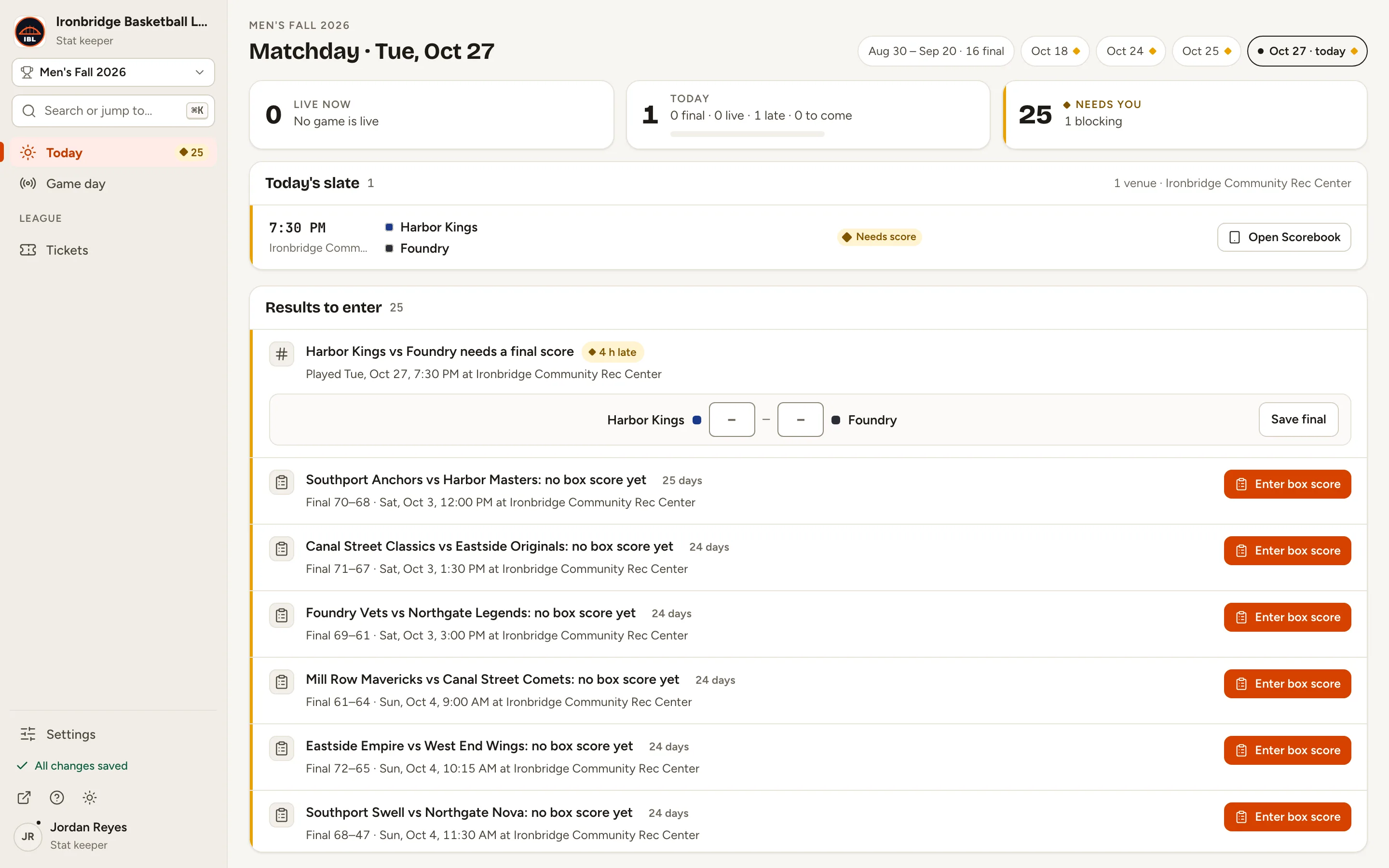
Each role sees only its own menu. A League admin sees everything. An Editor runs the schedule, teams, players, sponsors, seasons, tickets and website content, with Reports limited to the season summary; they don’t see Registrations, Payments or Activity. A Stat keeper sees game day only: Today, Game day and, with ticketing, Tickets for the door.
Fig. 6A league admin’s menu: everything.
Fig. 7An editor’s menu: no Registrations, Payments or Activity.
Fig. 8A stat keeper’s menu: game day only.
Common questions
What can a league admin do that an editor can’t?
Registrations, Payments and Activity; the Site traffic and Revenue reports; your website’s design (Website › Design shows editors the homepage layout only); and Settings, apart from Venues and their own Preferences. Only league admins add people and change roles.
What can a stat keeper do?
Game day work: tonight’s games on Today, live scoring and overlays in Game day, box scores, and the door in Tickets when you sell tickets. In Settings they only have their own Preferences.
When does a new role take effect?
Straight away for what they can open and save. Their menu updates the next time they load the admin.
Can I change my own role?
No. Ask another league admin. You also can’t turn off your own account.
What about team captains?
Captains aren’t added in Admins & roles: you invite them from a team, either in a team registration (Registrations › the registration › Teams) or on the team’s own page (Teams › the team › Captain) for a season without a registration. A captain signs in to your admin and sees only Your team: their team’s roster, plus its invitations, team code and fee when the team is in a registration, and Settings for their own account. Changes to their roster and team name wait for a league admin’s approval. See Register teams and invite captains.
Can someone have different roles in different leagues?
Yes. A role belongs to one league, so the same person can be a league admin in one and a stat keeper in another.