Keep score live
By the end you’ll have a game scored live, with fans following on your website, and its final saved.
Before you start
- The game must be on your schedule. See Schedule your first games.
- Any admin, editor or stat keeper can keep score. It works on a phone, a tablet or a computer.
Steps
-
Step 1: In the left menu, click Game day.
Game day lists your games in sections: Live now, Needs a result, Today, This week and Later.
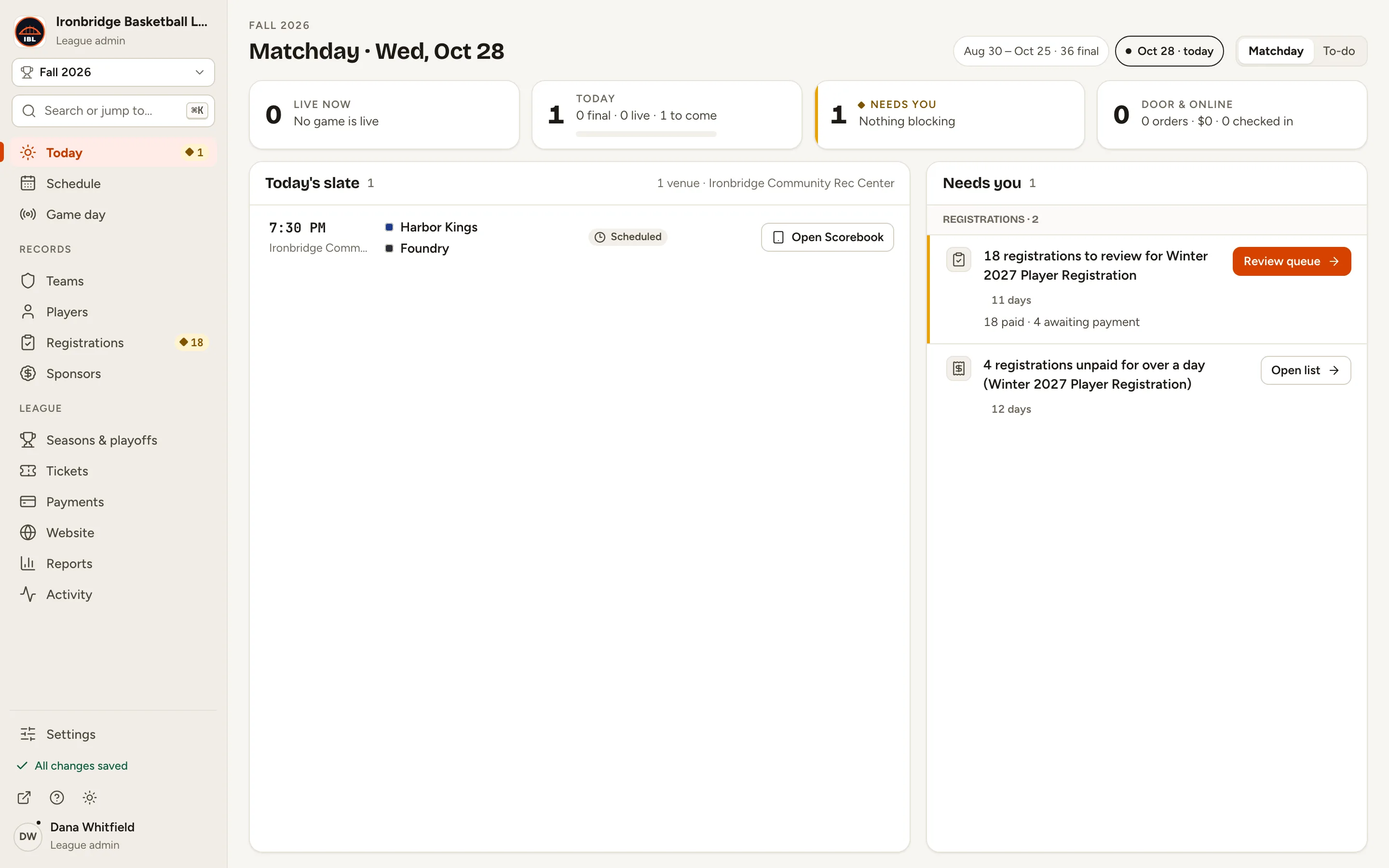
Fig. 1Game day, in the left menu. -
Step 2: Find your game and click Score controller.
The score controller opens for that game, on the Score tab: the periods, the clock and a scoreboard for each team.
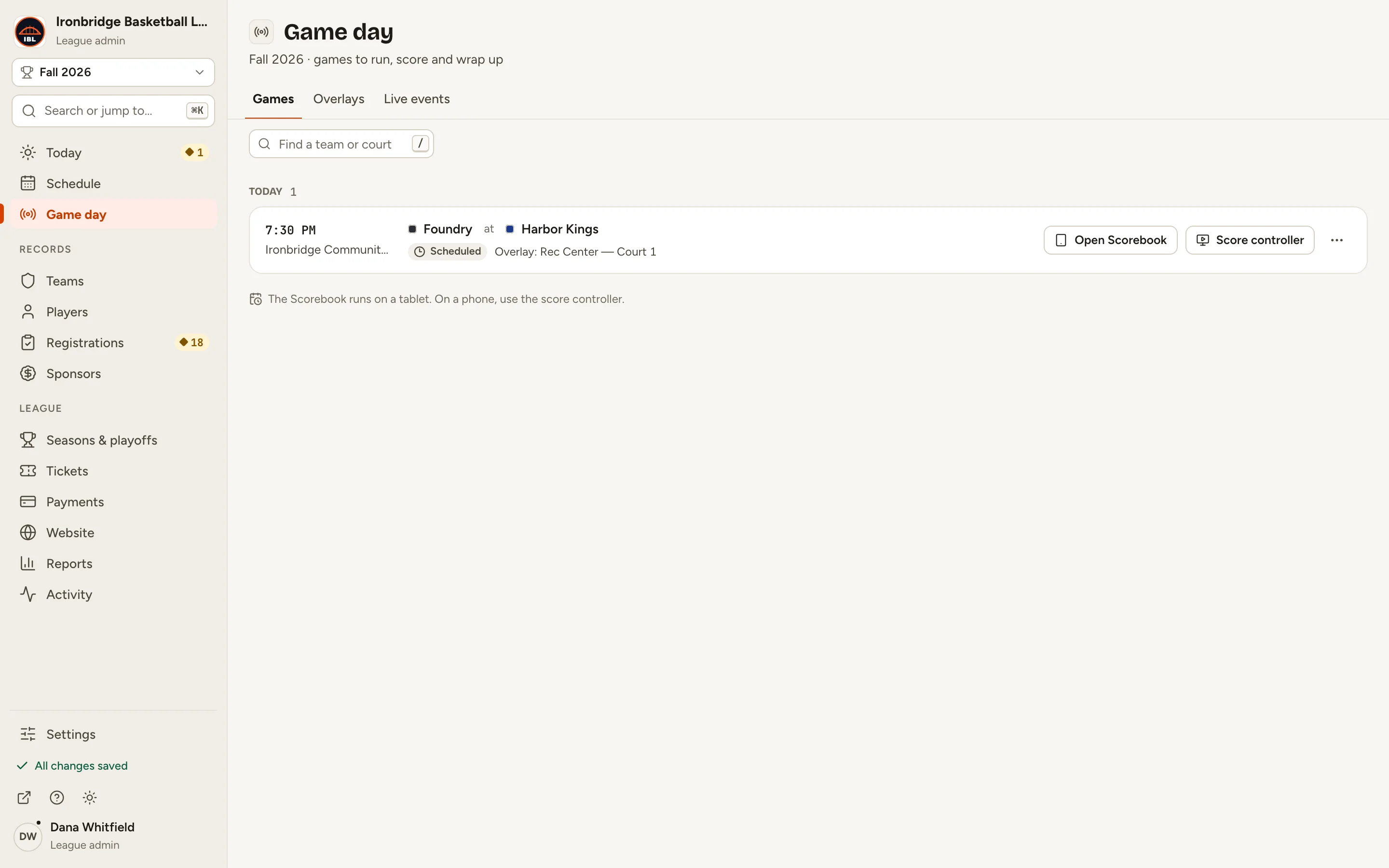
Fig. 2Game day with tonight’s game under Today. -
Step 3: Click Start game.
The game is live. Fans see the score on your website as you go. To keep this game off the site, turn on Hide from fans.
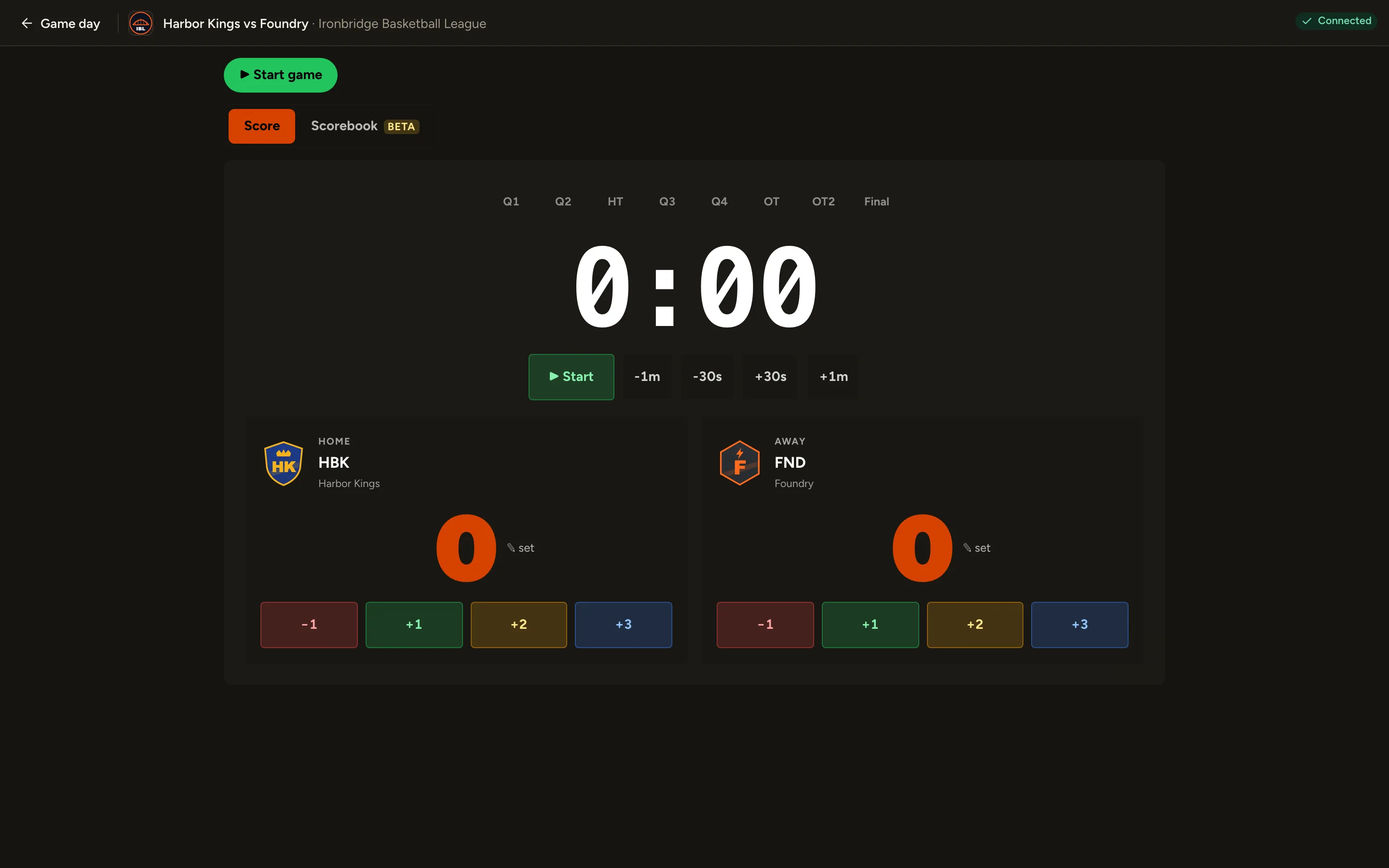
Fig. 3Start game makes the game live. -
Step 4: When play starts, click Start under the clock.
The clock runs, and RUNNING shows beside it. Click Pause to stop it. Click the clock itself to type an exact time.
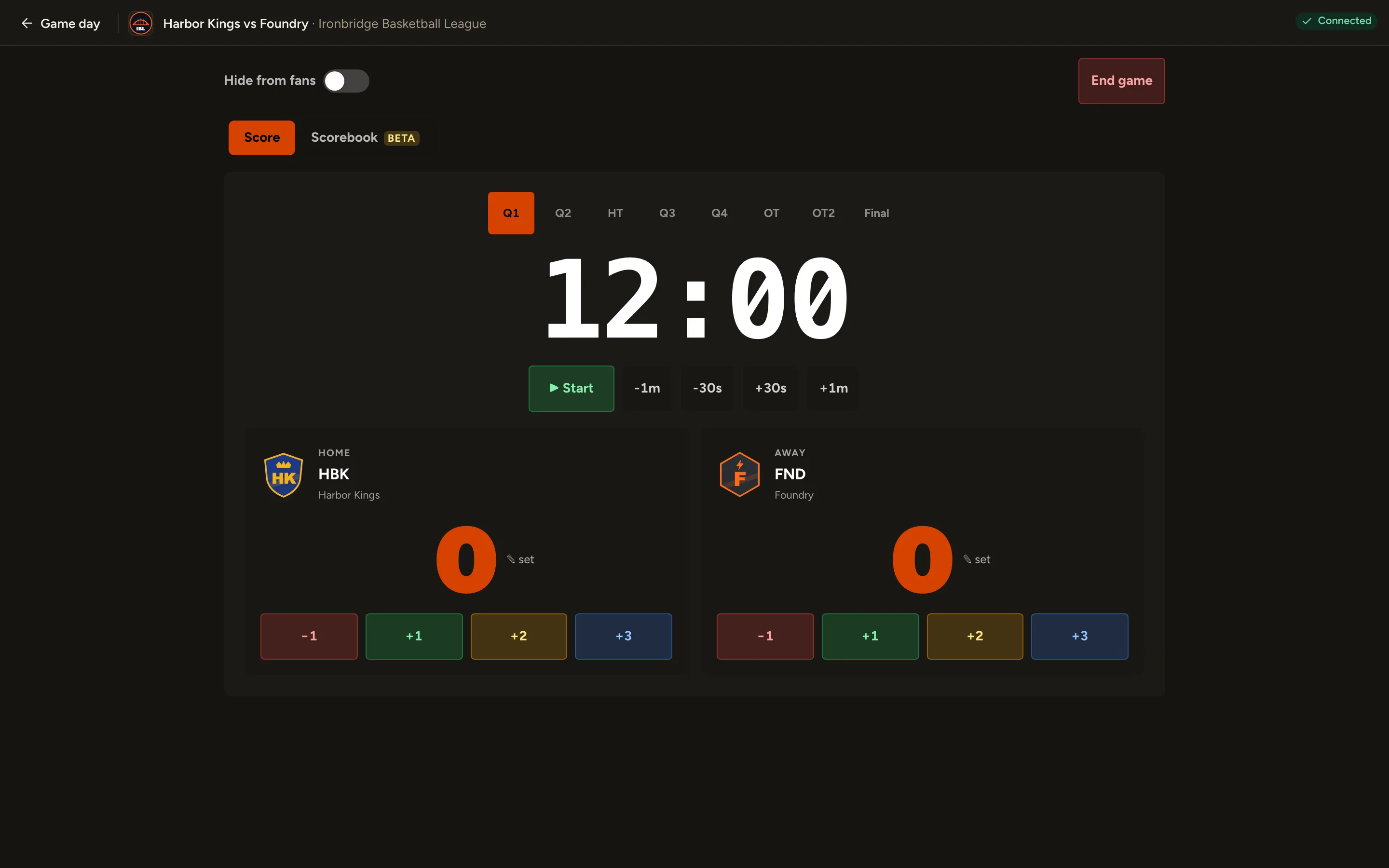
Fig. 4The clock and its Start button. -
Step 5: When a team scores, click +1, +2 or +3 under that team.
The score changes at once, for you and for fans.
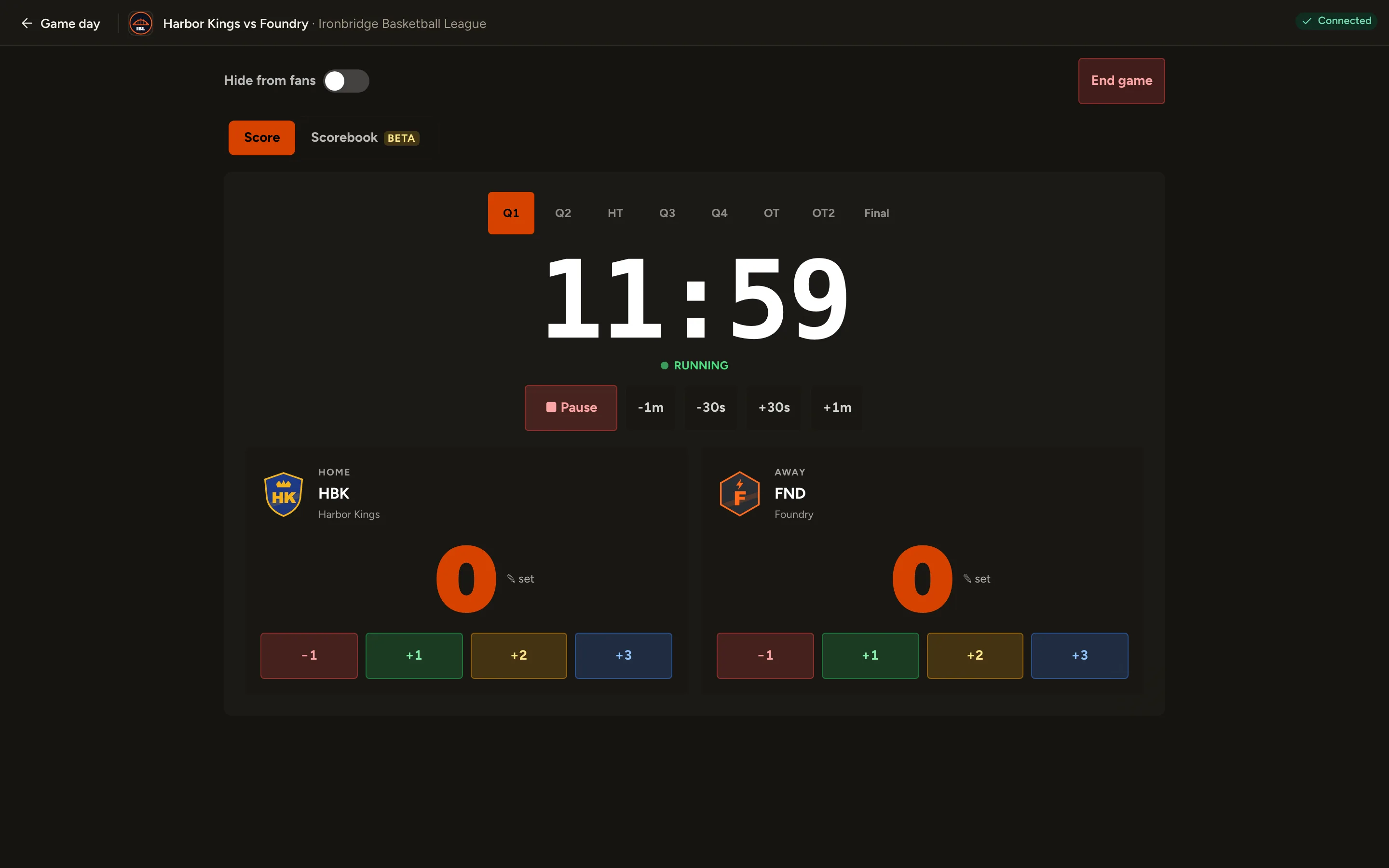
Fig. 5Each team has its own +1, +2 and +3. -
Step 6: Clicked the wrong button? Click −1 to take a point back.
−1 takes one point off that team. A score never goes below 0.
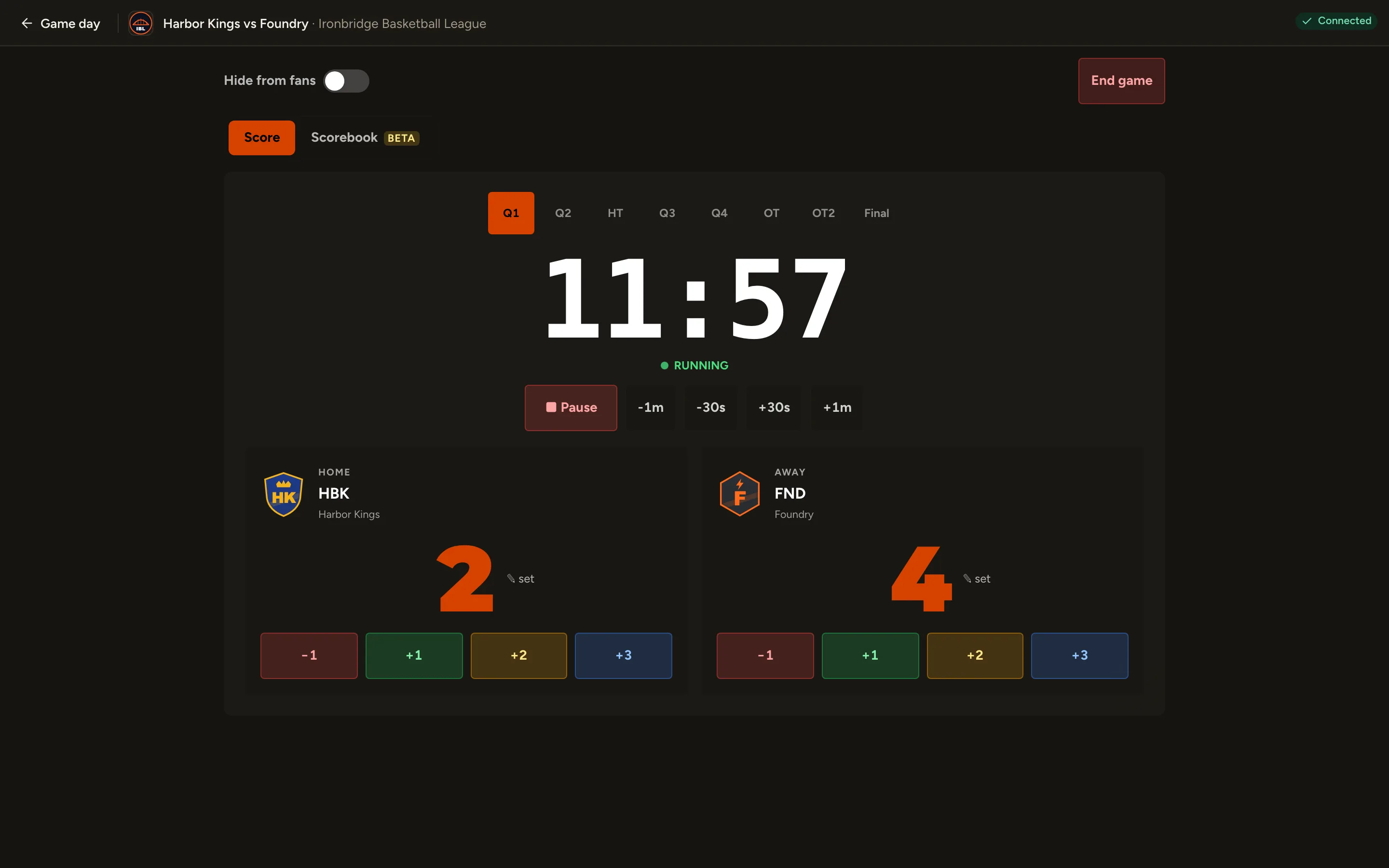
Fig. 6−1 takes a point back. -
Step 7: At the end of a period, click Pause, then the next period (Q2).
Changing the period resets the clock to a full period and leaves it paused, ready for the restart.
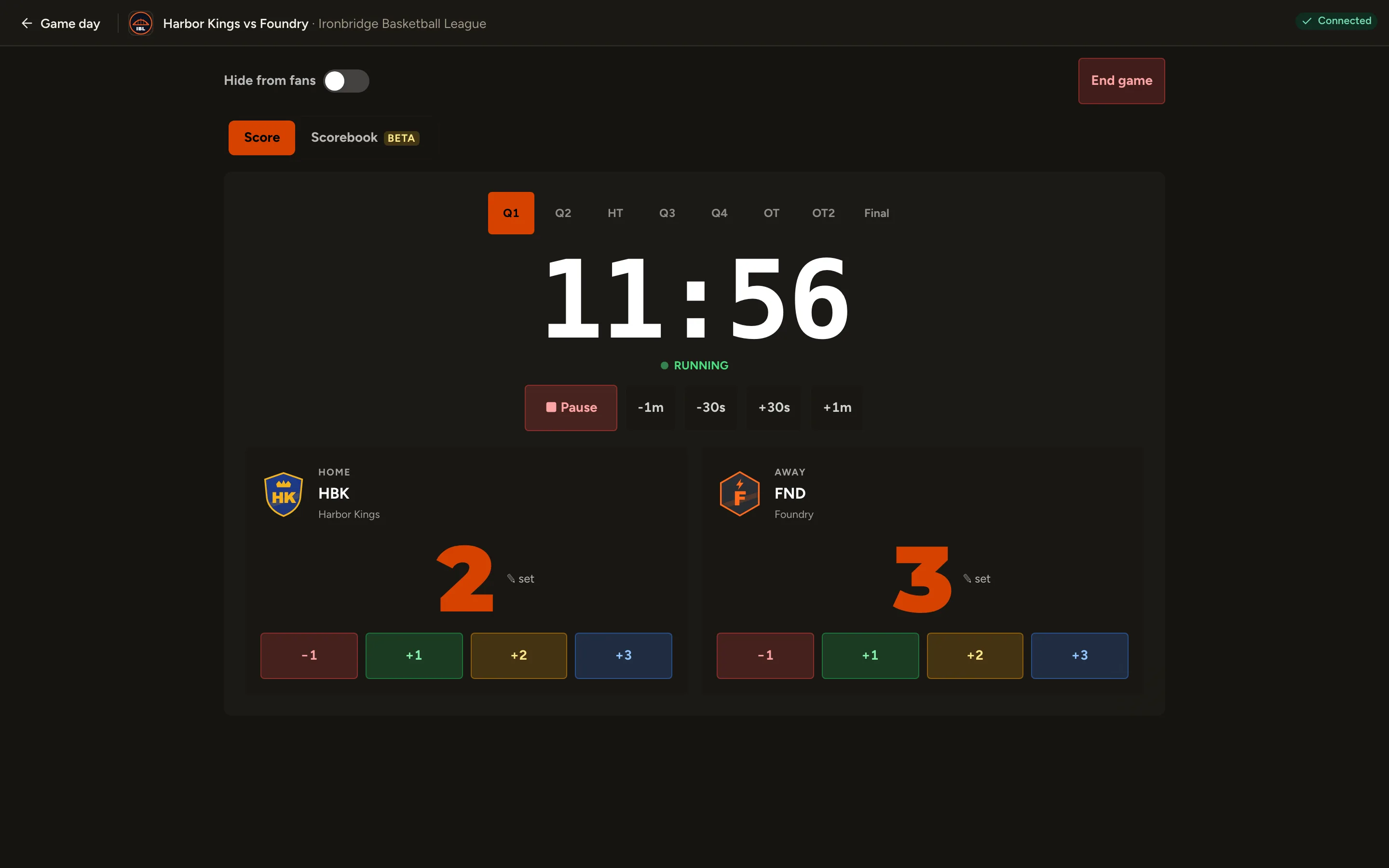
Fig. 7Pause, then the next period. -
Step 8: When the game is over, click End game, then End game again to confirm.
The final score is saved and the game is marked completed. Standings and stats update.
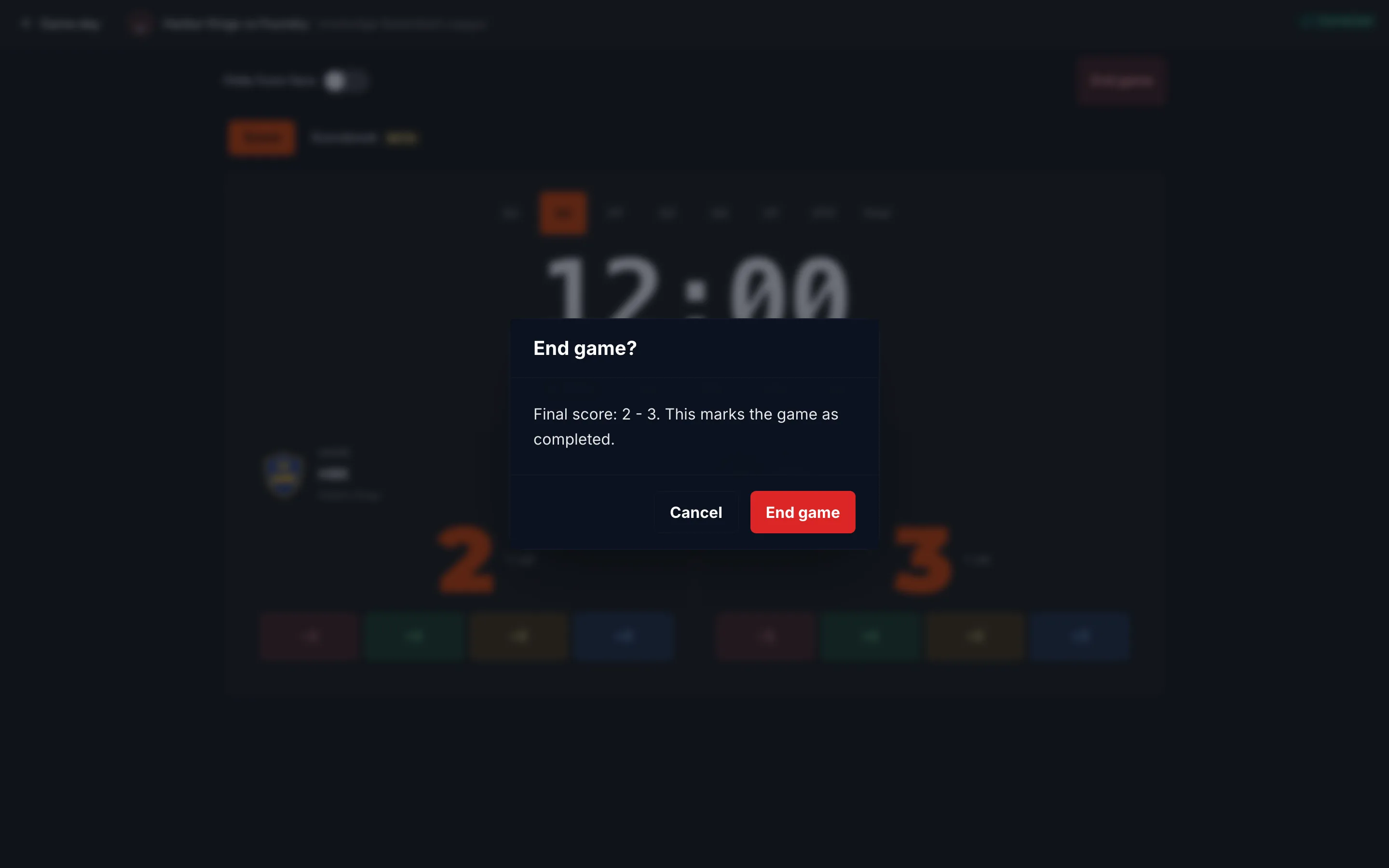
Fig. 8End game asks you to confirm the final score. -
Step 9: Click ↗ (View public site) at the bottom of the left menu.
Your website opens in a new tab. The final is under Recent results on the home page, and the standings already include it.
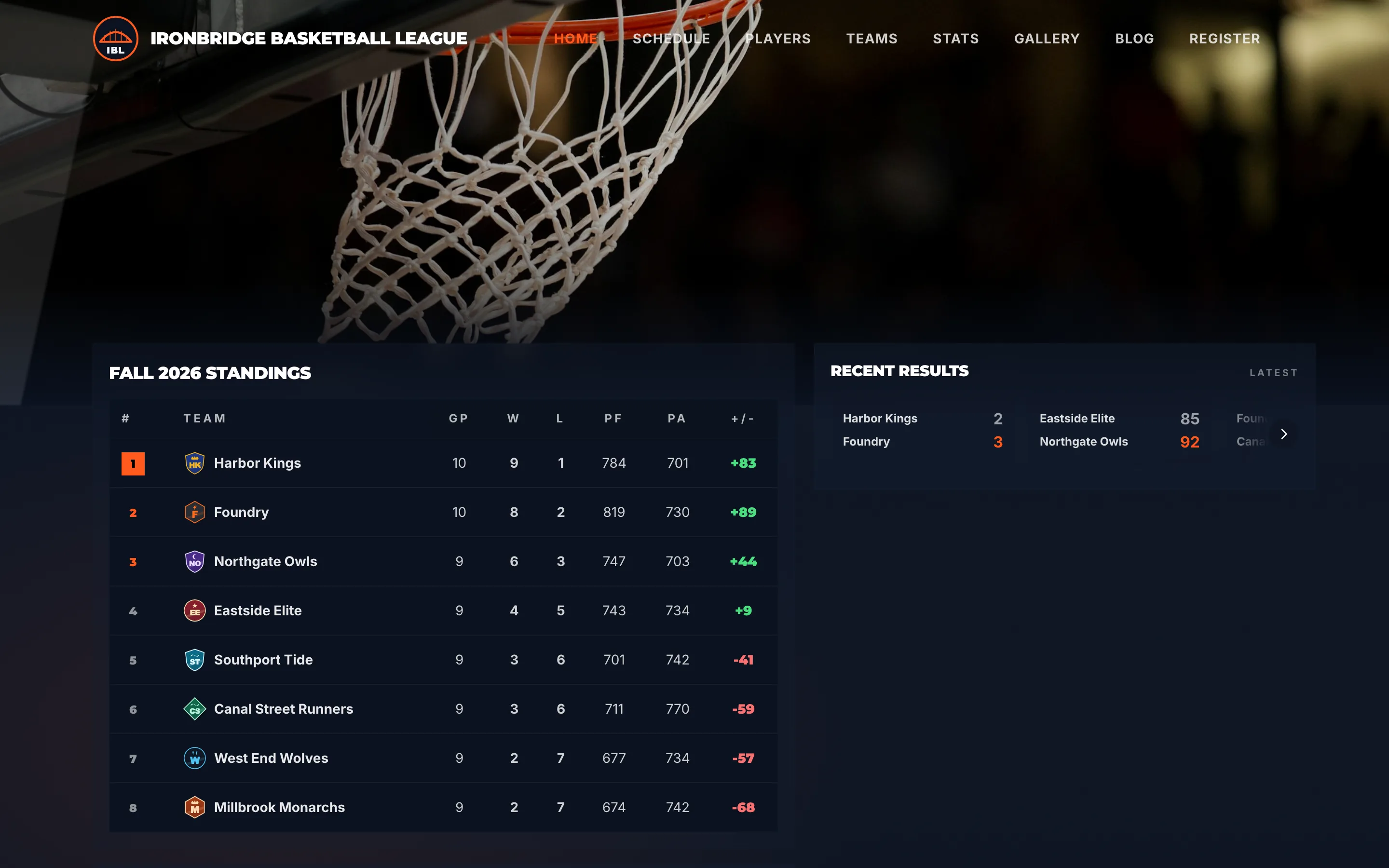
Fig. 9Your website with the final score.
What you’ll see
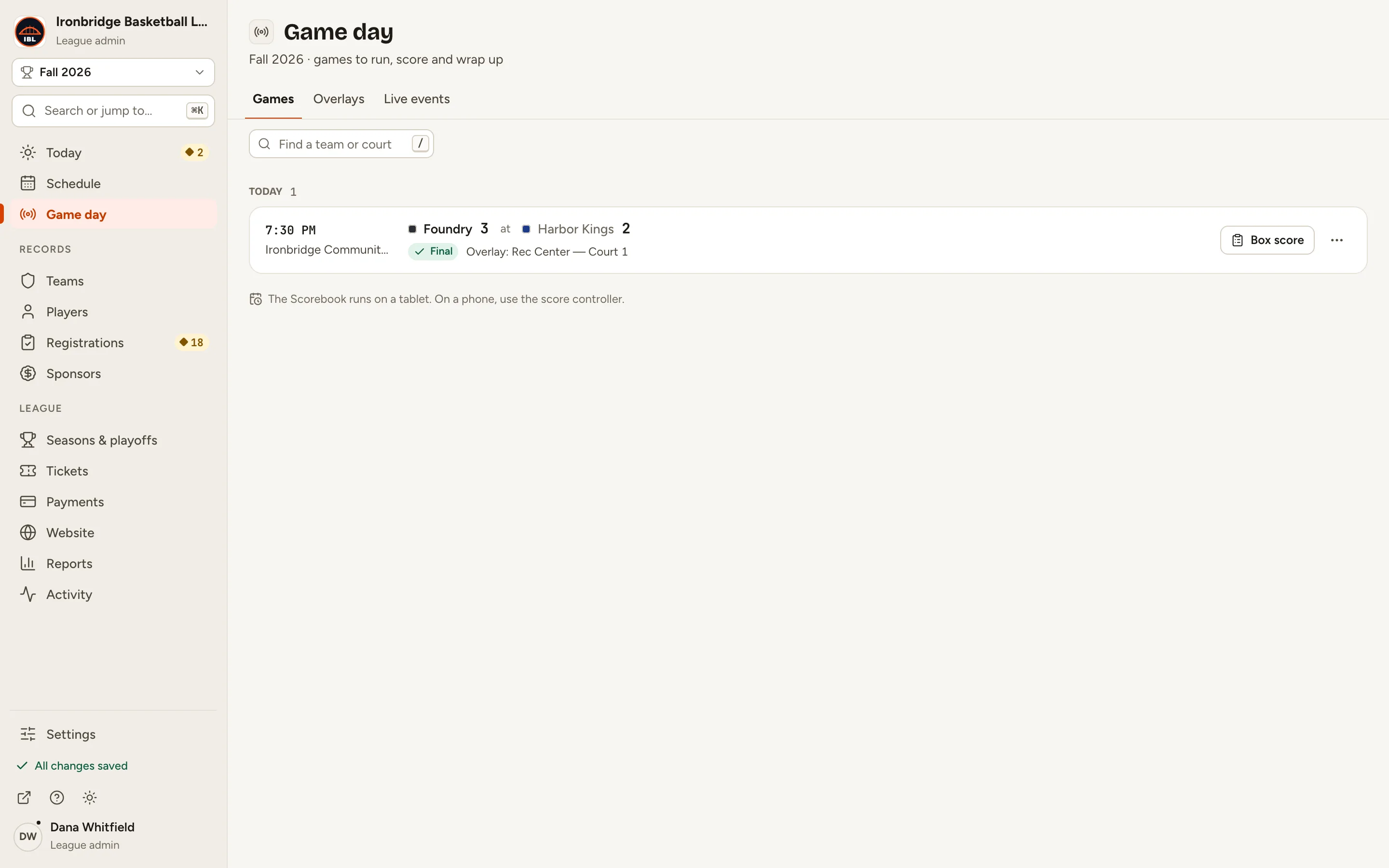
The game is final: Game day shows it with its score, and your website has the result and the updated standings. While a game is live, fans follow the score on its game page as you go.