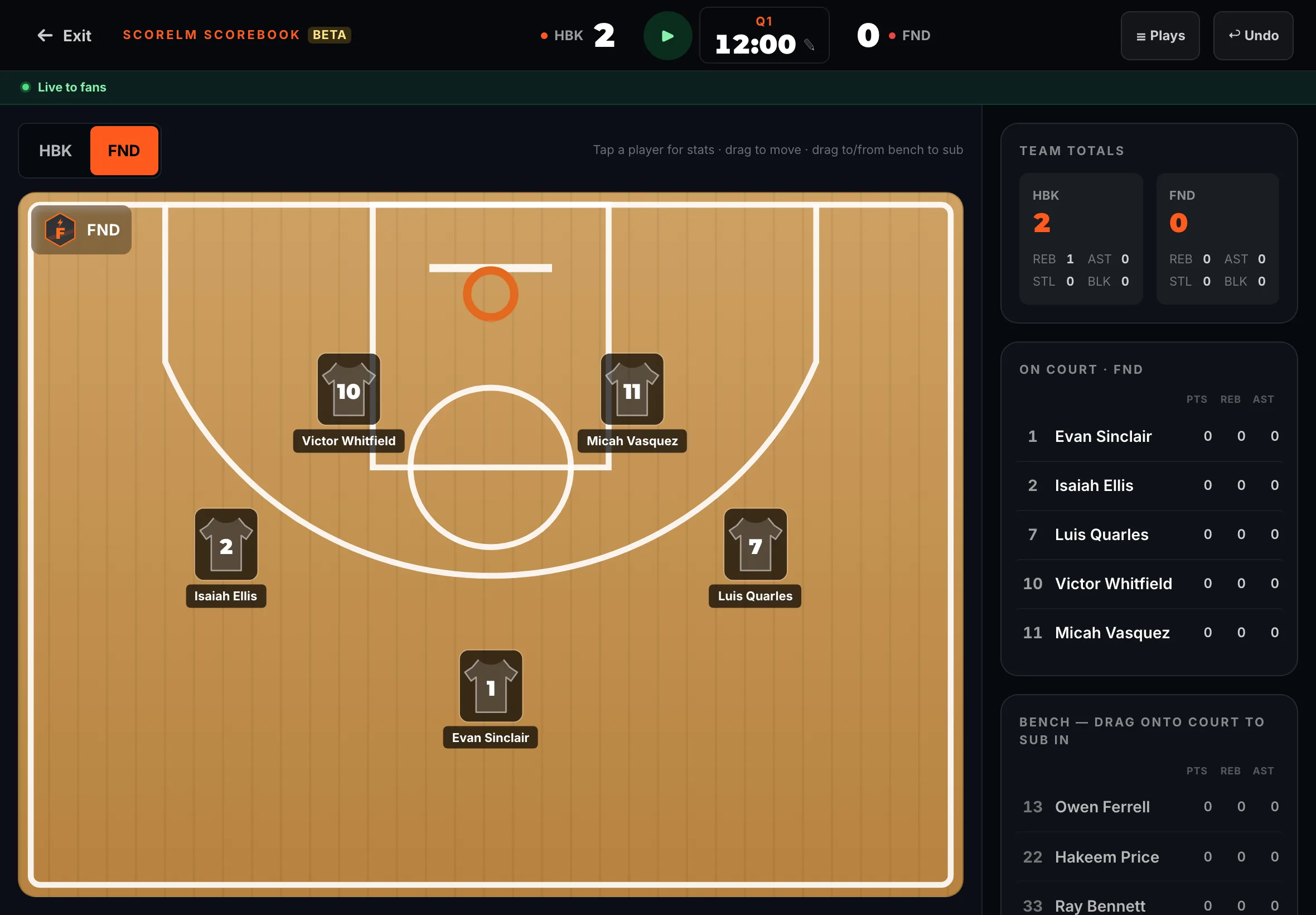
Record per-play stats with the Scorebook (tablet)
By the end you’ll have player stats recorded play by play from a tablet, with fans following the live box score.
Before you start
- Use a tablet. The Scorebook is made for a tablet held sideways; on a phone, keep score with the score controller instead.
- Start the game first, in its score controller. See Keep score live.
- The Scorebook is on the Pro plan, for basketball. Each team needs players on its roster.
Steps
-
Step 1: In the left menu, tap Game day.
Game day lists your games. A game you’ve started is under Live now.
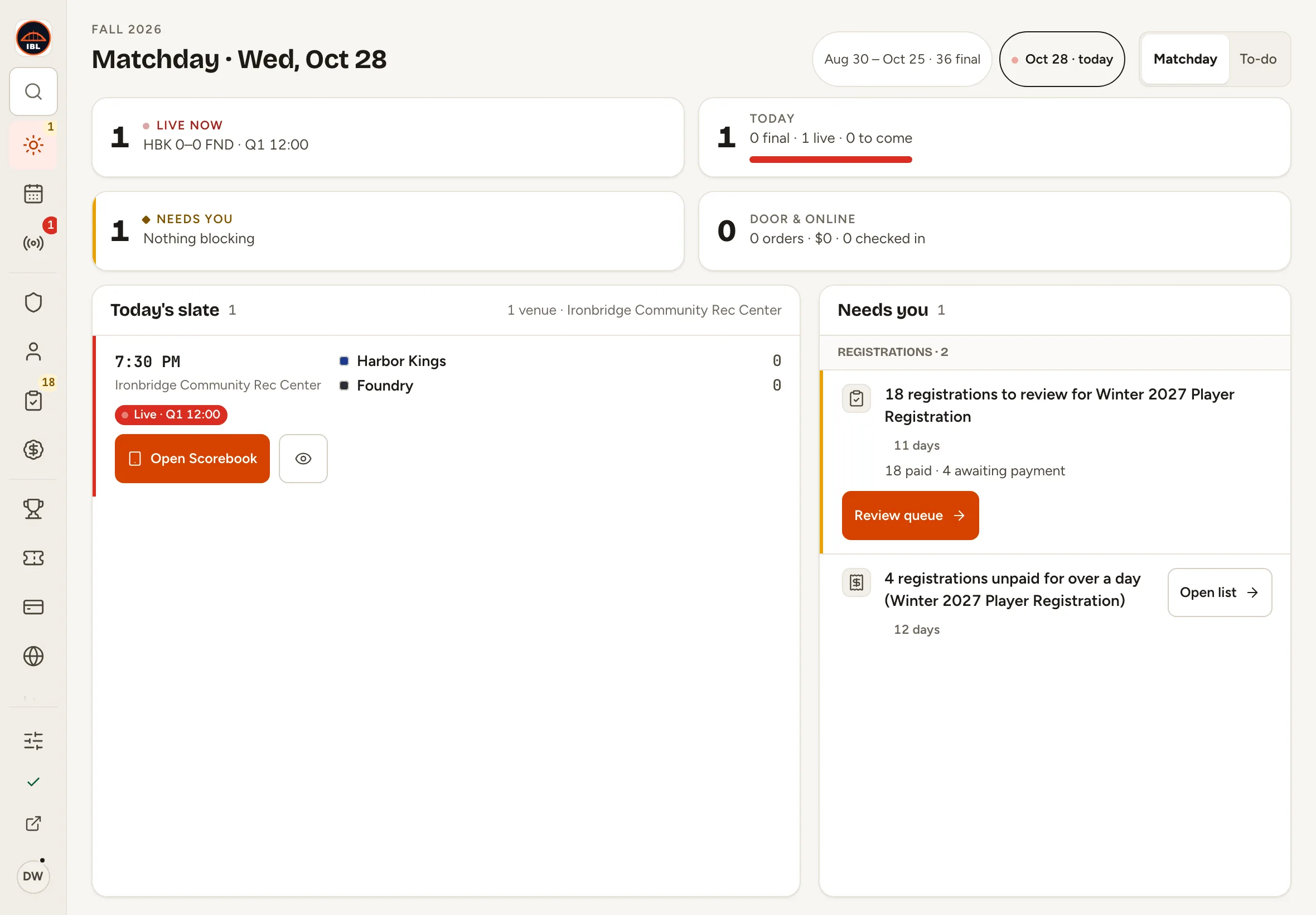
Fig. 1Game day, in the left menu. -
Step 2: Tap Open Scorebook on your game.
The Scorebook opens full screen: the court with each team’s starting five, the bench and the team totals on the right.
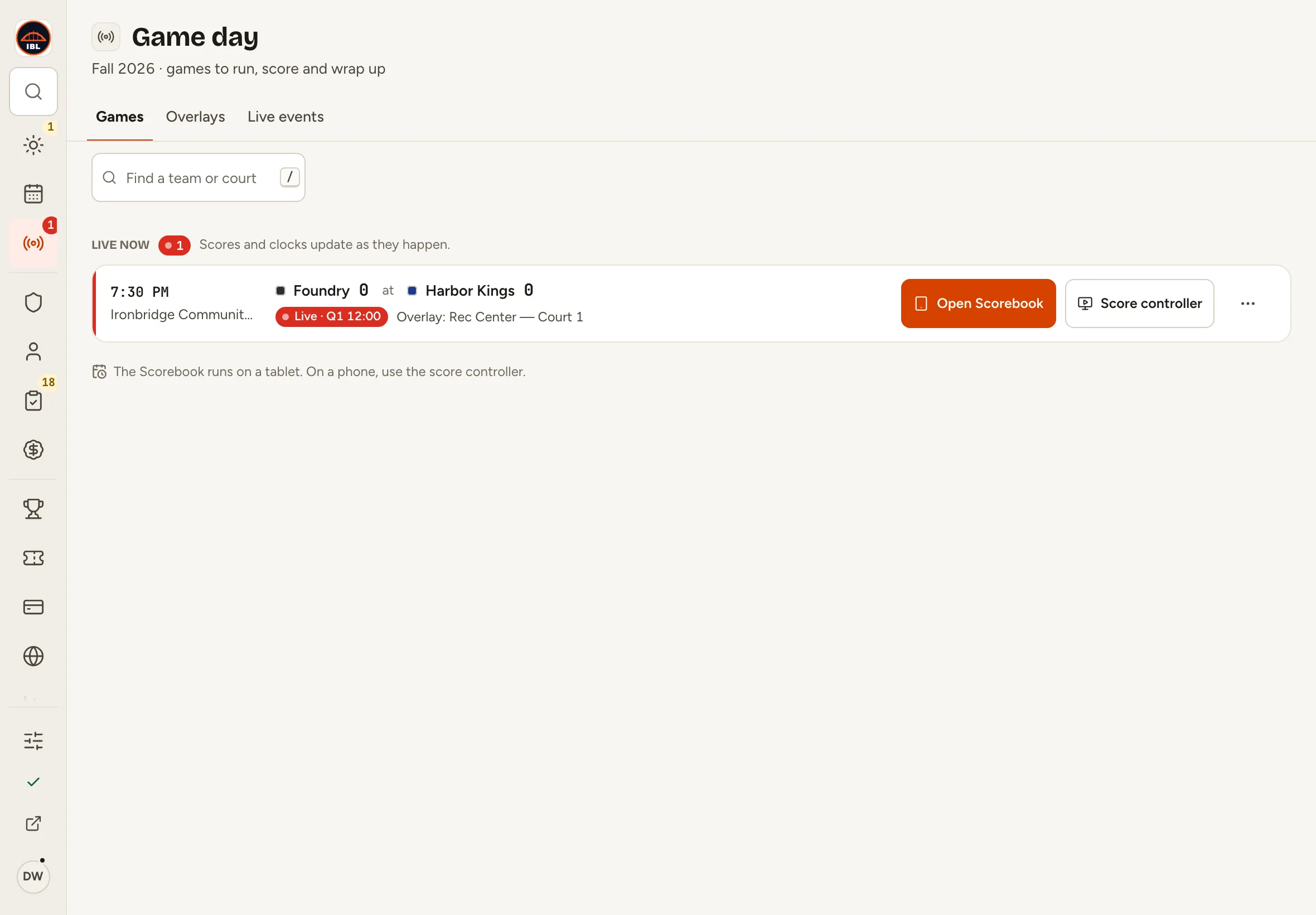
Fig. 2Open Scorebook, on the live game. -
Step 3: Tap a player on the court.
The stat buttons fan out around the player.
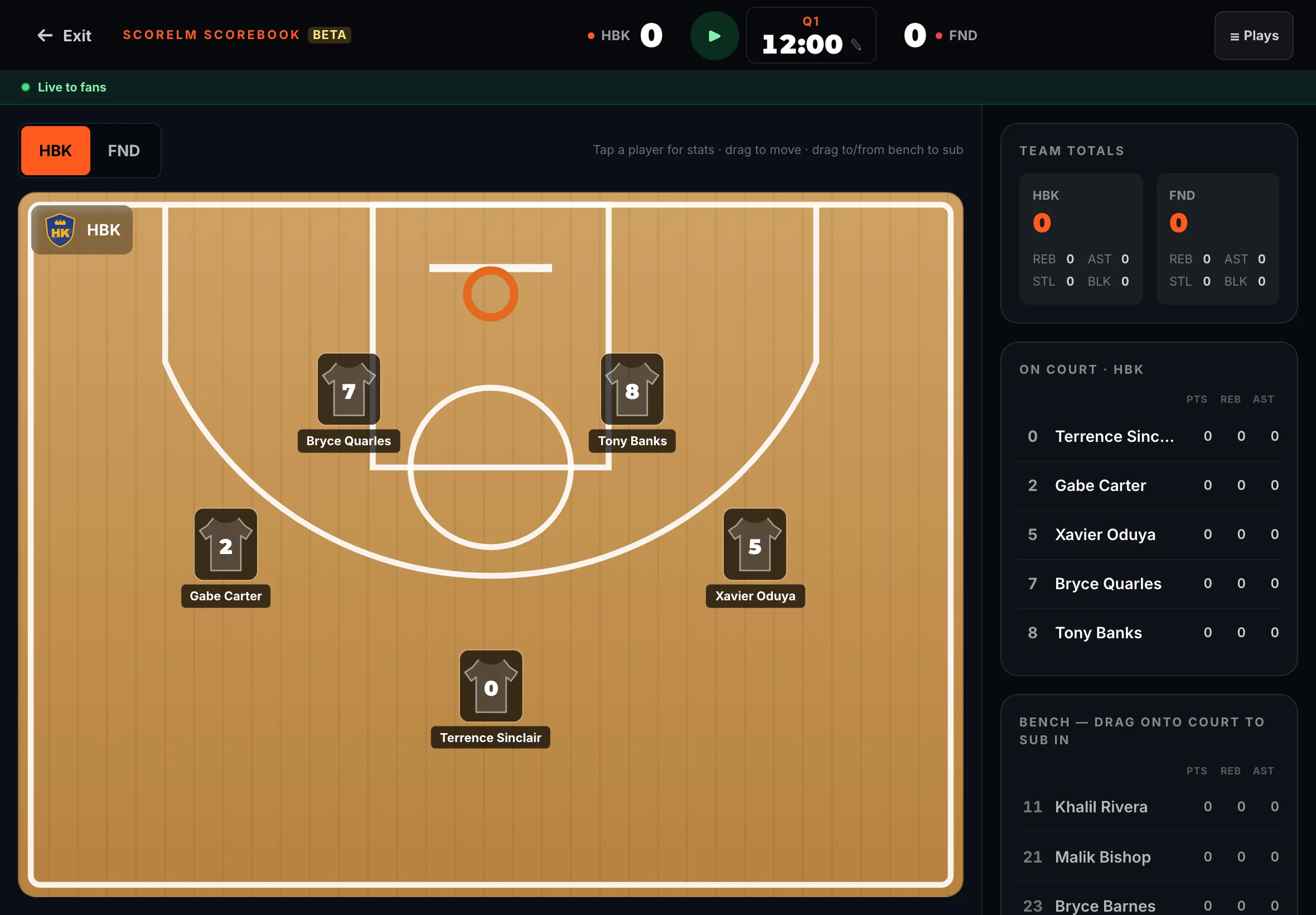
Fig. 3Tap a player to see their stat buttons. -
Step 4: Tap SHOT, then Made 2 for a two-point basket.
The basket goes to that player, and the score at the top goes up by 2. A miss (Missed 2) counts as a shot taken, with no points.
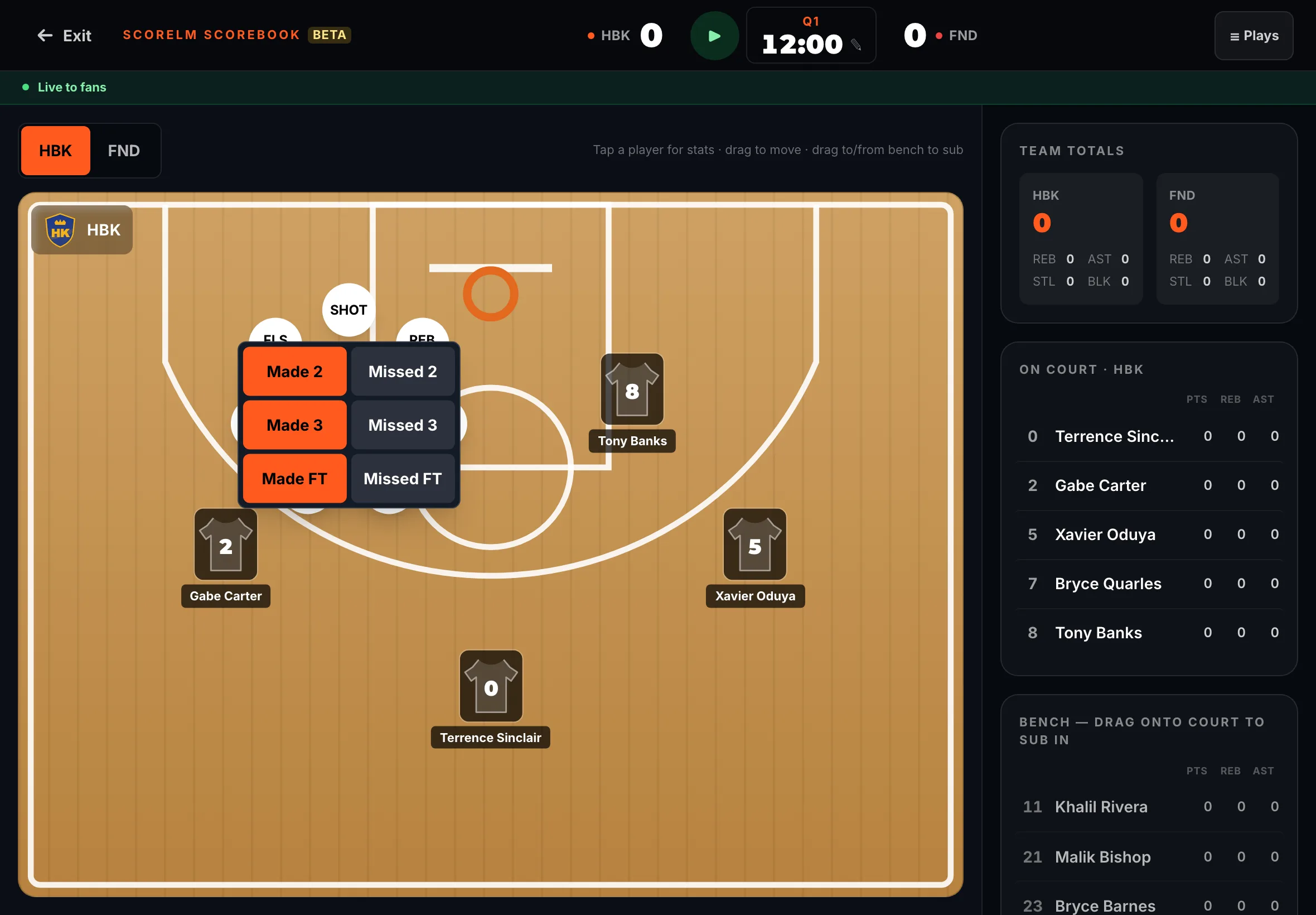
Fig. 4SHOT opens made and missed shots. -
Step 5: Tap another player, then REB for a rebound.
The rebound is added to that player’s line on the right.
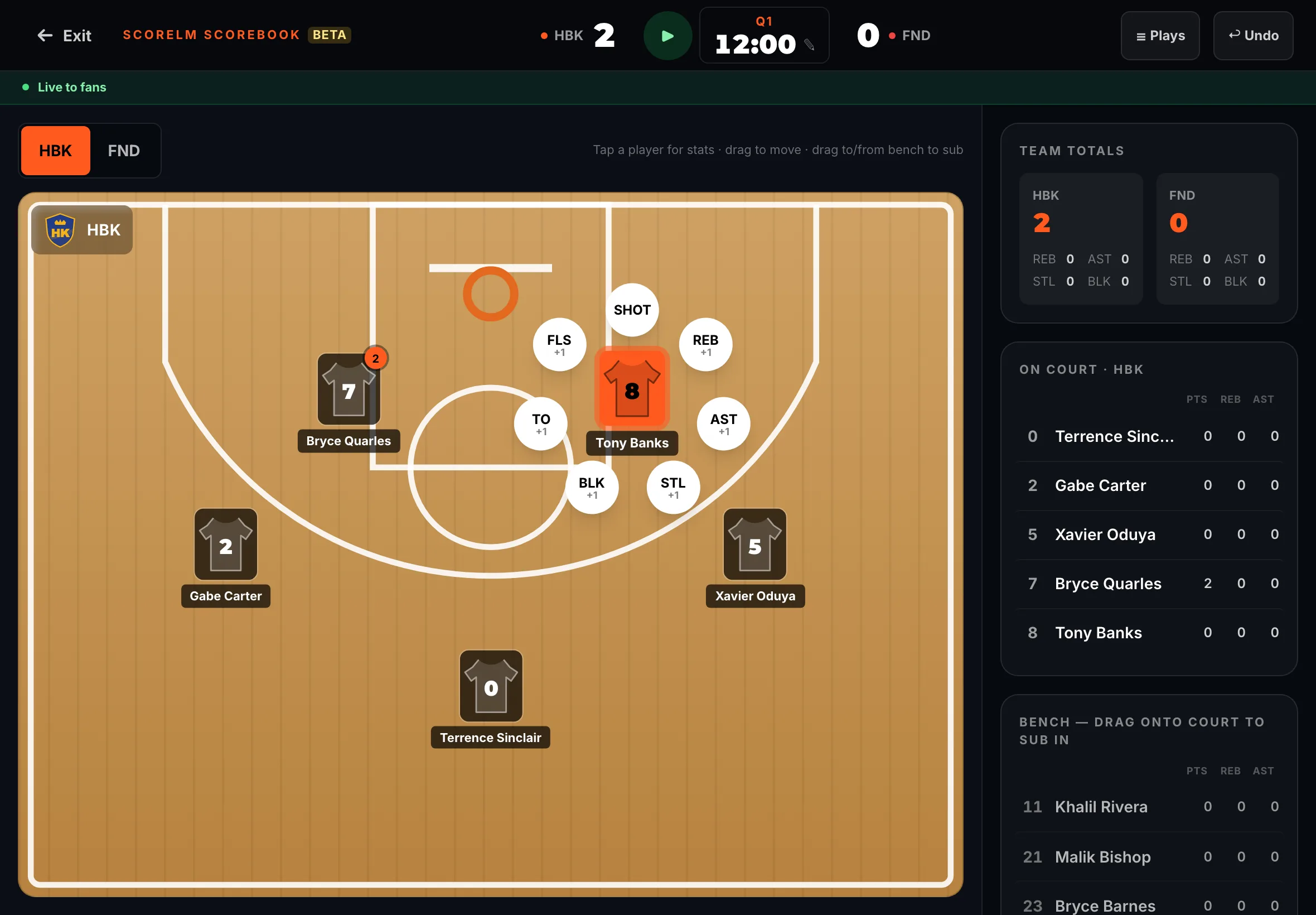
Fig. 5REB records a rebound. -
Step 6: To record for the other team, tap its code above the court (FND).
The court shows that team’s players.
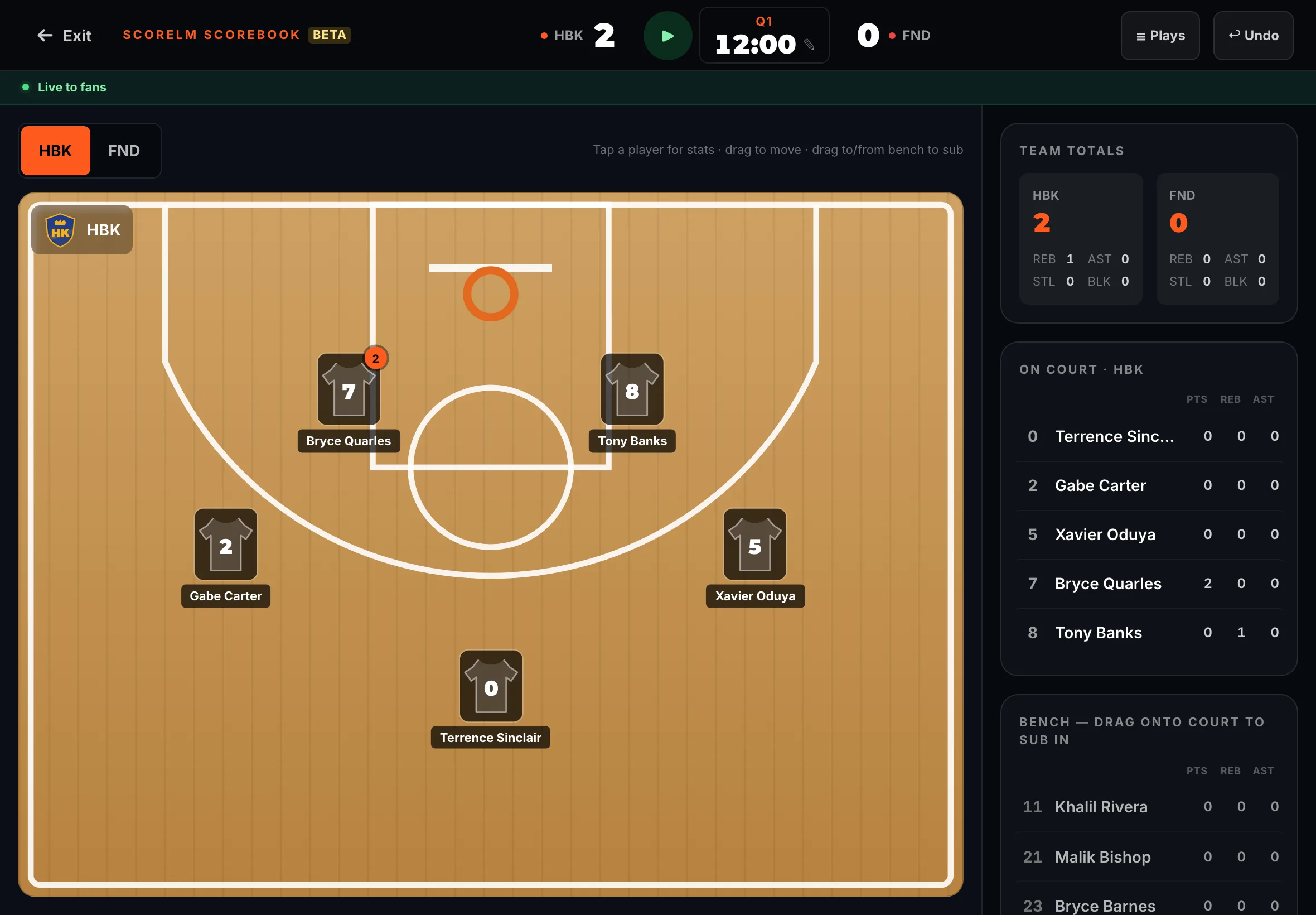
Fig. 6Switch teams above the court. -
Step 7: Tap a player, then AST for an assist.
The assist is recorded for that player.
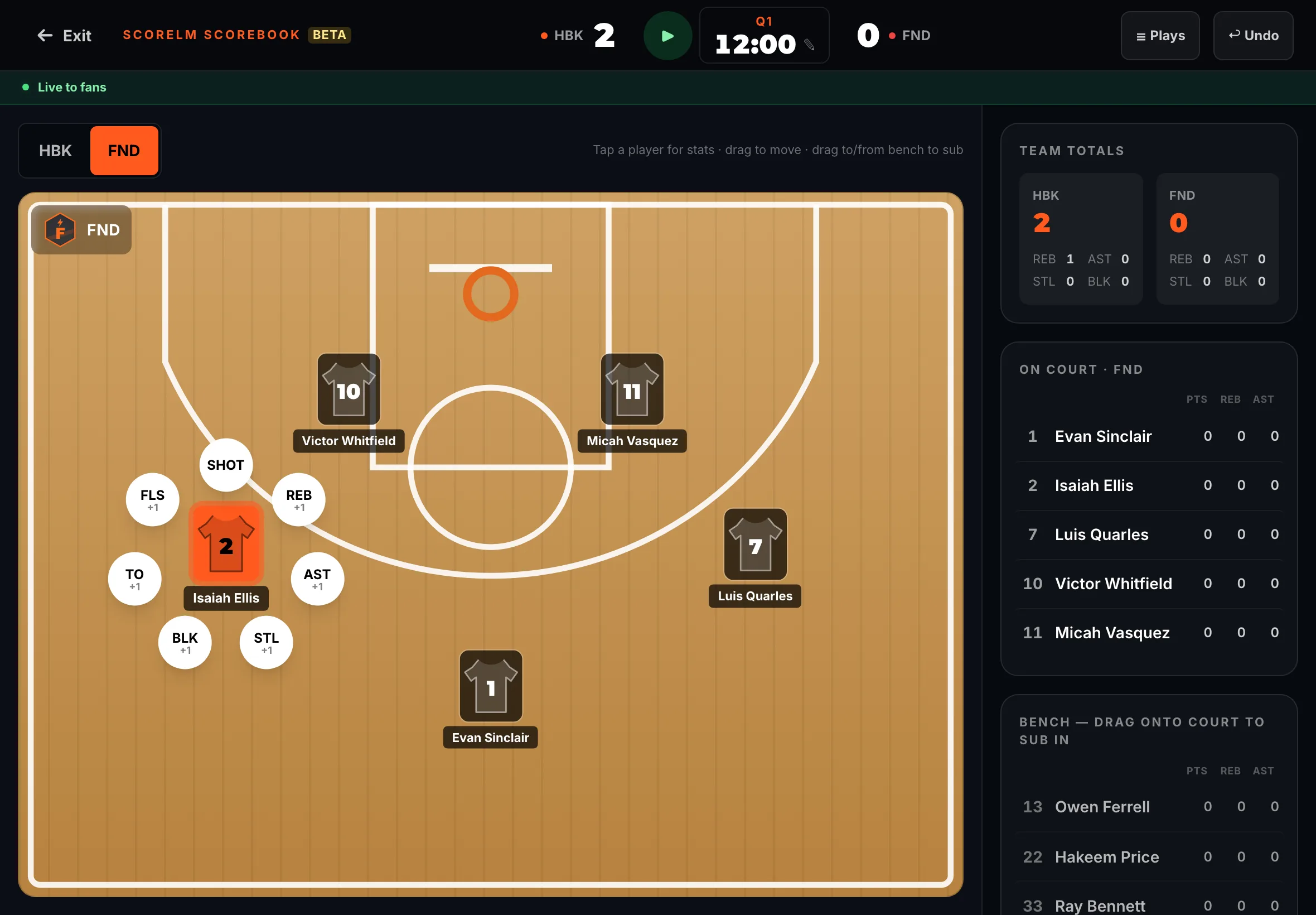
Fig. 7AST records an assist. -
Step 8: Made a mistake? Tap Undo at the top right.
The last play is undone, and so is anything it added to the score.
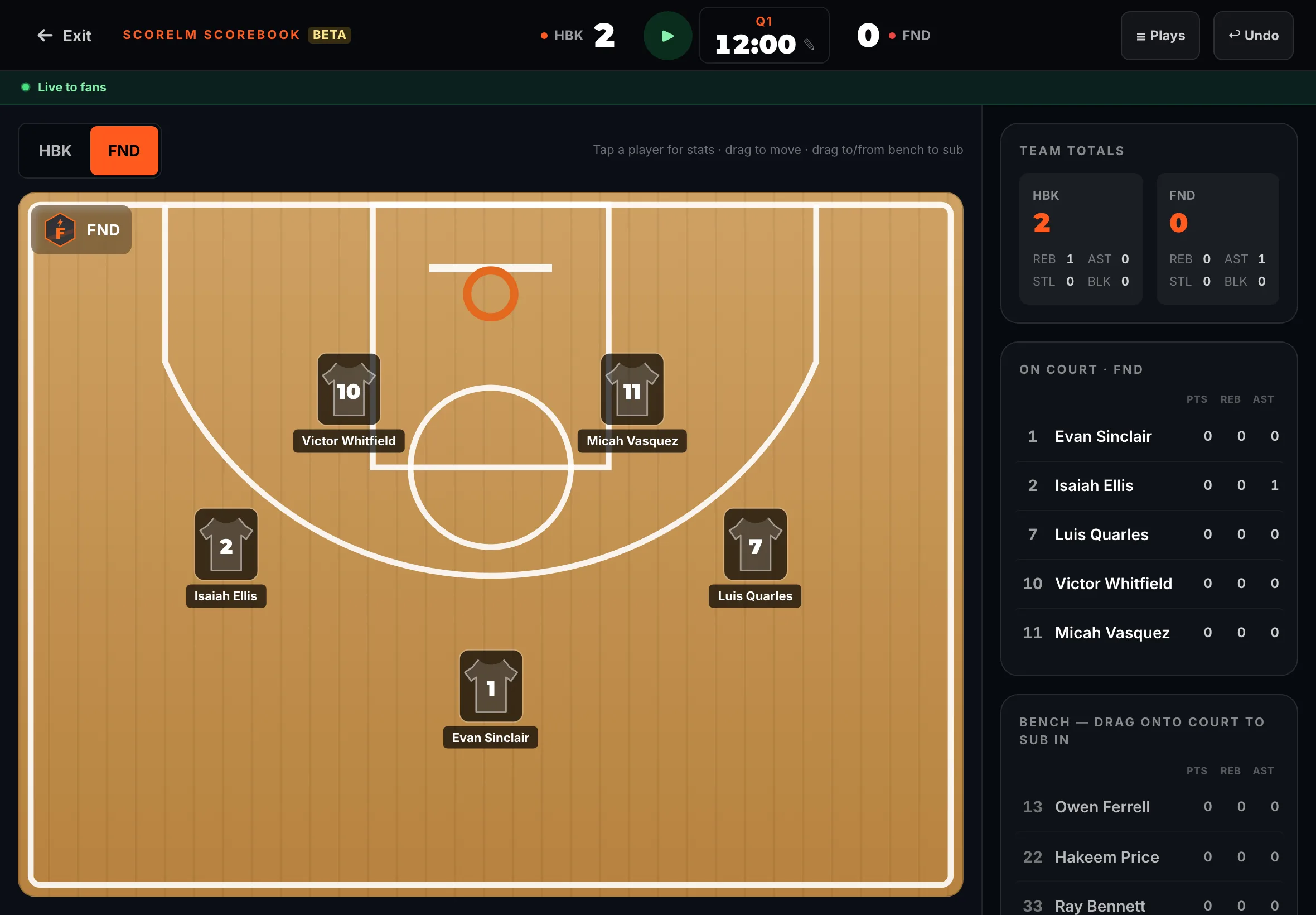
Fig. 8Undo takes back the last play. -
Step 9: Tap Plays to see every play so far.
The play-by-play opens. An undone play stays in the list, marked Undone; tap or swipe a play to undo or redo it.
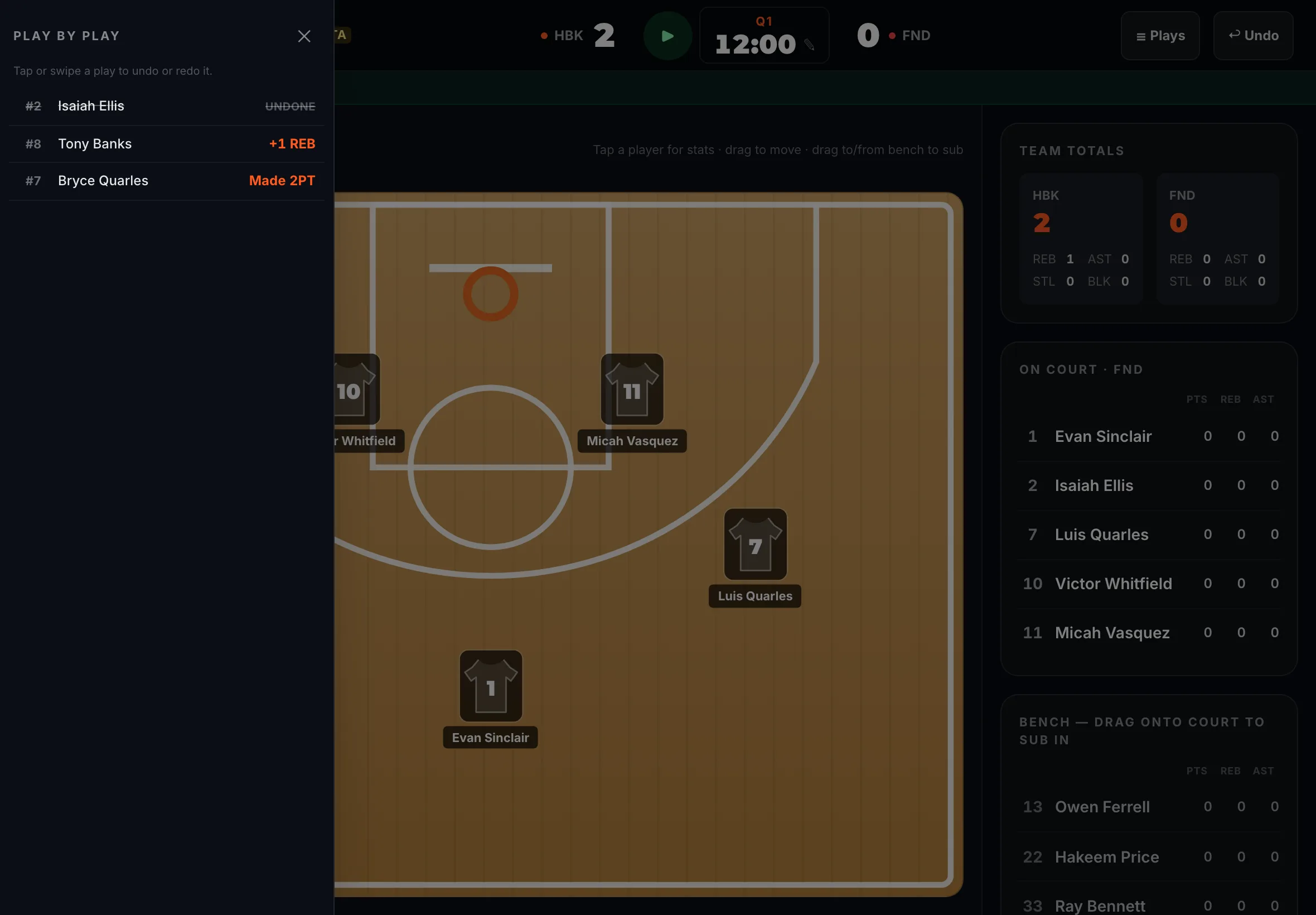
Fig. 9Plays lists every play. -
Step 10: Open your website and click the live game, then Watch Live.
From the Scorebook, tap ← Exit at the top left, then ← Game day at the top left of the score controller, then ↗ (View public site) at the bottom of the sidebar; your website opens in a new tab. Fans see the live box score and the play-by-play, updating as you tap.
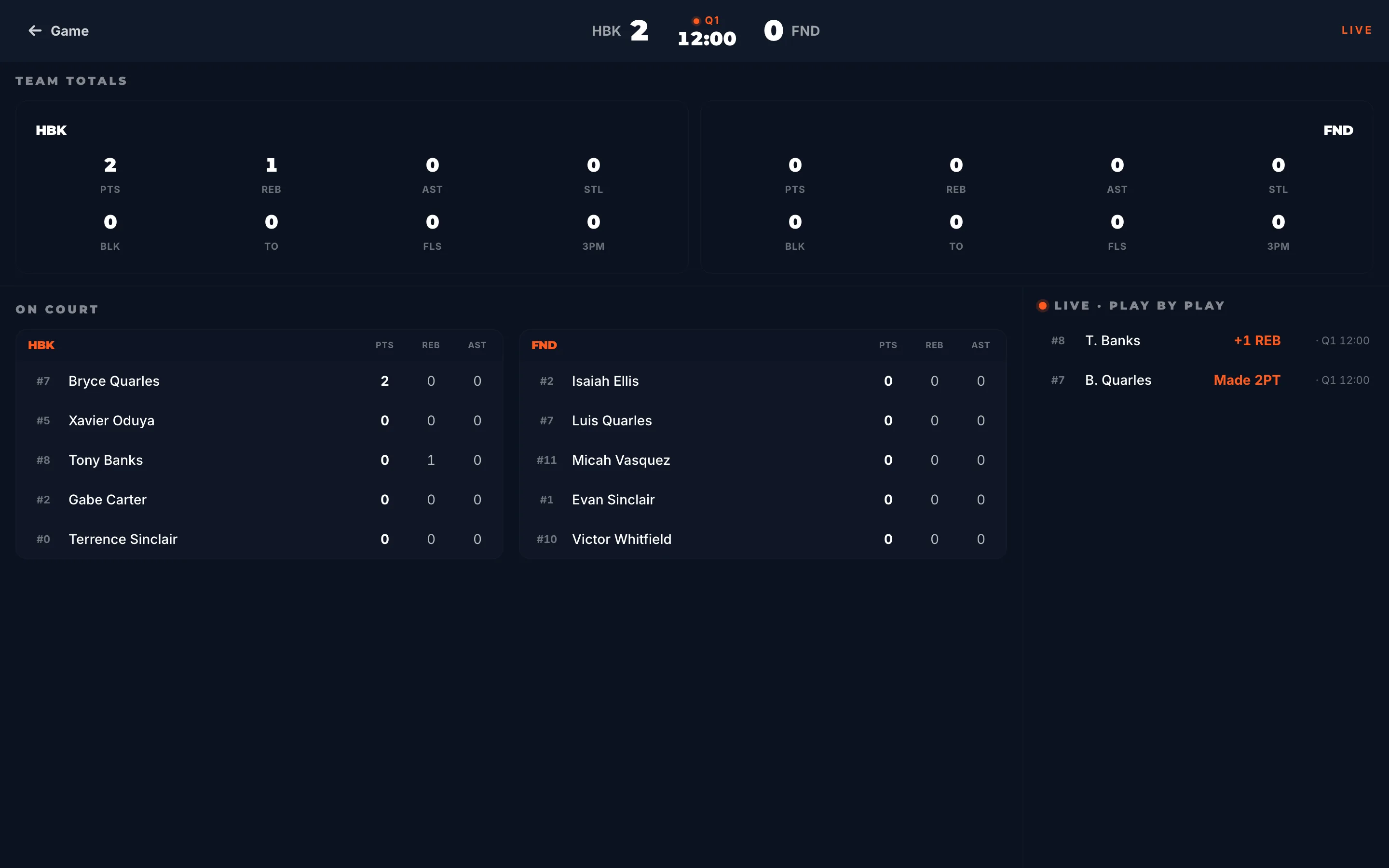
Fig. 10Fans follow the stats live on your website.
What you’ll see
Each tap is in the box score, and fans see it live on the game’s page. When the game is over, end it in the score controller: the box score is saved with the final.