
ScoreLM Guides
scorelm.com

Use your own domain (set up with ScoreLM)

By the end you’ll have your website on a domain you own, like yourleague.com, with a secure https address. ScoreLM sets it up with you.

  • Who: League admin
  • Time: 5 min
  • Steps: 5
Video · 0:39 · Voiceover · every step is also written on screen Prefer to read? Steps below

Before you start

  • You need to own the domain already, from a domain company such as the one you bought it from, and be able to change its DNS records there (or know who can).
  • Your own domain is part of the Courtside plan.
  • ScoreLM staff connect it for you: there is no button for it in the admin.

Steps

  1. Step 1: In the left menu, click Settings.

    Settings opens on League profile.
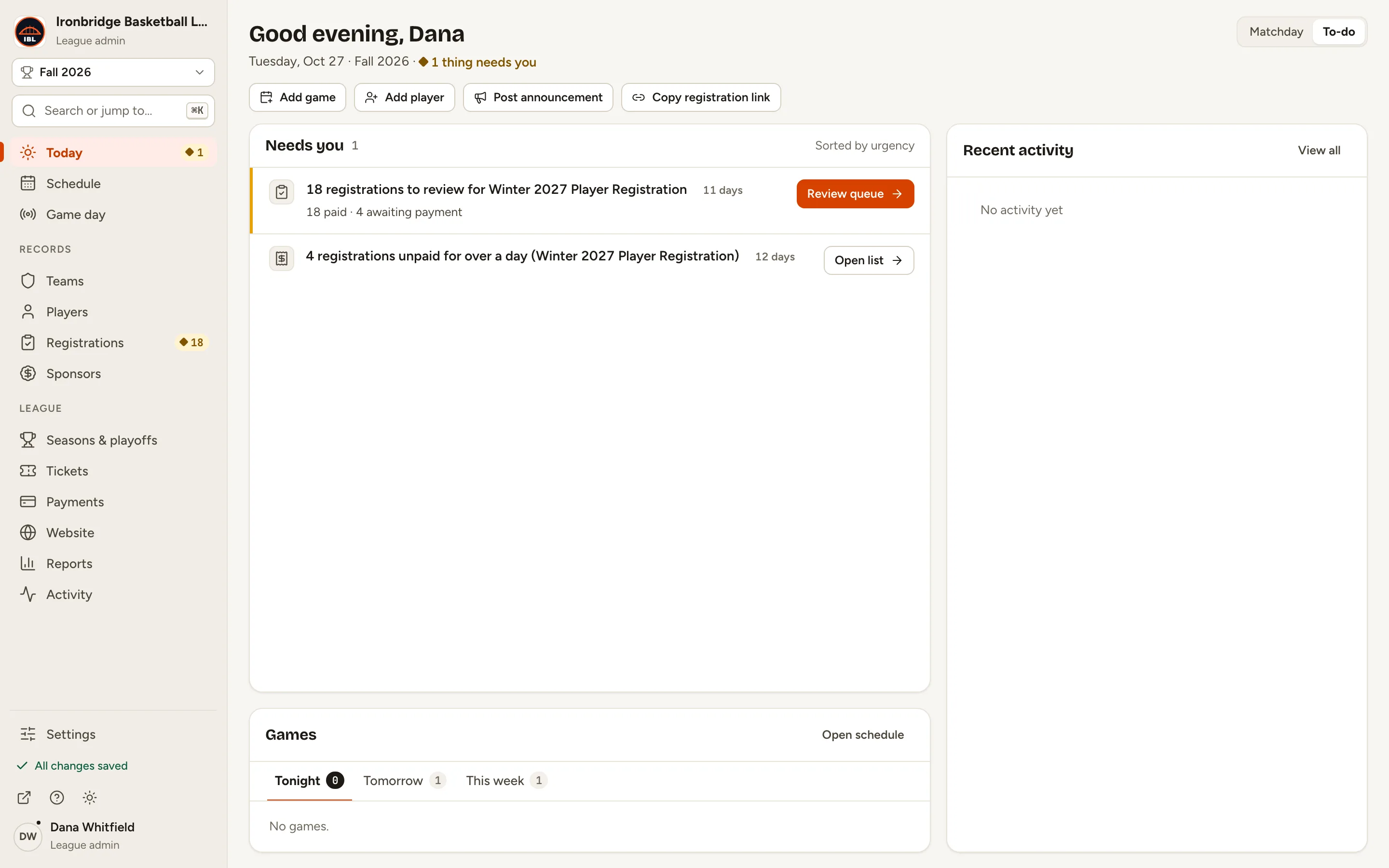
    Fig. 1

    Scroll sideways to see the whole screen.

    The admin with Settings at the bottom of the left menu.
    Fig. 1Settings, at the bottom of the left menu.
  2. Step 2: Scroll down to Web address.

    It shows your ScoreLM address, like ironbridge.scorelm.com, and your Custom domain. With none yet, it says None.
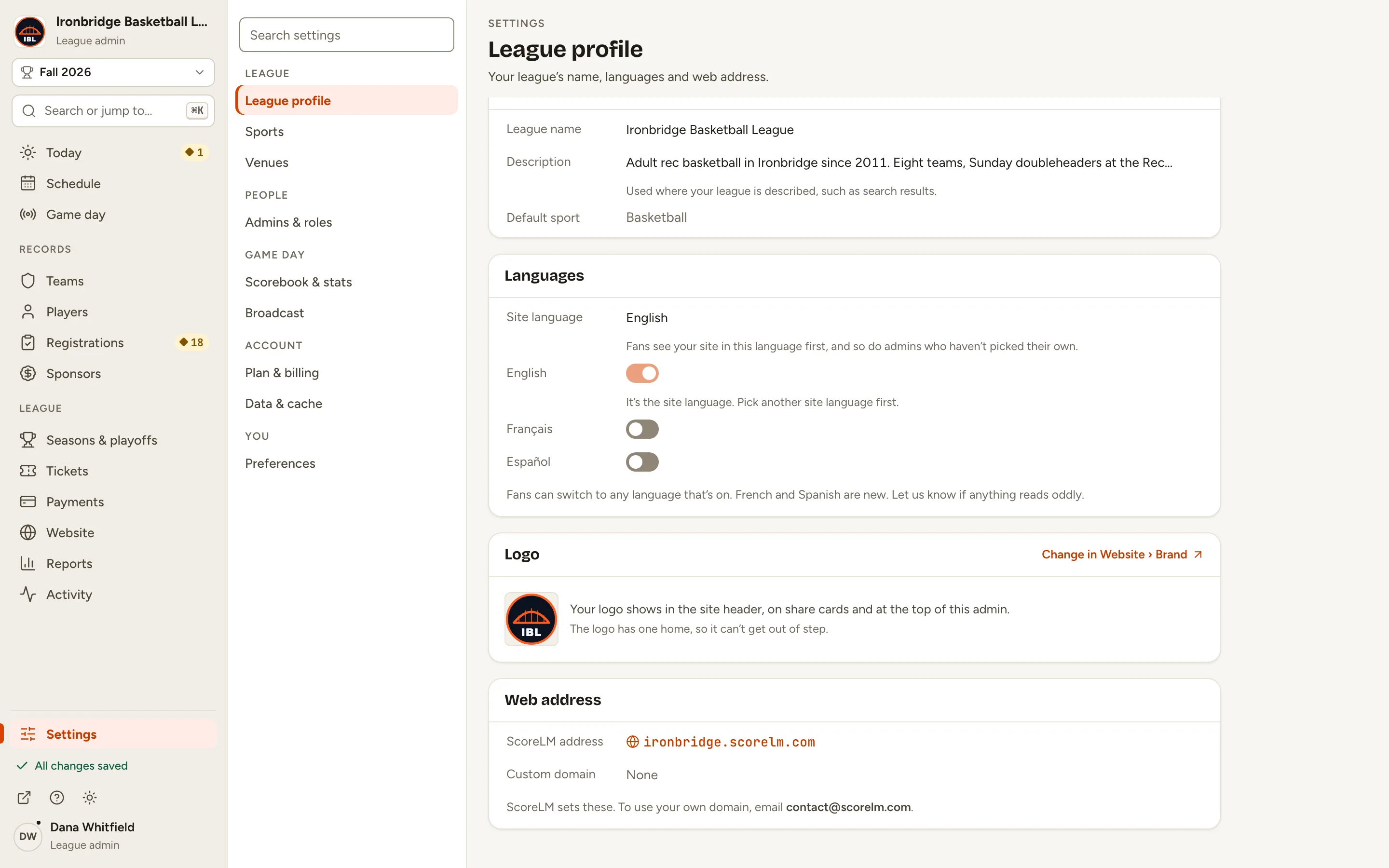
    Fig. 2

    Scroll sideways to see the whole screen.

    The Web address card with the ScoreLM address ironbridge.scorelm.com and Custom domain None.
    Fig. 2Web address: your ScoreLM address and your own domain.
  3. Step 3: Email [email protected] with your league’s name and the domain you want.

    Say whether it’s a whole domain, like yourleague.com, or a part of one, like scores.yourleague.com. ScoreLM adds it to your league and replies with the DNS record to add.
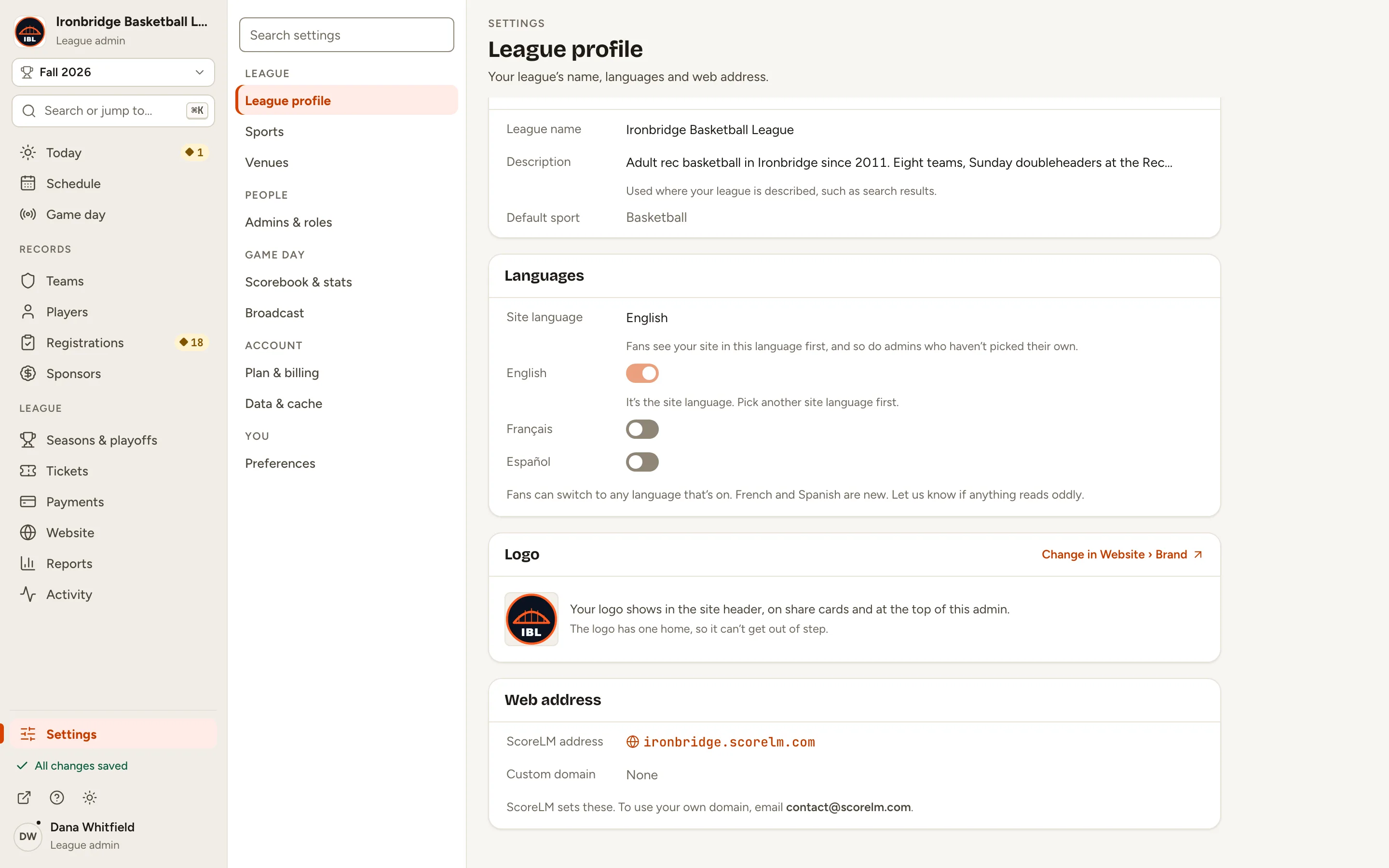
    Fig. 3

    Scroll sideways to see the whole screen.

    The note under Web address: ScoreLM sets these. To use your own domain, email contact@scorelm.com.
    Fig. 3The address to email, under Web address.
  4. Step 4: At your domain company, add the DNS record ScoreLM sends you.

    For a part of a domain it’s a CNAME record. For a whole domain it’s an ALIAS or ANAME record, plus one for www. Until the record works, Web address shows your domain with Waiting for DNS.
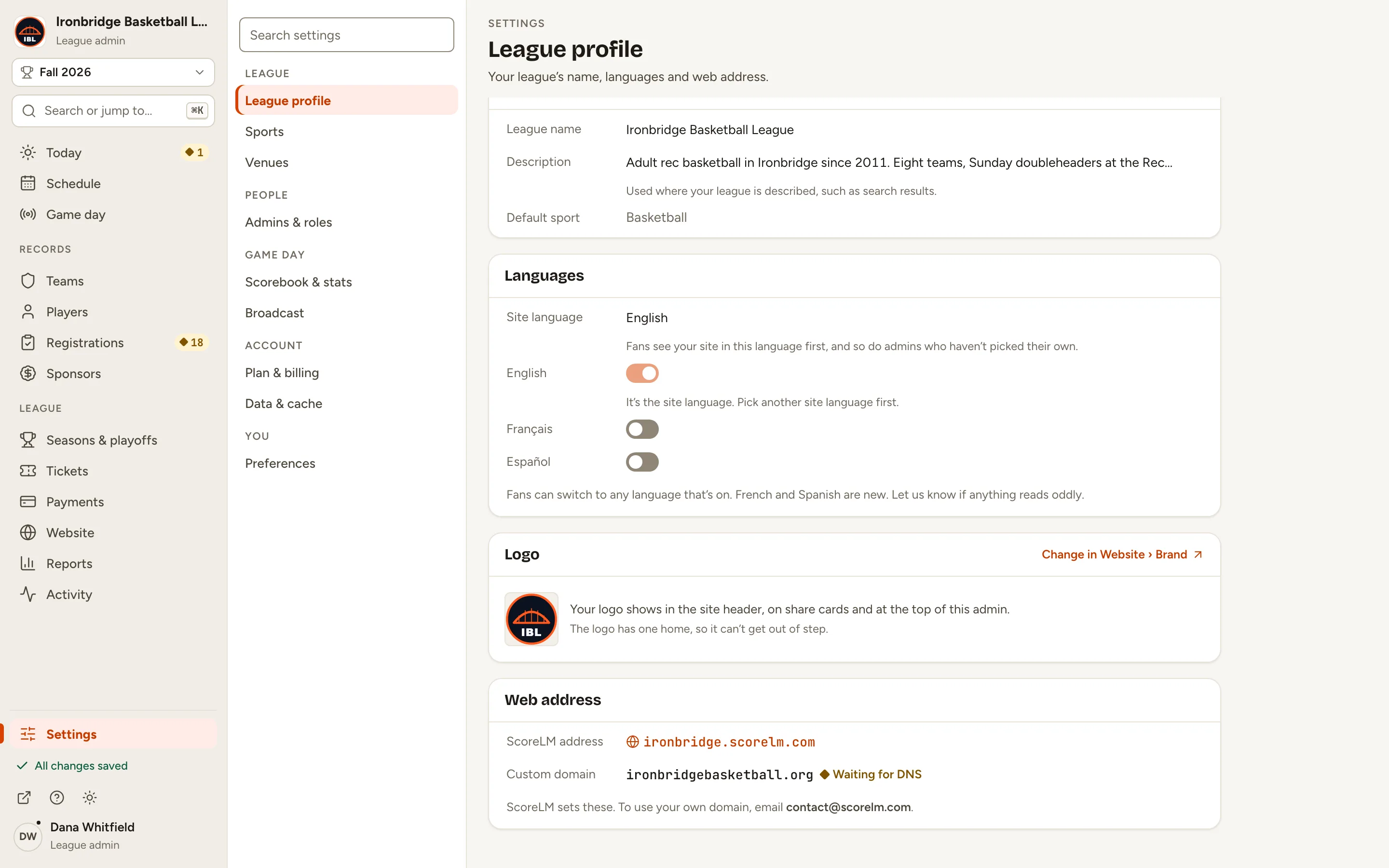
    Fig. 4

    Scroll sideways to see the whole screen.

    The Web address card with Custom domain ironbridgebasketball.org and the status Waiting for DNS.
    Fig. 4Your domain is added and waiting for the DNS record.
  5. Step 5: Check Web address in Settings until it says Connected.

    DNS changes can take from minutes to a day. When ScoreLM’s check sees your record working, it says Connected: fans can open your website at your domain, with a secure https address that ScoreLM sets up.
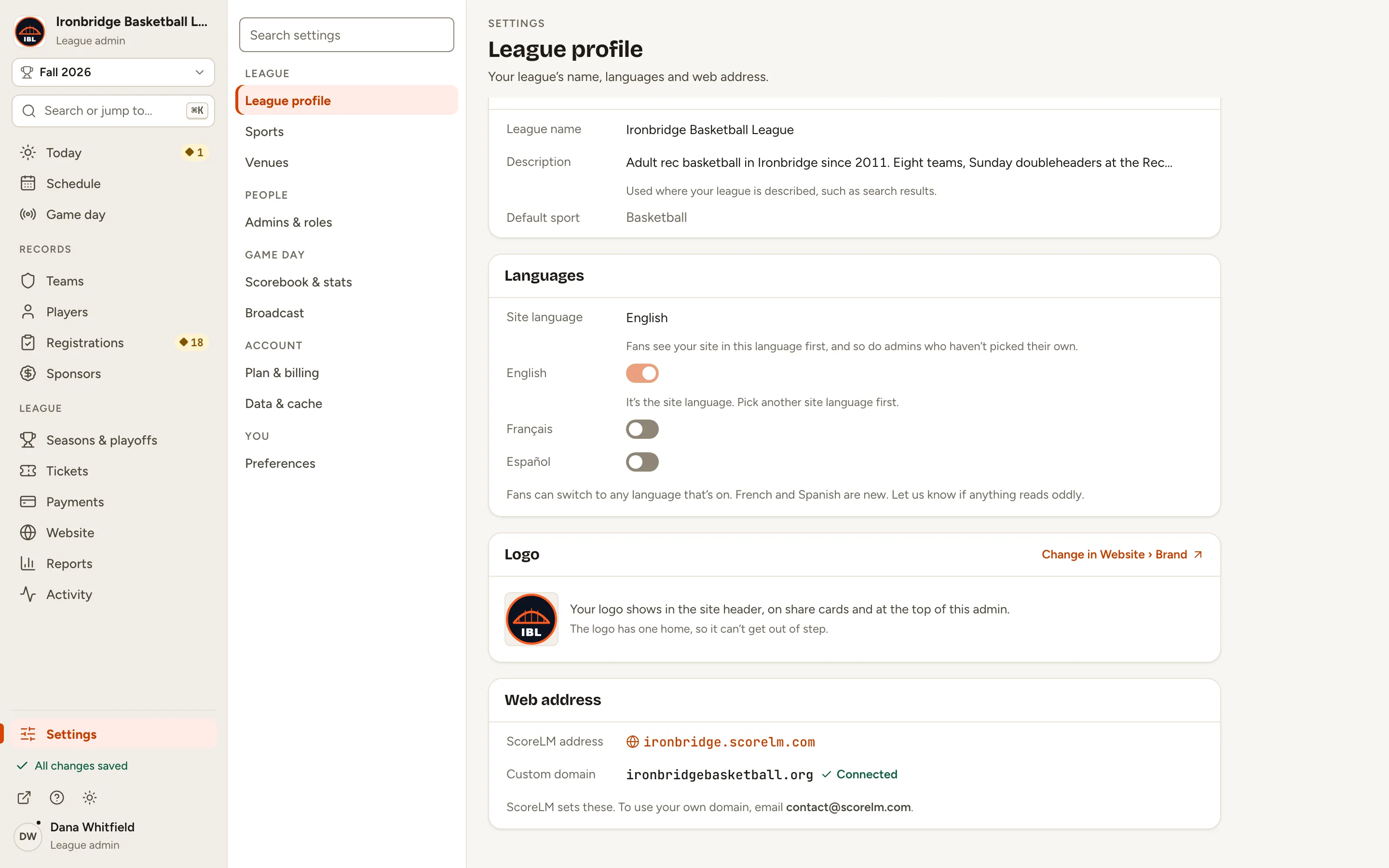
    Fig. 5

    Scroll sideways to see the whole screen.

    The Web address card with Custom domain ironbridgebasketball.org and the status Connected.
    Fig. 5Connected: your website is on your domain.

What you’ll see

Your website is on your own domain. Your ScoreLM address keeps working too. To change or remove the domain, email [email protected].
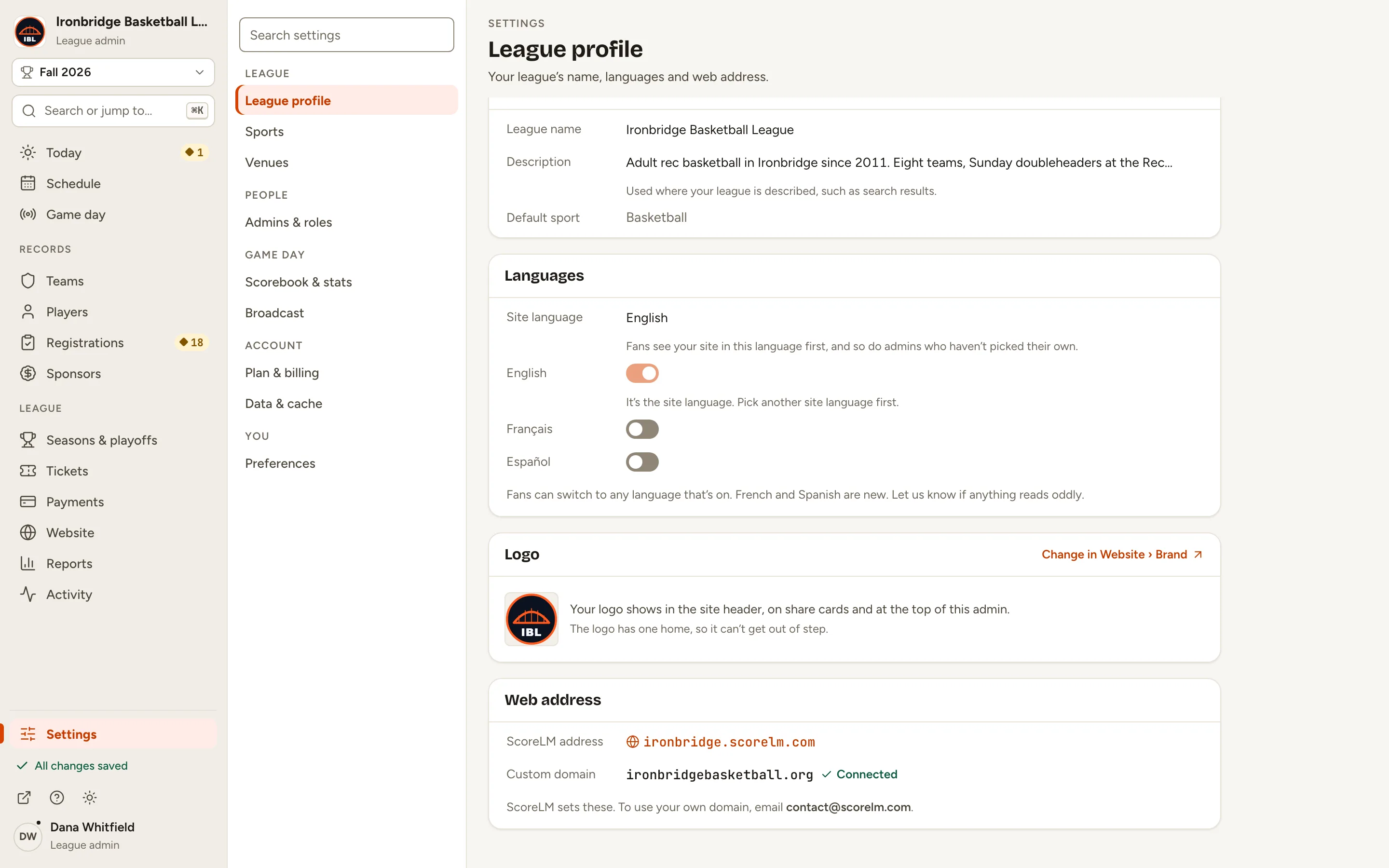
Fig. 6

Scroll sideways to see the whole screen.

Settings › League profile with the Web address card showing ironbridgebasketball.org, Connected.
Fig. 6League profile with your domain connected.

Common questions

Does my ScoreLM address stop working?
No. It keeps working. If you’d rather everyone ends up on your own domain, ask ScoreLM to send visitors from your ScoreLM address to it.
Do I need to buy a security certificate?
No. ScoreLM sets up the secure https address for your domain once the DNS record is in place.
It still says Waiting for DNS. What now?
Check the record at your domain company matches what ScoreLM sent, exactly. DNS changes can take up to a day. If it’s still waiting after that, reply to ScoreLM’s email.
Can I use a domain I use for email?
Yes. The record only points your website’s address at ScoreLM; it doesn’t change your email records.
Who can see the Web address settings?
League admins. Editors and stat keepers don’t see League profile.