You need to be a league admin: only league admins see Admins & roles.
Have the person’s email address ready. ScoreLM doesn’t email them, so you’ll tell them how to sign in yourself.
Steps
1
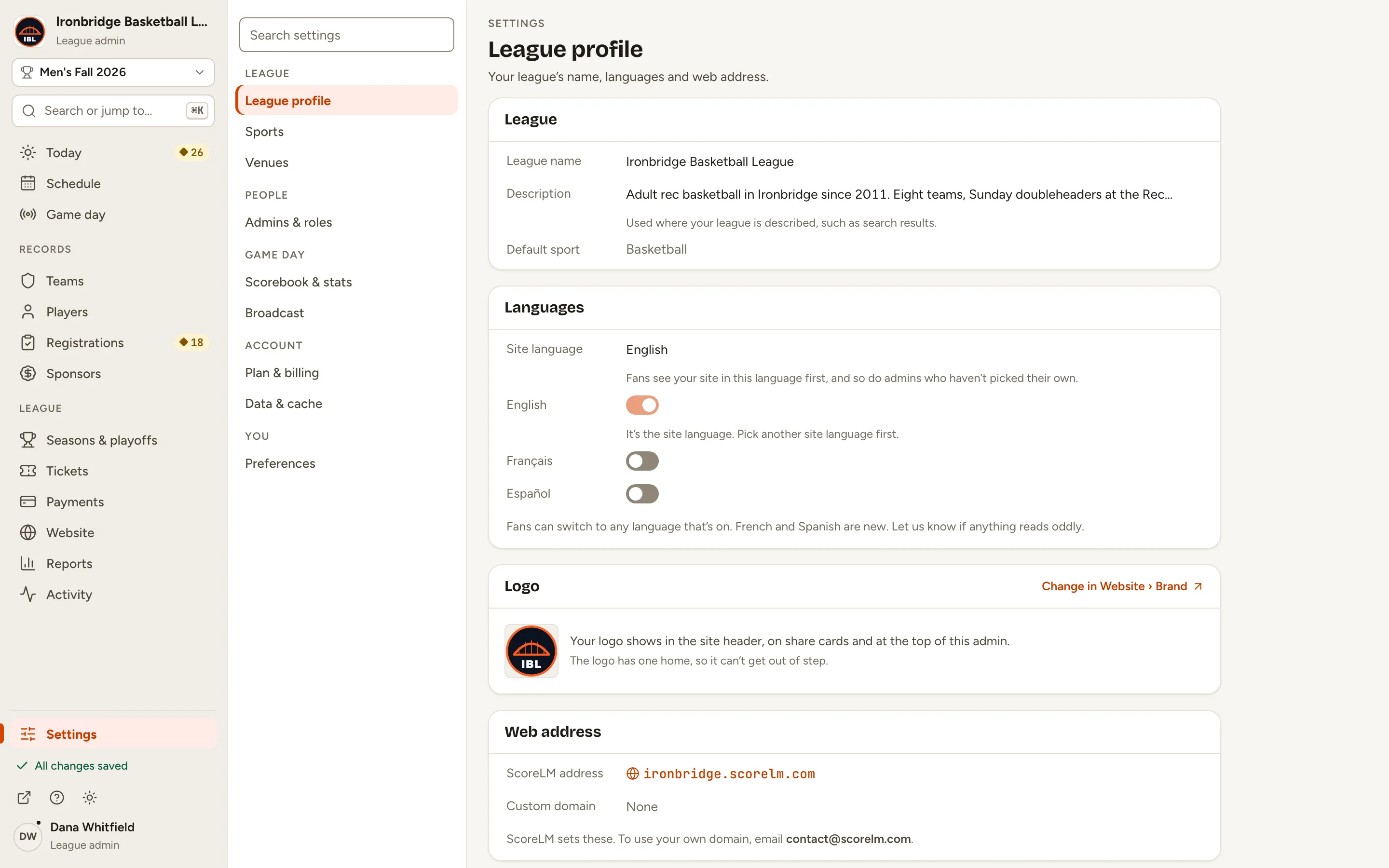
Step 1: At the bottom of the menu, click Settings.
Settings opens on League profile. Its sections are grouped under League, People, Game day, Account and You.
Fig. 1Settings, at the bottom of the menu.
2
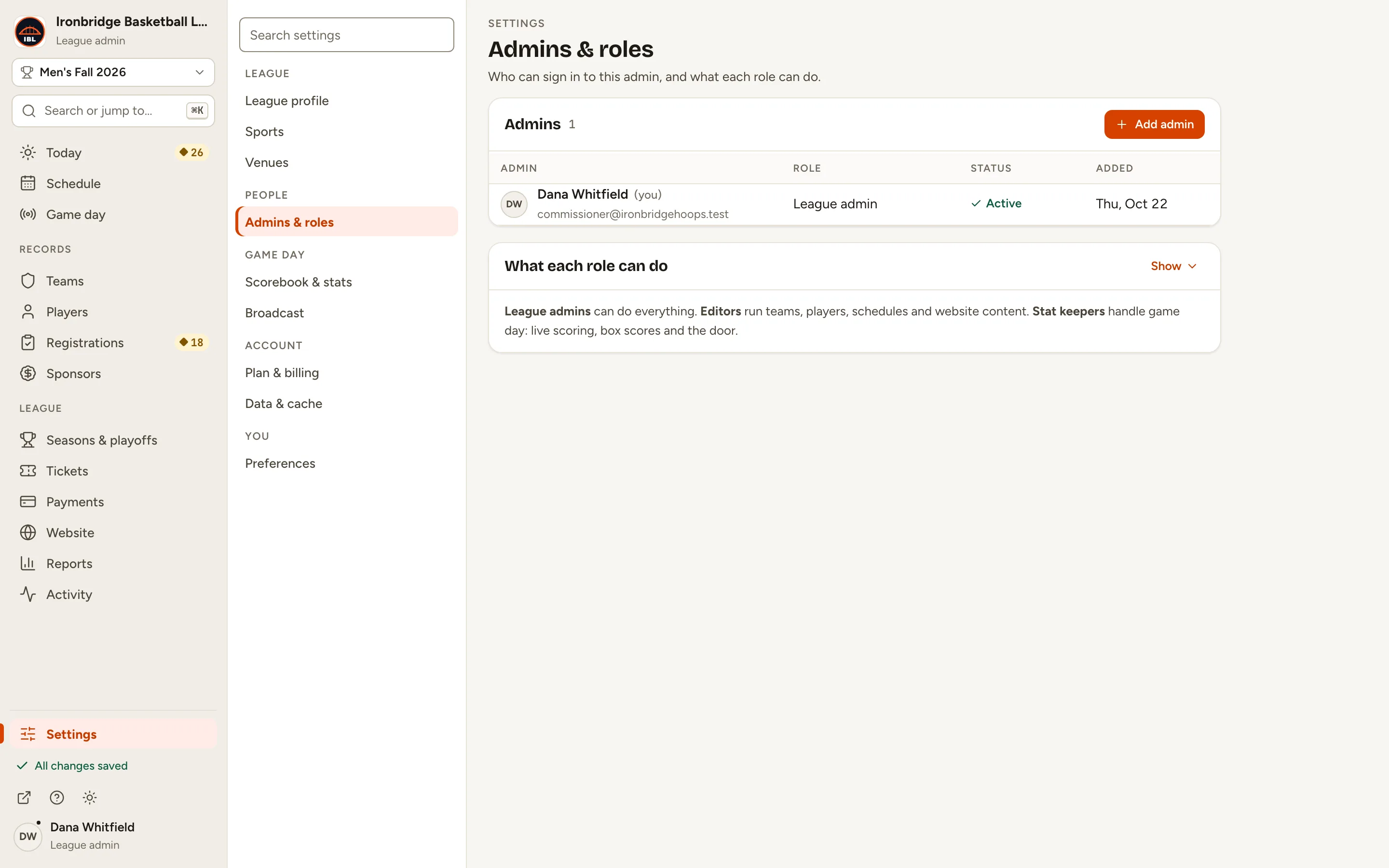
Step 2: Under People, click Admins & roles.
You see everyone who can sign in to your admin, with their role. What each role can do, under the list, sums up the three roles: click Show for the full table.
Fig. 2Admins & roles: who can sign in, and as what.
3
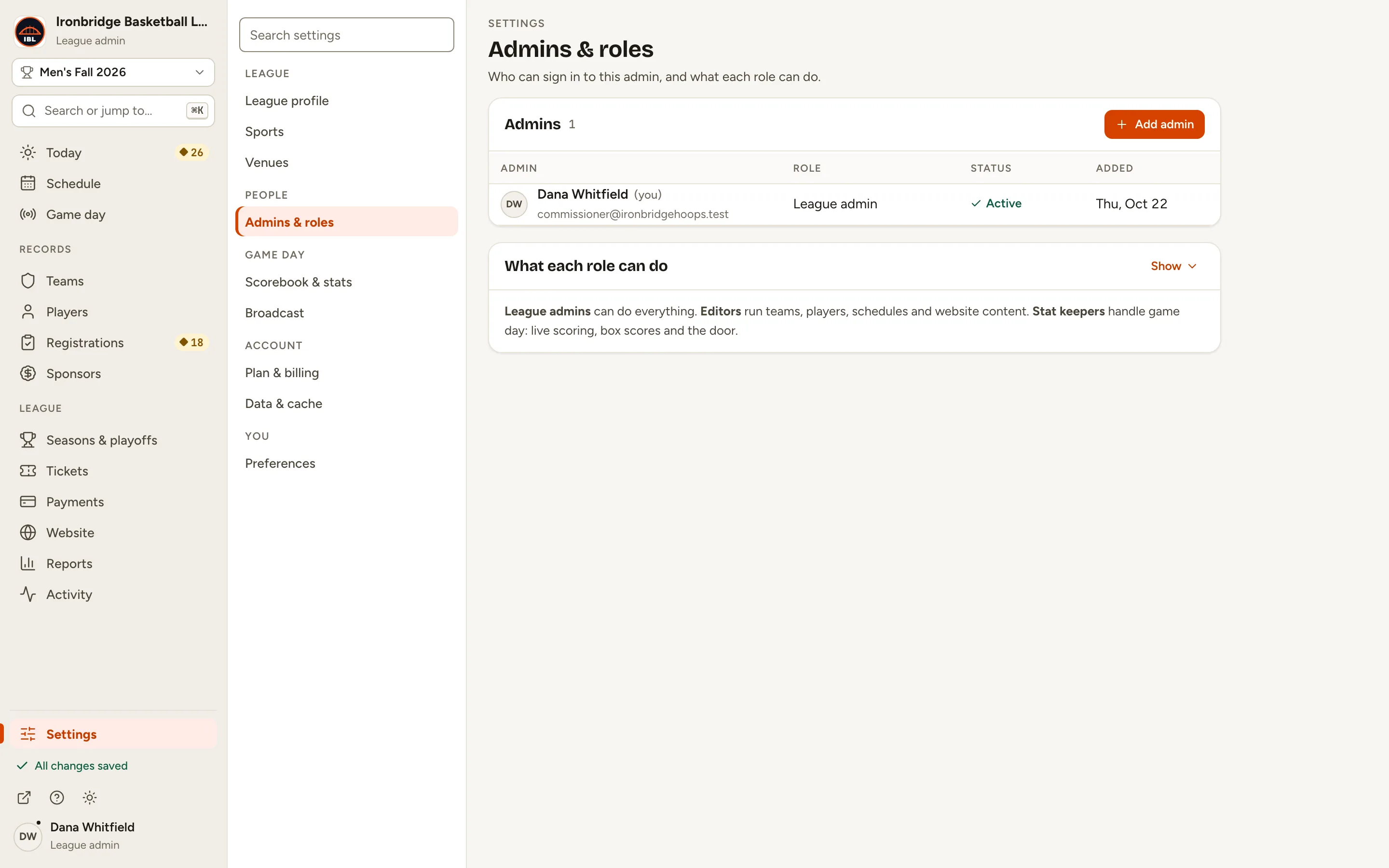
Step 3: Click Add admin.
The New admin panel opens beside the list.
Fig. 3Add admin, at the top of the Admins list.
4
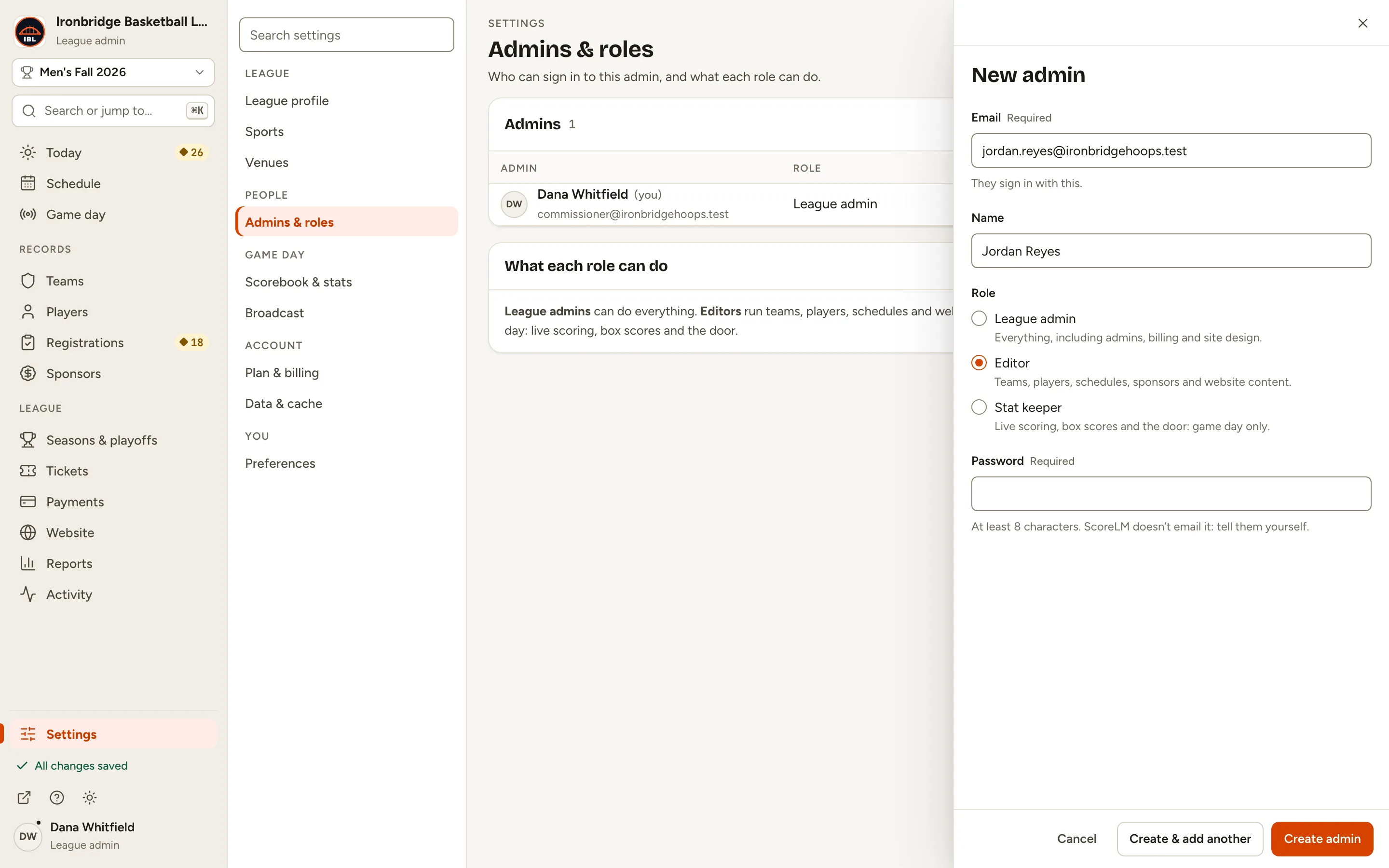
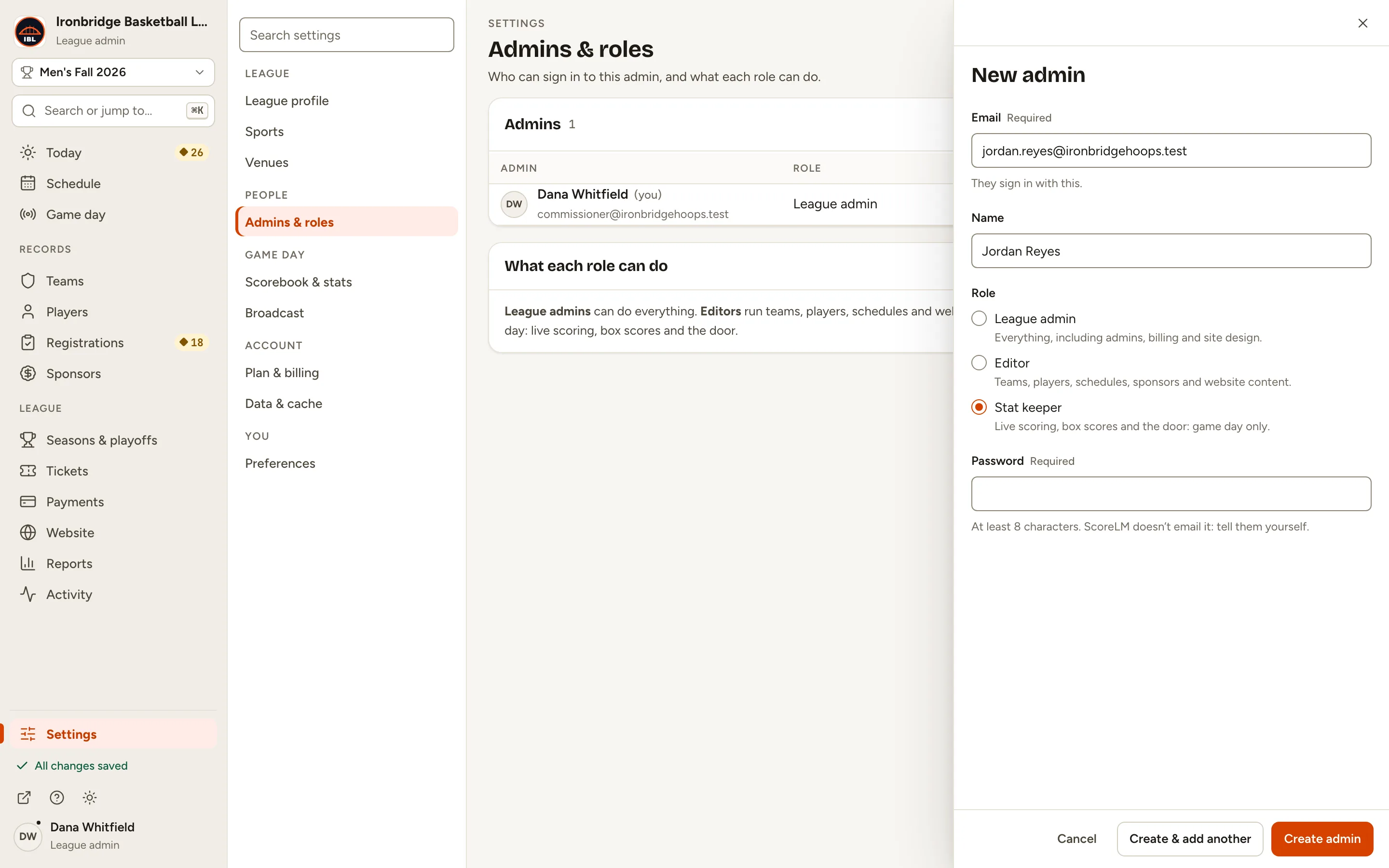
Step 4: Type their email address and their name.
They sign in with this email. Their name is how they show in the admin.
Fig. 4Their email and name.
5
Step 5: Under Role, choose Stat keeper.
A League admin can do everything. An Editor runs teams, players, schedules, sponsors and website content. A Stat keeper handles game day only. You can change it later.
Fig. 5Pick their role.
6
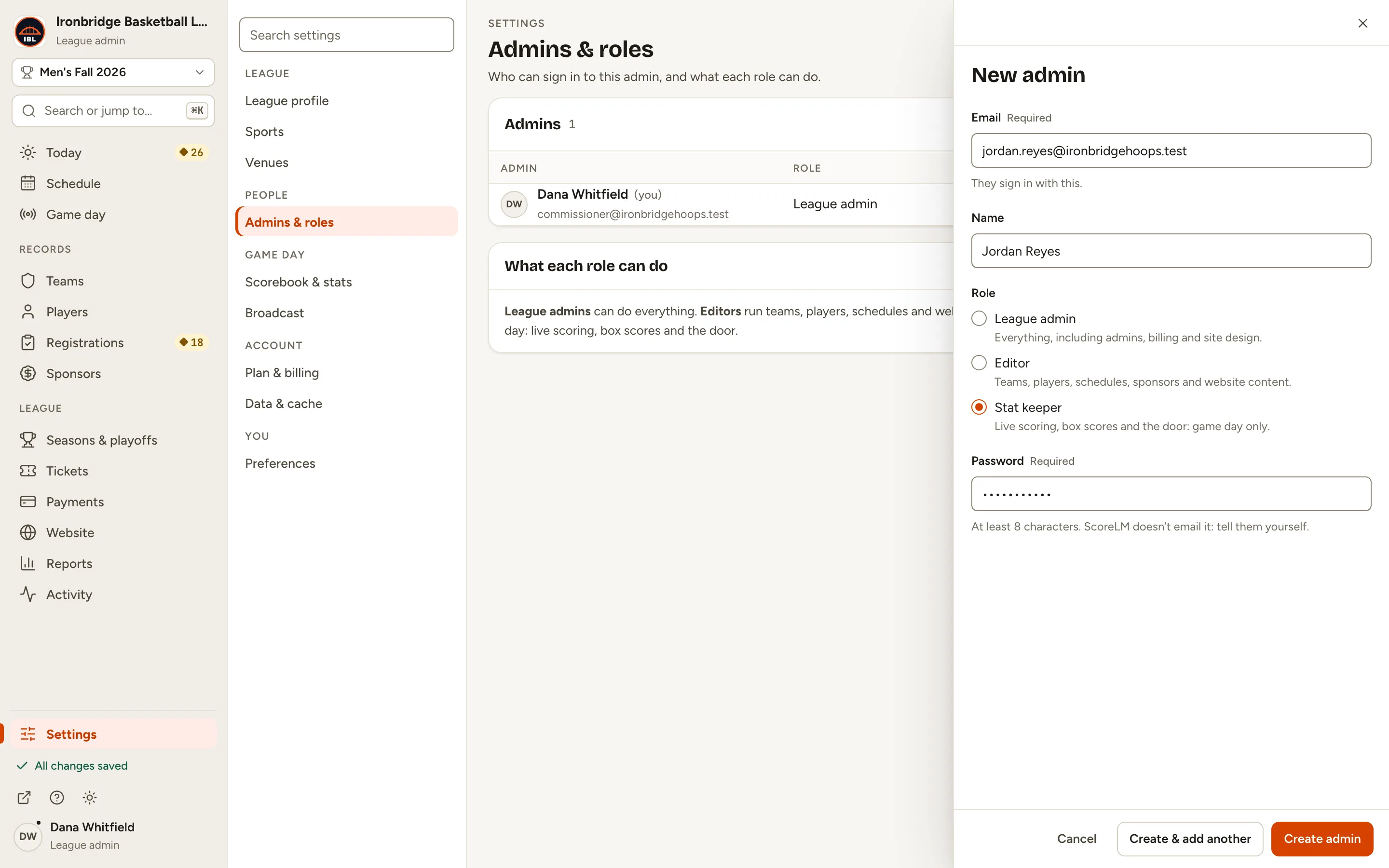
Step 6: Type a password for them.
Use at least 8 characters. ScoreLM doesn’t email it, so you’ll pass it on yourself.
Fig. 6Their first password.
7
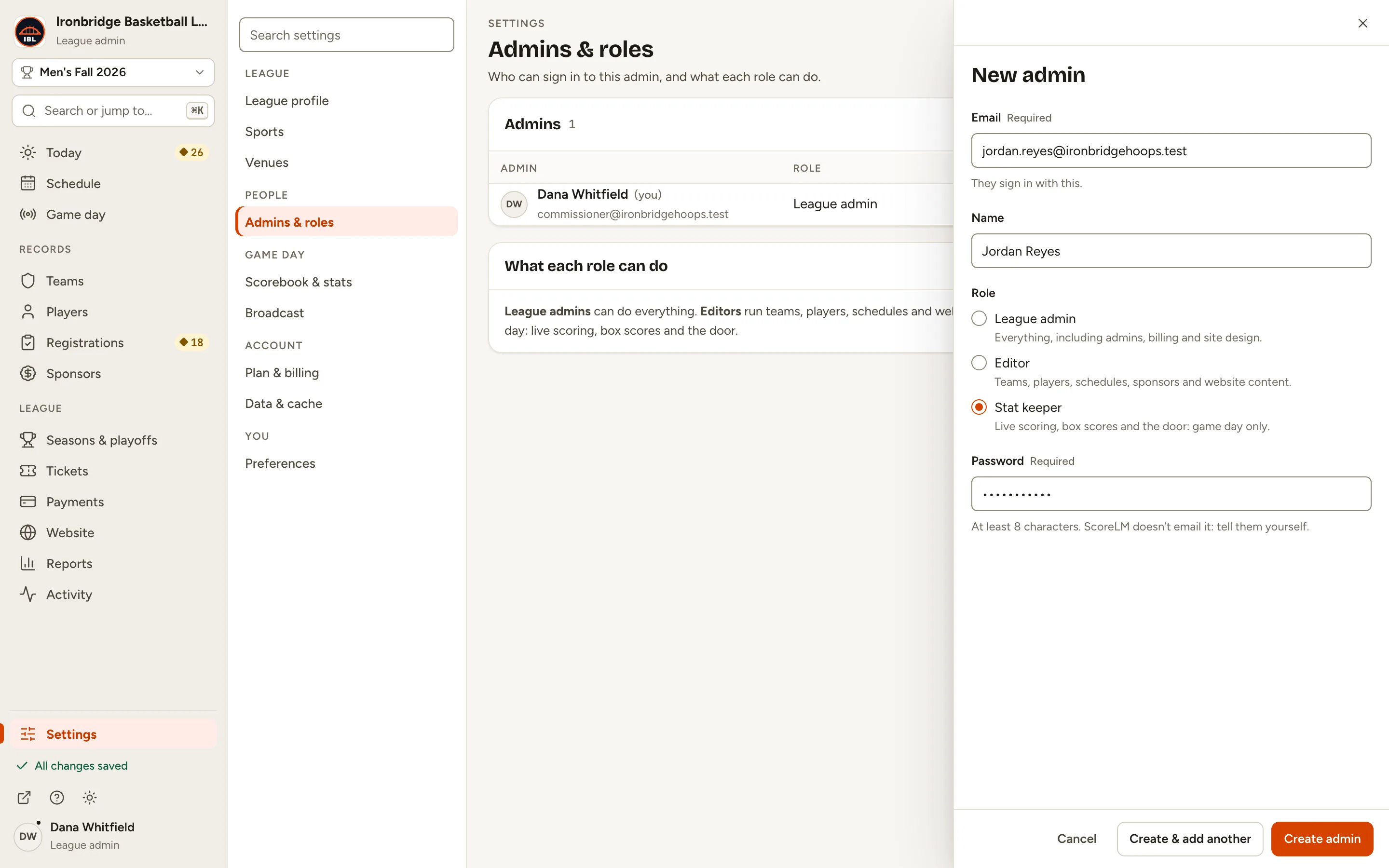
Step 7: Click Create admin.
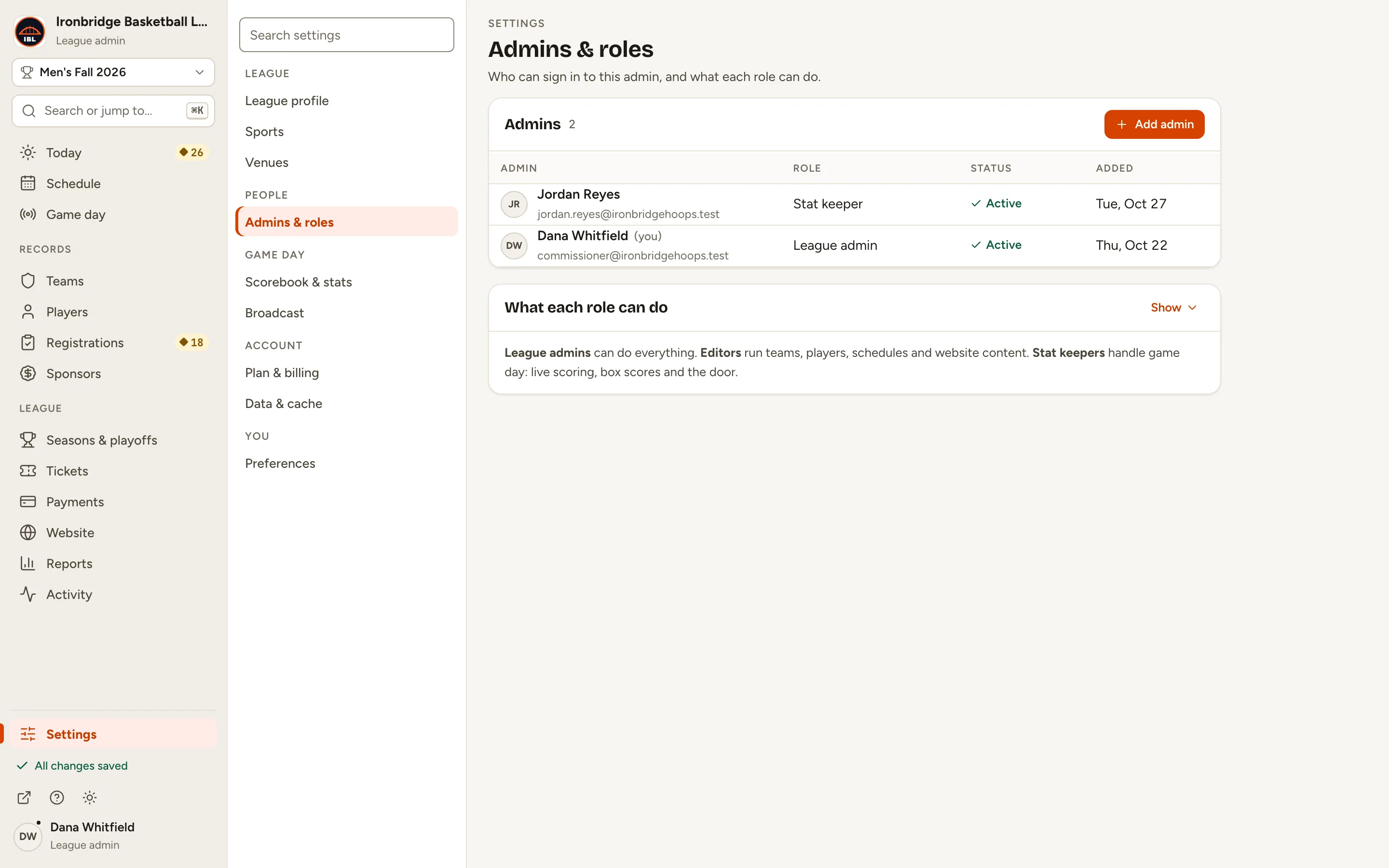
They’re in the list, and their record opens. Tell them their email and password, and to sign in at your website’s address with /admin at the end.
Fig. 7Create admin adds them.
What you’ll see
Jordan Reyes can now sign in as a stat keeper. They see game day work only: Today, Game day (Tickets too if you sell tickets) and Settings. You can change their role, pause their access or remove them from Admins & roles at any time.
Fig. 8Jordan Reyes is a stat keeper.
Common questions
Does ScoreLM send them an invite?
No. ScoreLM doesn’t email anyone from here. Tell them the email you used, the password you set, and your admin address: your website’s address with /admin at the end.
Can I change their role later?
Yes. In Admins & roles, click their role in the list and pick another, or open them and change Role. You can’t change your own role: ask another league admin.
How do I take away someone’s access?
Open them and turn off Can sign in to pause their access. To take them off your league, click ··· (More actions), then Remove from league…. Their ScoreLM account stays, so you can add them again later.
Someone forgot their password. Can they reset it?
Not by email. Open them in Admins & roles, type a New password and click Set password, then tell them. Do the same when you add back someone you removed: they keep their old password until you set a new one.
It says the email already exists elsewhere on ScoreLM.
That person already has a ScoreLM account with another league. Ask ScoreLM support to give that account access to your league. Once it’s shared, you can still change its role here, but not its email, name, password or Can sign in.