Members are players with a completed registration, so have a registration people can join. See Open a player registration.
Members only needs Registrations. If you don’t see Registrations in the left menu, ask ScoreLM to turn it on for your league.
Steps
1
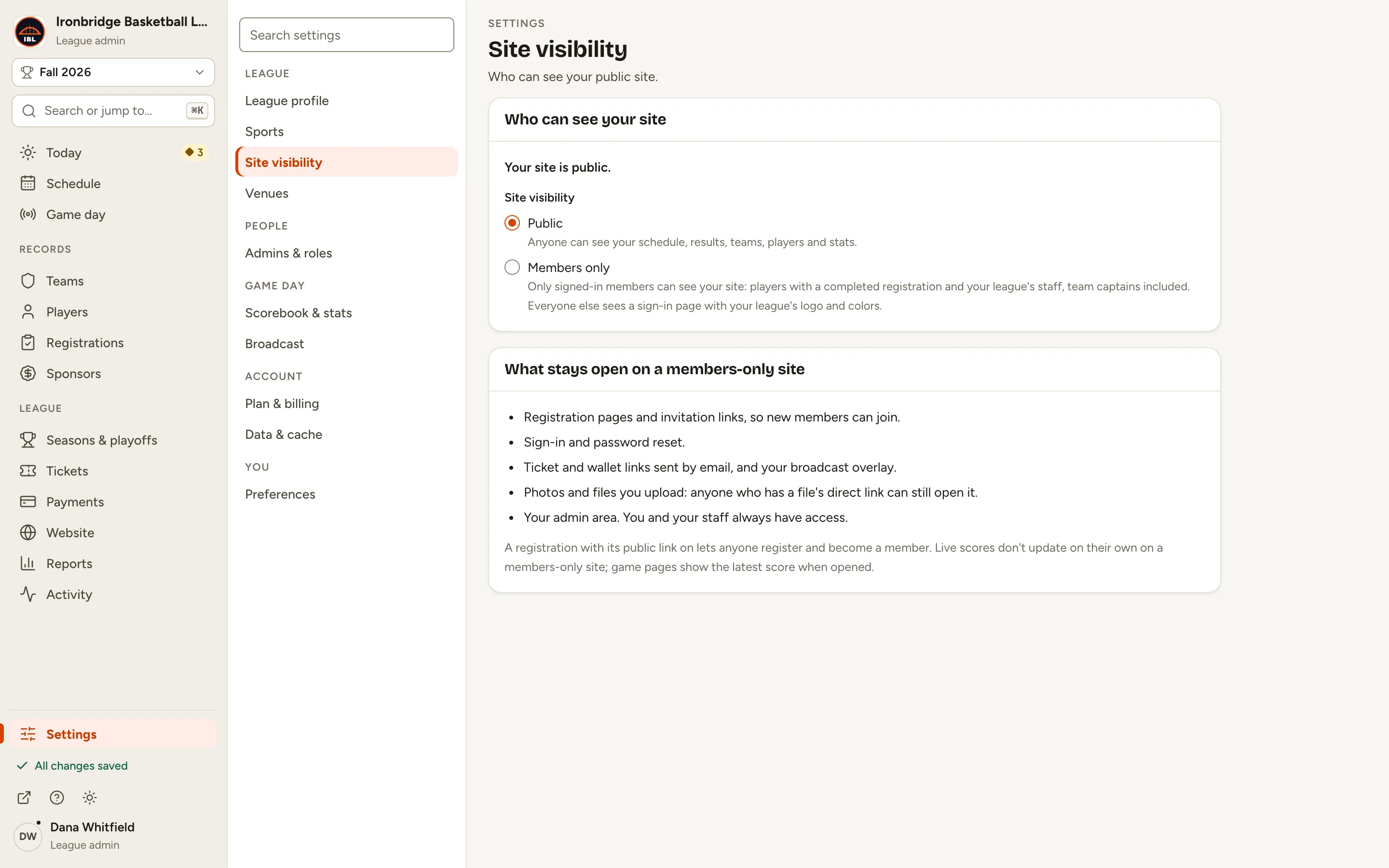
Step 1: In the left menu, click Settings, then Site visibility.
It says who can see your site now: Your site is public.
1 of 2
2 of 2
Fig. 1Site visibility, in Settings.
2
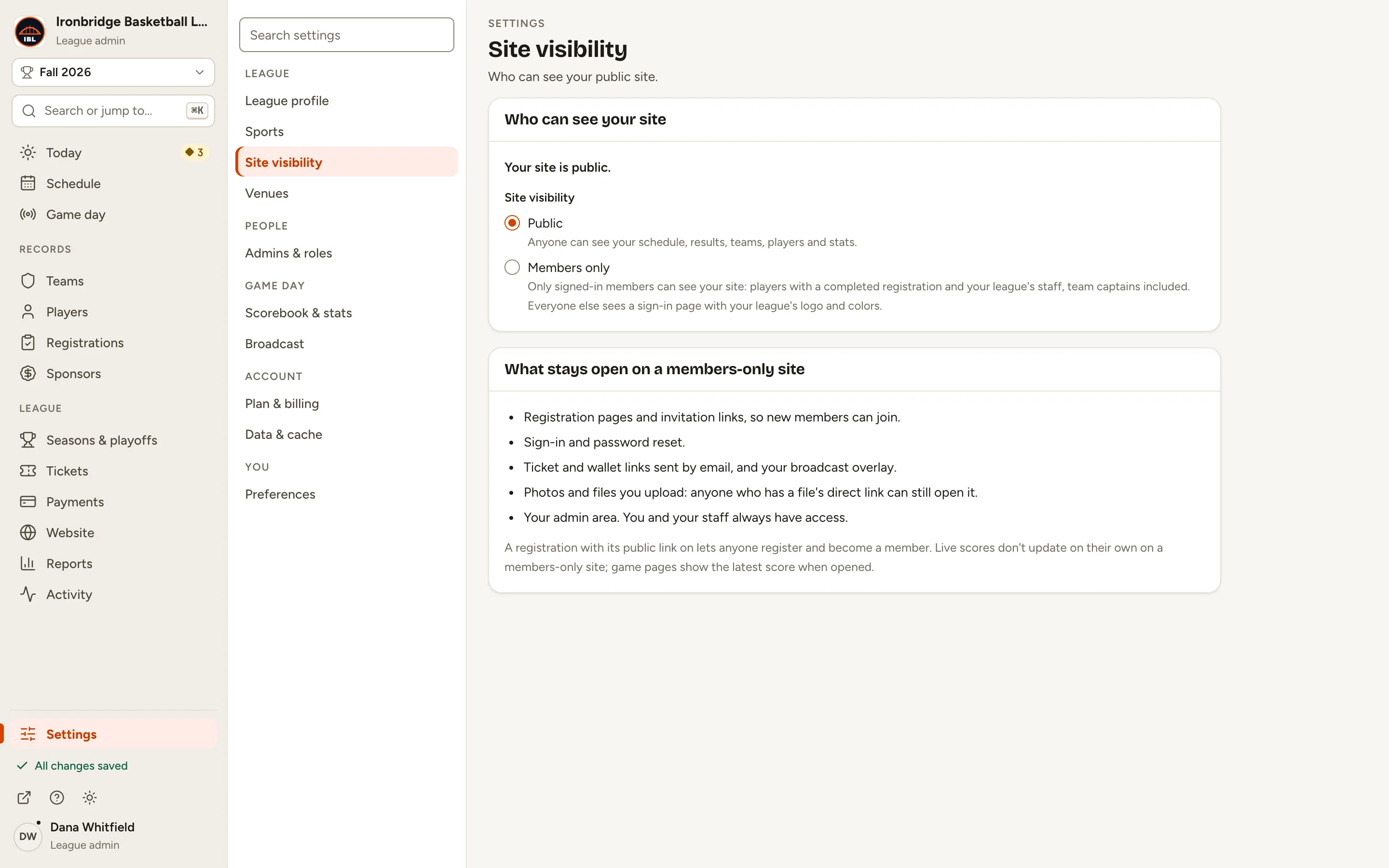
Step 2: Choose Members only.
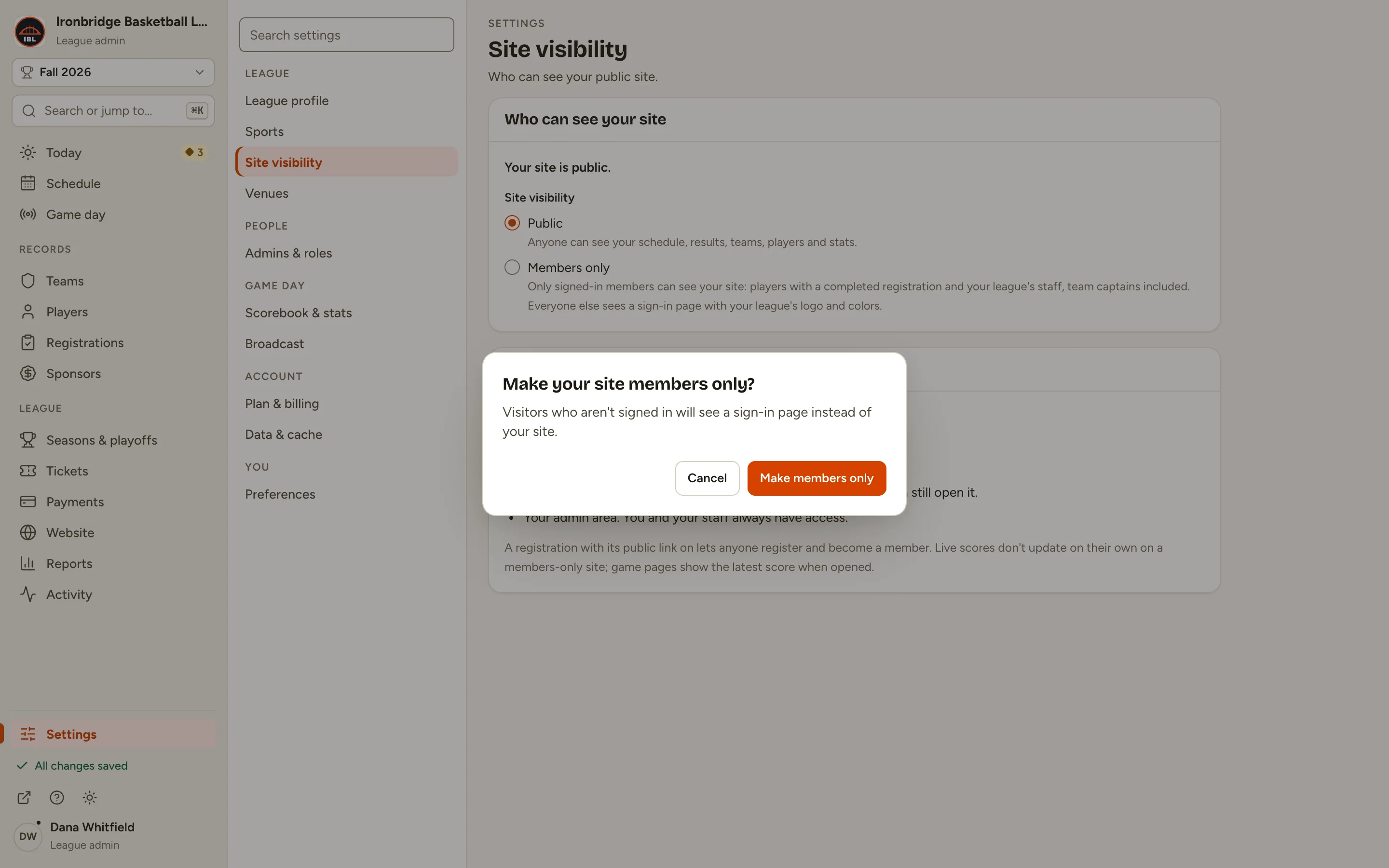
A box asks you to confirm: visitors who aren’t signed in will see a sign-in page instead of your site.
Fig. 2Members only.
3
Step 3: Click Make members only.
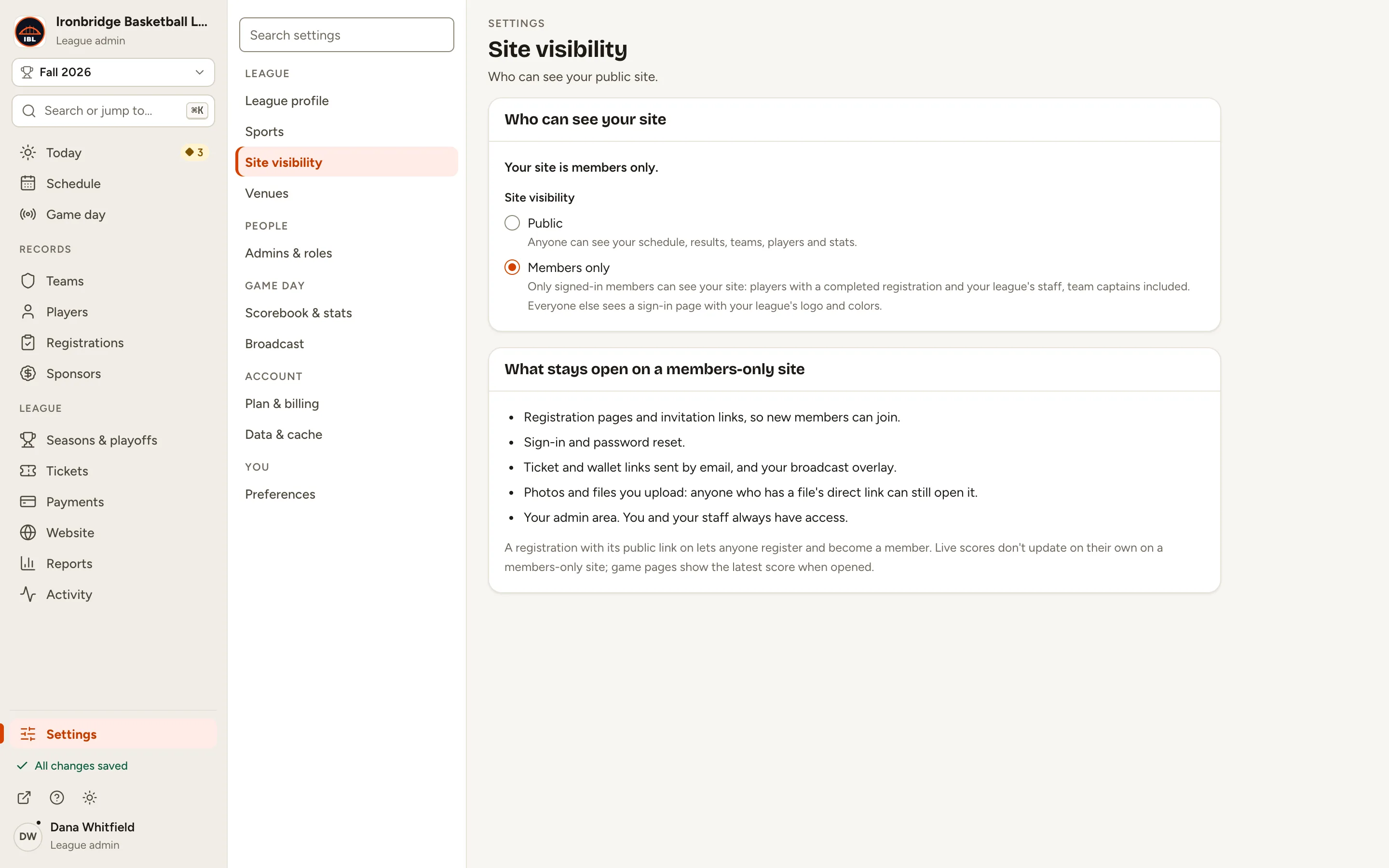
It saves straight away: Your site is members only. The card below lists what stays open, like registration pages and invitation links.
Fig. 3Make members only.
Fig. 3bYour site is members only.
4
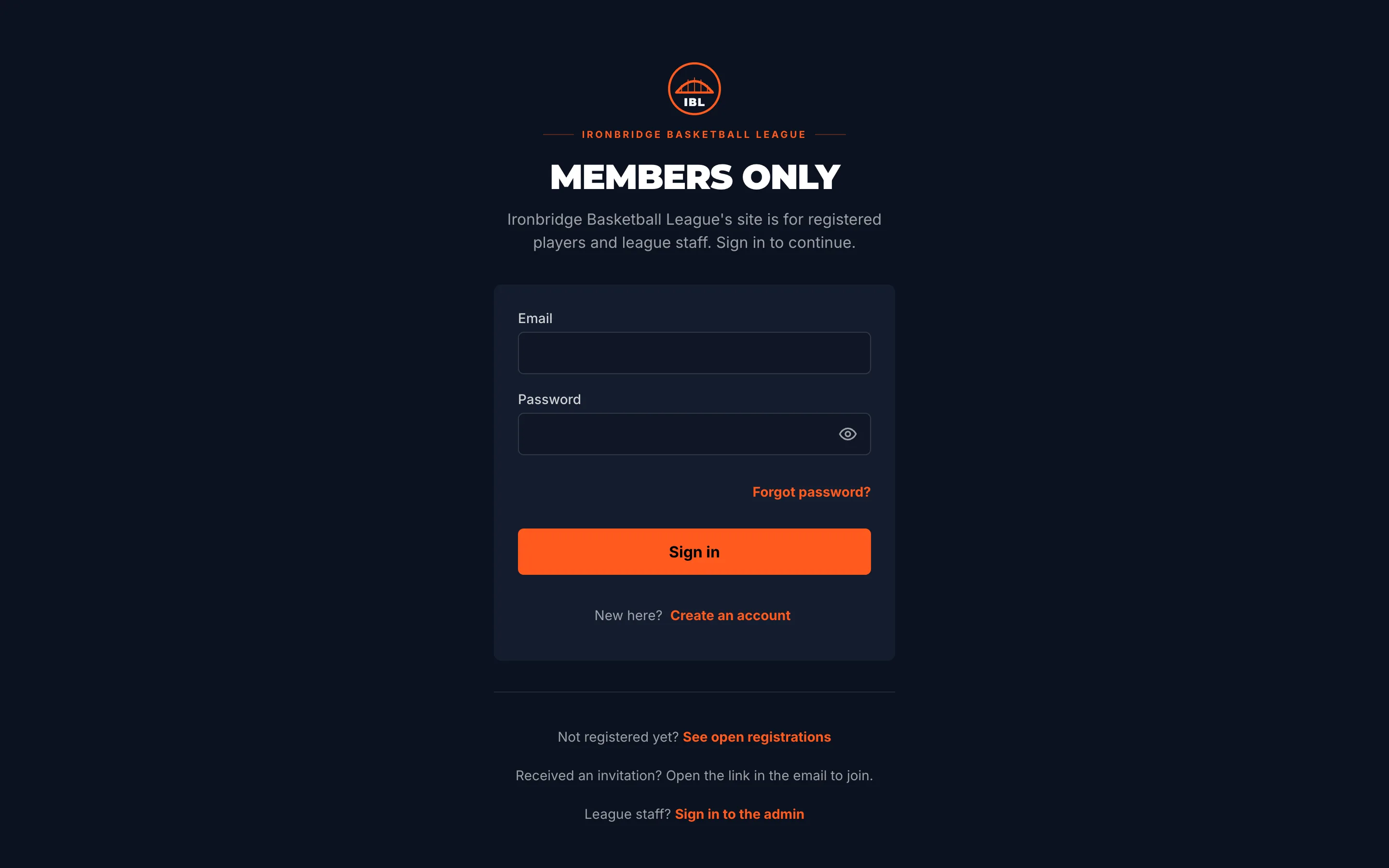
Step 4: Open your website in a private window to see what visitors see.
From the admin, click ↗ (View public site) at the bottom of the sidebar; your website opens in a new tab as usual, because your staff always see it. A visitor who isn’t signed in, like one in a private window, gets a Members only sign-in page with your logo instead.
Fig. 4What visitors see.
What you’ll see
Your site is members only. Players who’ve completed a registration sign in to see it, and you, your staff and team captains see it as usual. New players find their way in through your registration pages or an invitation link.
Fig. 5Site visibility, members only.
Common questions
Who can see a members-only site?
Players with a completed registration in your league, once they sign in, and your league’s staff, team captains included. Everyone else sees the sign-in page.
How do new players get in?
Registration pages and invitation links stay open. A registration with its Public link on lets anyone register and become a member, so keep it off if you only want invited players. A team code adds someone to that one team.
What else stays open?
Sign-in and password reset, ticket and wallet links sent by email, your broadcast overlay, and your admin. Photos and files you upload can still be opened by anyone who has a file’s direct link.
Do live scores still work?
Game pages show the latest score when they’re opened, but they don’t update on their own on a members-only site.
How do I open it up again?
In Settings › Site visibility, choose Public. It saves straight away, with Undo if you change your mind.