
Add a waiver to a registration
By the end you’ll have a written waiver that everyone reads and signs, by typing their full name, as part of registering.
Before you start
- You need a registration. See Open a player registration.
- Have your waiver’s wording ready to paste, or the waiver as a PDF of 10 MB or less.
Steps
-
Step 1: In Registrations, open your registration, like Winter 2027 player registration, and click the Setup tab.
The Waiver card is at the bottom, under Questions.
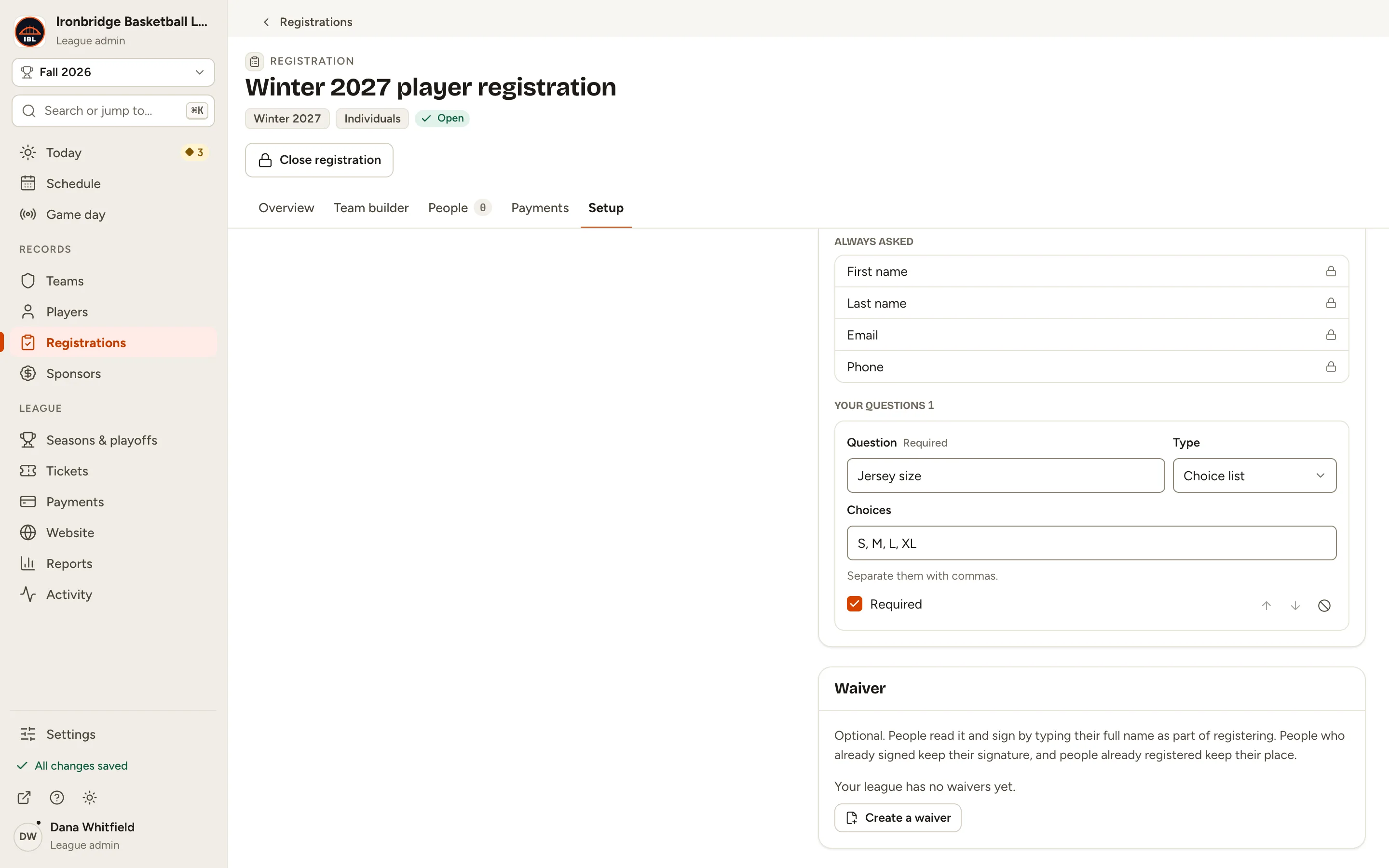
Fig. 1The Setup tab’s Waiver card. -
Step 2: Under Waiver, click Create a waiver.
The New waiver sheet opens. Waivers live in a library you can use on any registration. If your league already has waivers, the card shows the list instead: choose one there, or create one under Registrations › Waivers.
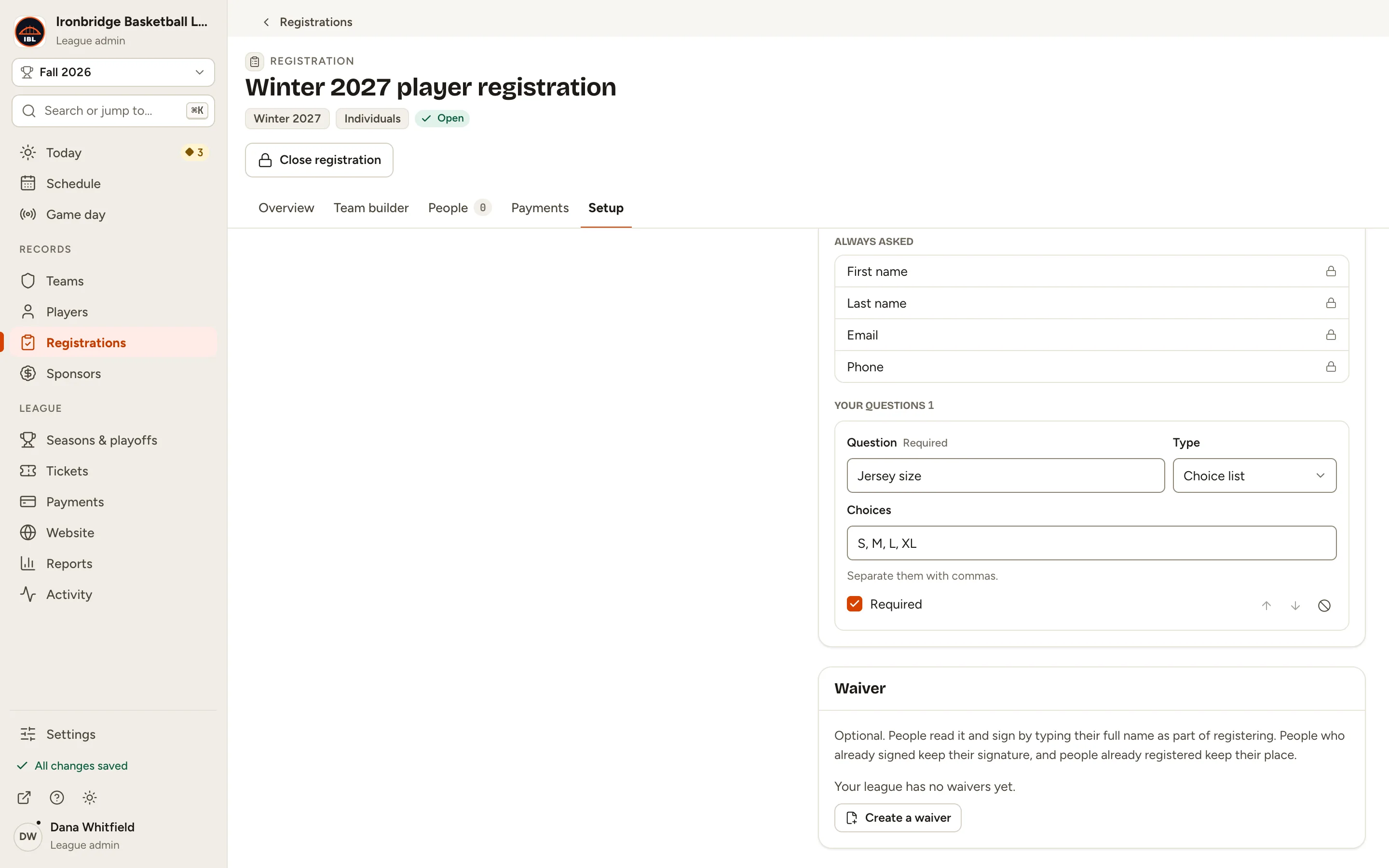
Fig. 2Create a waiver. -
Step 3: Type a Title, like Ironbridge player waiver.
People see the title above the text.
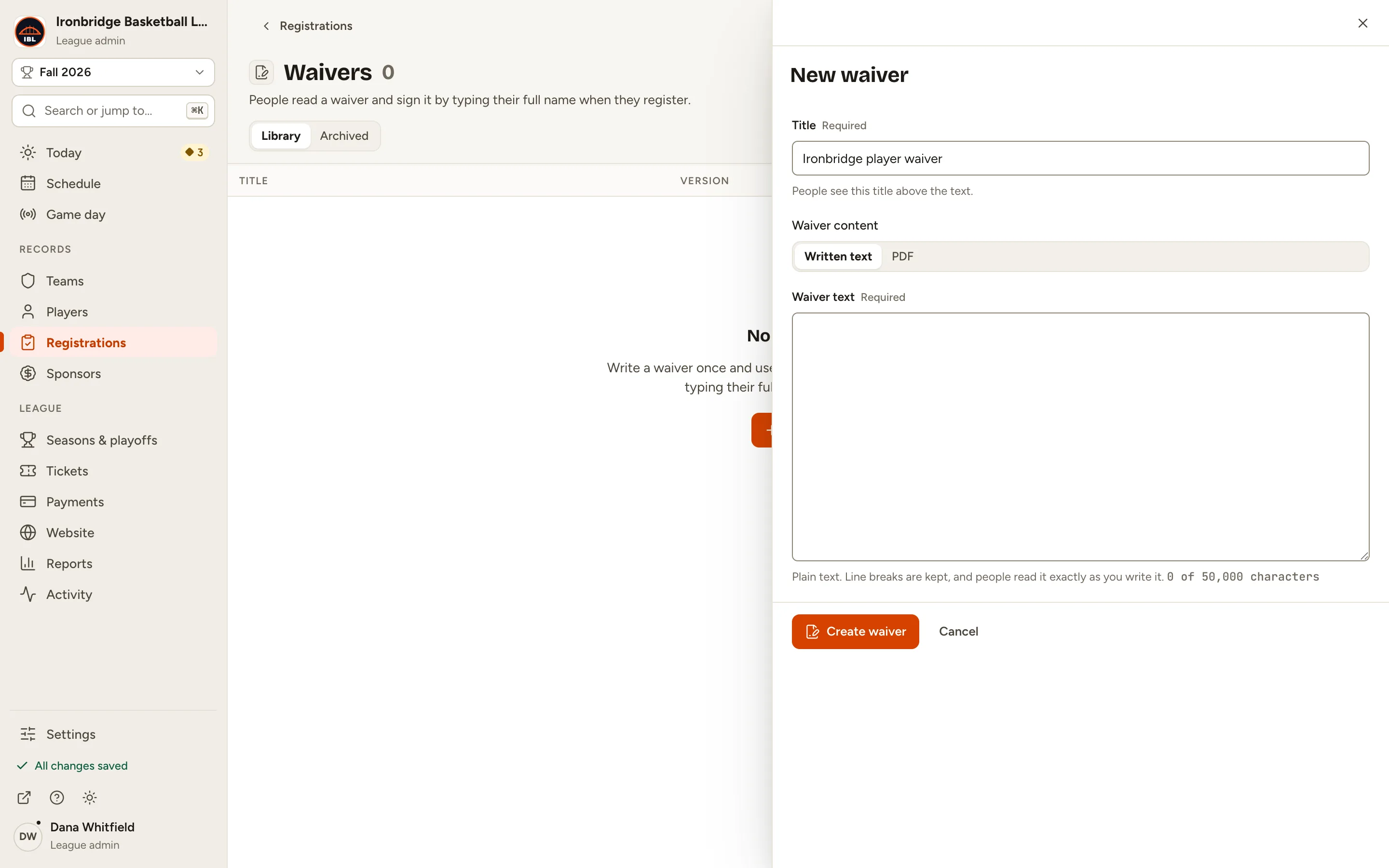
Fig. 3The waiver’s title. -
Step 4: Keep Written text and paste your Waiver text.
Line breaks are kept, and people read it exactly as you write it. Choose PDF instead to upload the waiver as a file.
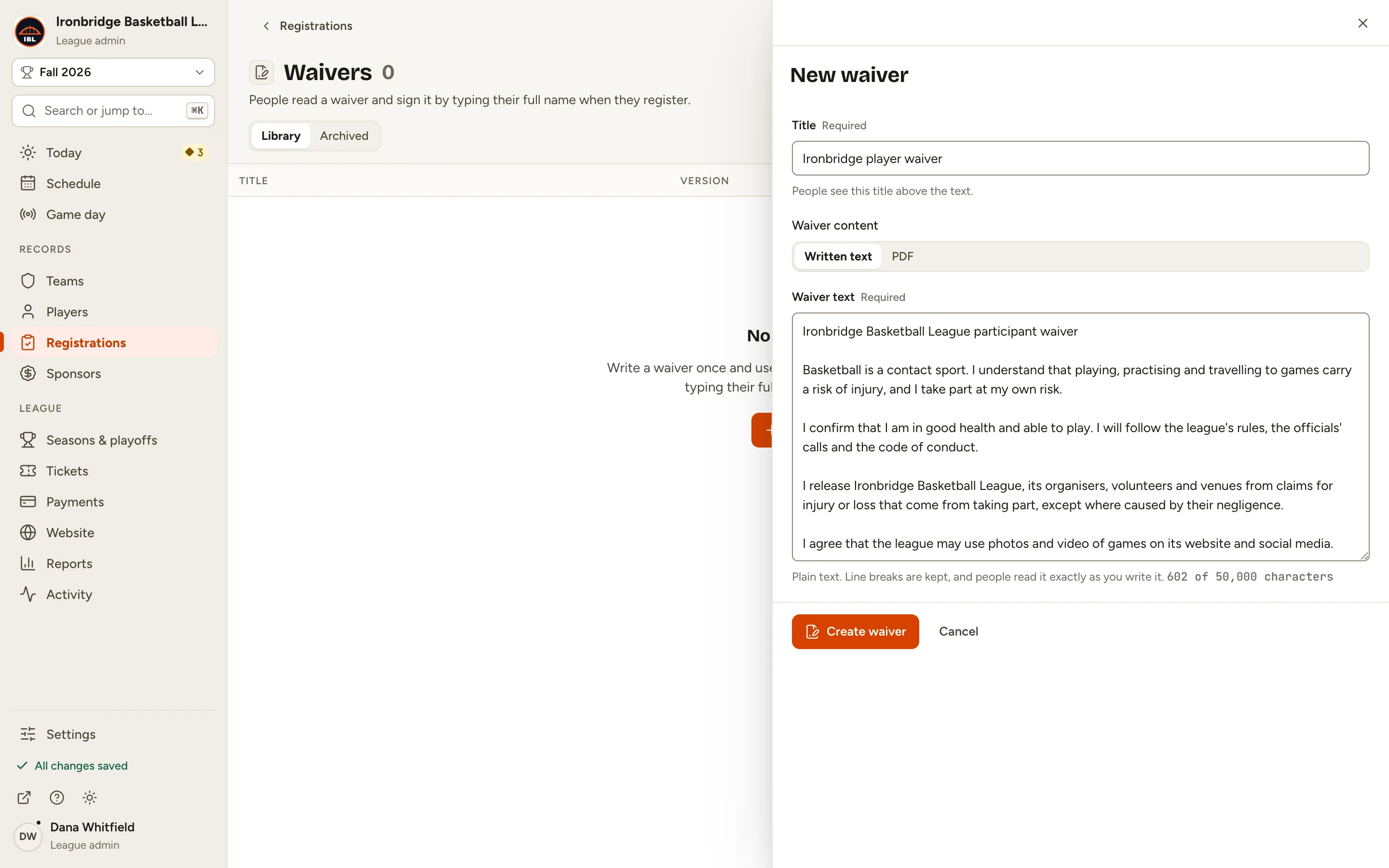
Fig. 4The waiver’s text. -
Step 5: Click Create waiver.
You’re back on the Setup tab, and the new waiver is in the Waiver list. It isn’t on the registration until you choose it.
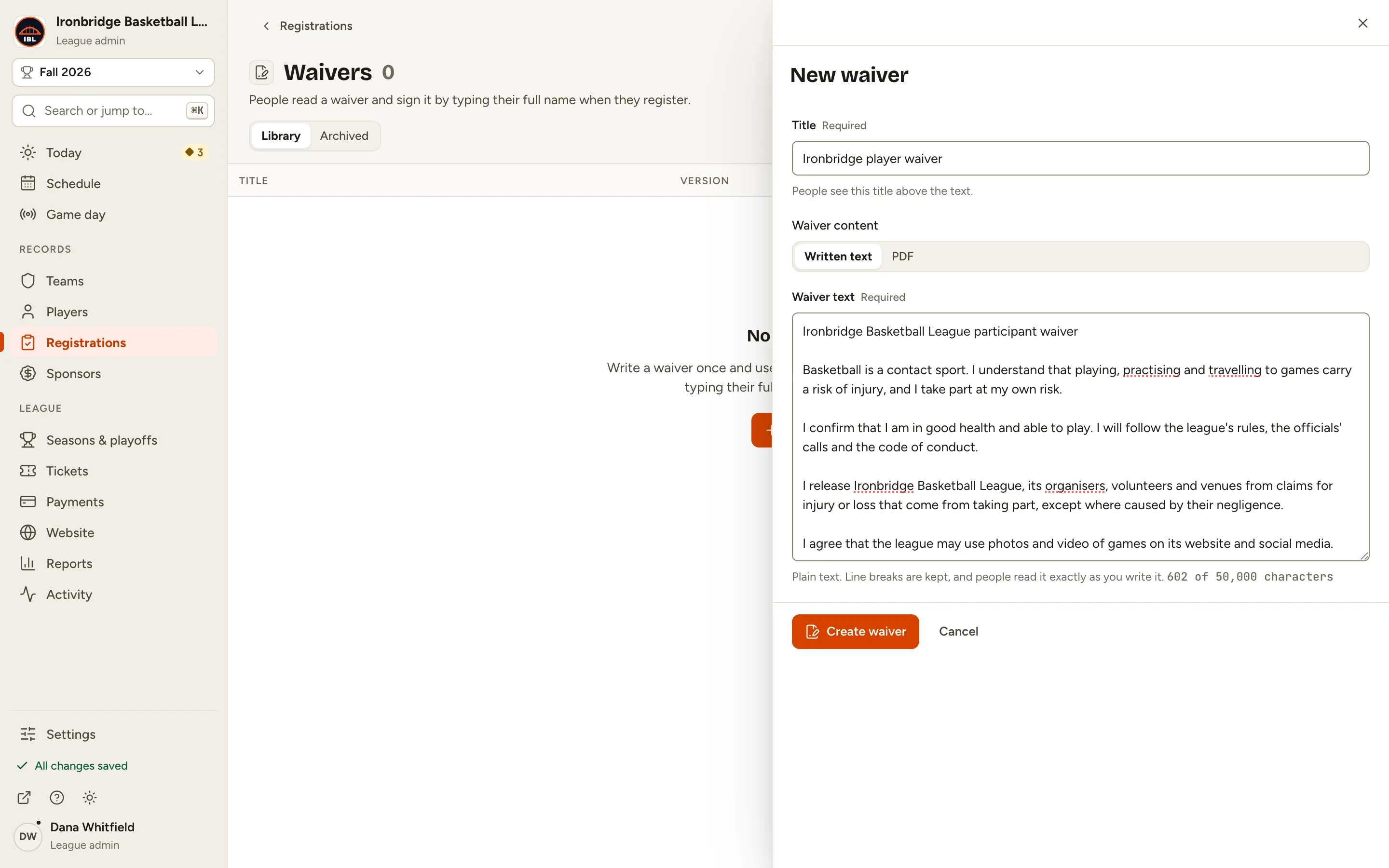
Fig. 5Create waiver. -
Step 6: Under Waiver, choose Ironbridge player waiver · Version 1.
The card marks it Unsaved.
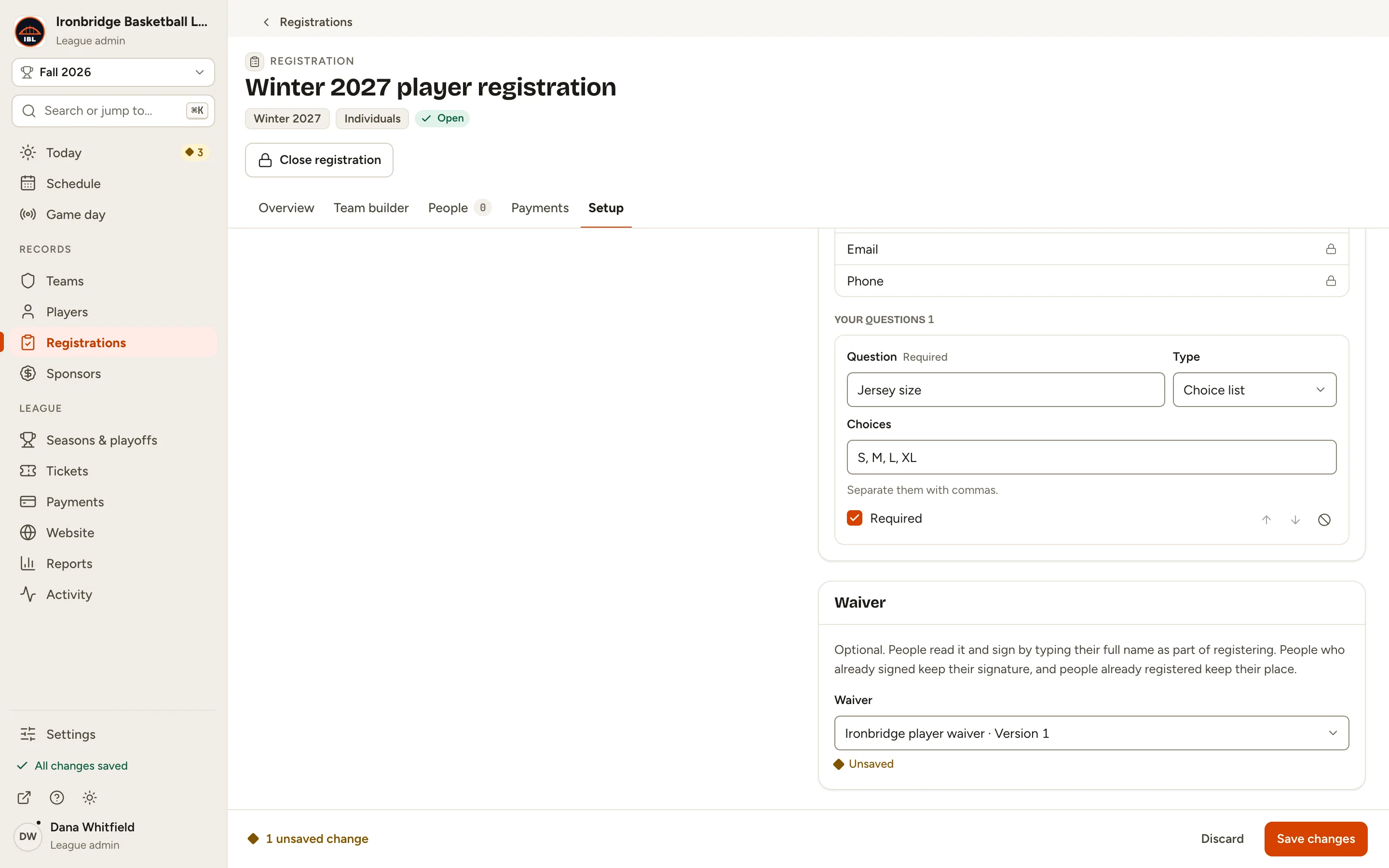
Fig. 6The waiver, chosen. -
Step 7: Click Save changes in the bar at the bottom.
Everyone who registers from now on reads and signs the waiver. People already registered keep their place.
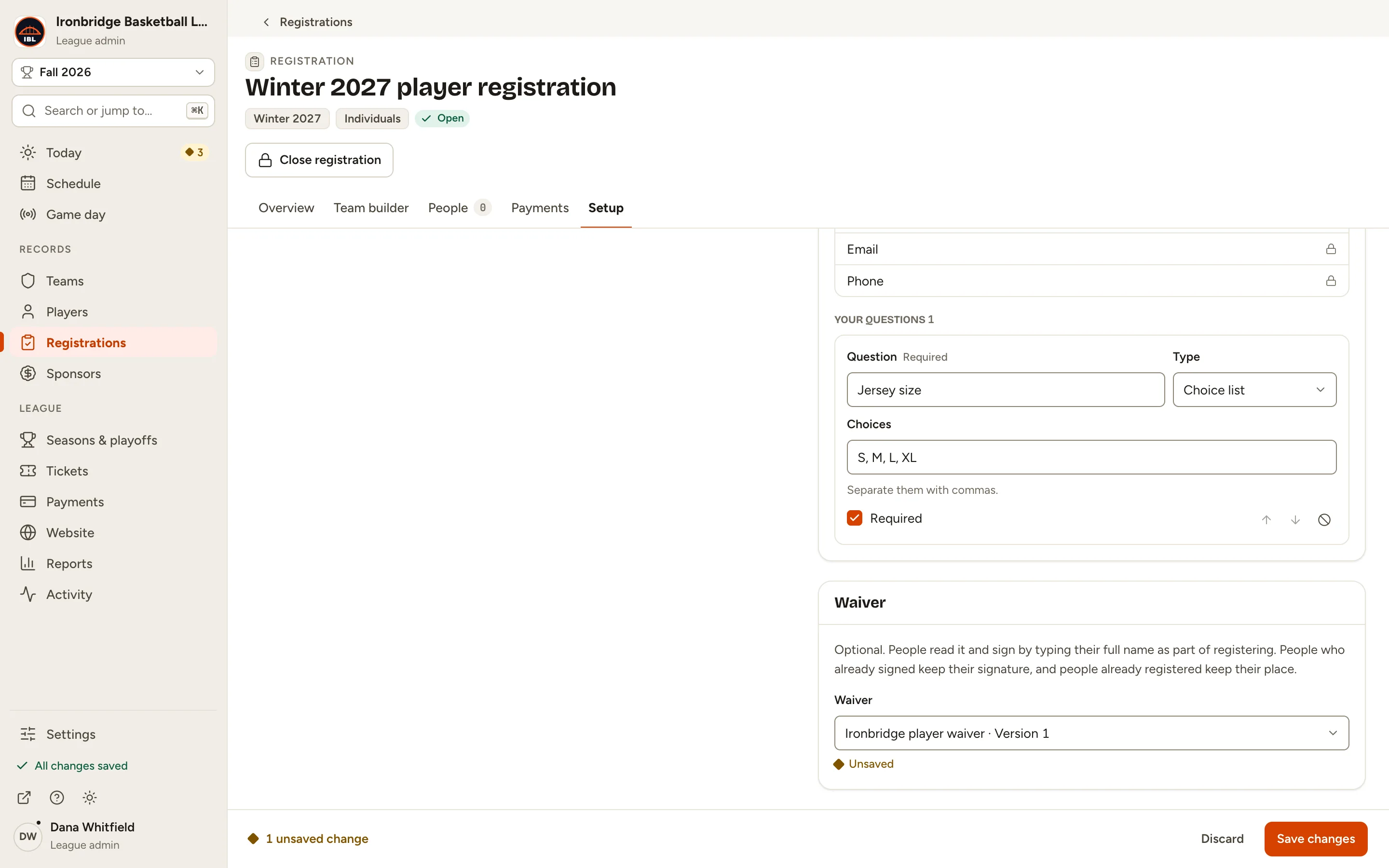
Fig. 7Save changes. -
Step 8: Open your website and click Register, then the registration.
From the admin, click ↗ (View public site) at the bottom of the sidebar; your website opens in a new tab. Once people sign in, the form shows the Waiver after your questions: they read it and type their full name to sign it.

Fig. 8The waiver on the registration form.
What you’ll see
Your registration has a waiver. Each person signs it as they register, and the registration’s People tab shows who signed and which version. Find all your waivers under Registrations › Waivers.