Custom Domain
Pointing your own domain at ScoreLM
Every league gets a free subdomain like yourleague.scorelm.com out of the box. When you're ready to run your league on your own domain (yourleague.com, kingsleague.tv, whatever), this is the setup. It's one CNAME record and a save click. SSL sets itself up automatically.
Before you start
- A domain you own -- from any registrar (Namecheap, Cloudflare Registrar, Google Domains, Porkbun, GoDaddy, etc.)
- Access to your DNS panel -- you need to add a CNAME record
- A ScoreLM admin account with permissions to edit your league's settings
- About 15 minutes -- 2 minutes of clicking, the rest is waiting on SSL
Pick the domain you want to use
Buy or use a domain you already own. Namecheap, Cloudflare Registrar, Google Domains, Porkbun, GoDaddy -- it doesn't matter where it lives. Decide whether you want it on the bare domain (yourleague.com) or a subdomain like www or league. Most leagues go with the bare domain and add a www redirect later. Pick one and stick with it -- changing later means re-issuing SSL.
Add a CNAME pointing to app.scorelm.com
In your registrar's DNS panel (the settings where your domain's web address is wired up), create a CNAME record. A CNAME is just a pointer that says "this domain lives at this other address." Host is @ (or www, or whatever subdomain you chose). Value is app.scorelm.com. TTL can stay on auto. If your registrar refuses CNAME on a bare domain (looking at you, GoDaddy), use ALIAS, ANAME, or CNAME flattening instead -- they're all the same thing. Cloudflare Registrar, Namecheap, and Porkbun all support this natively.
Enter the domain in your league settings
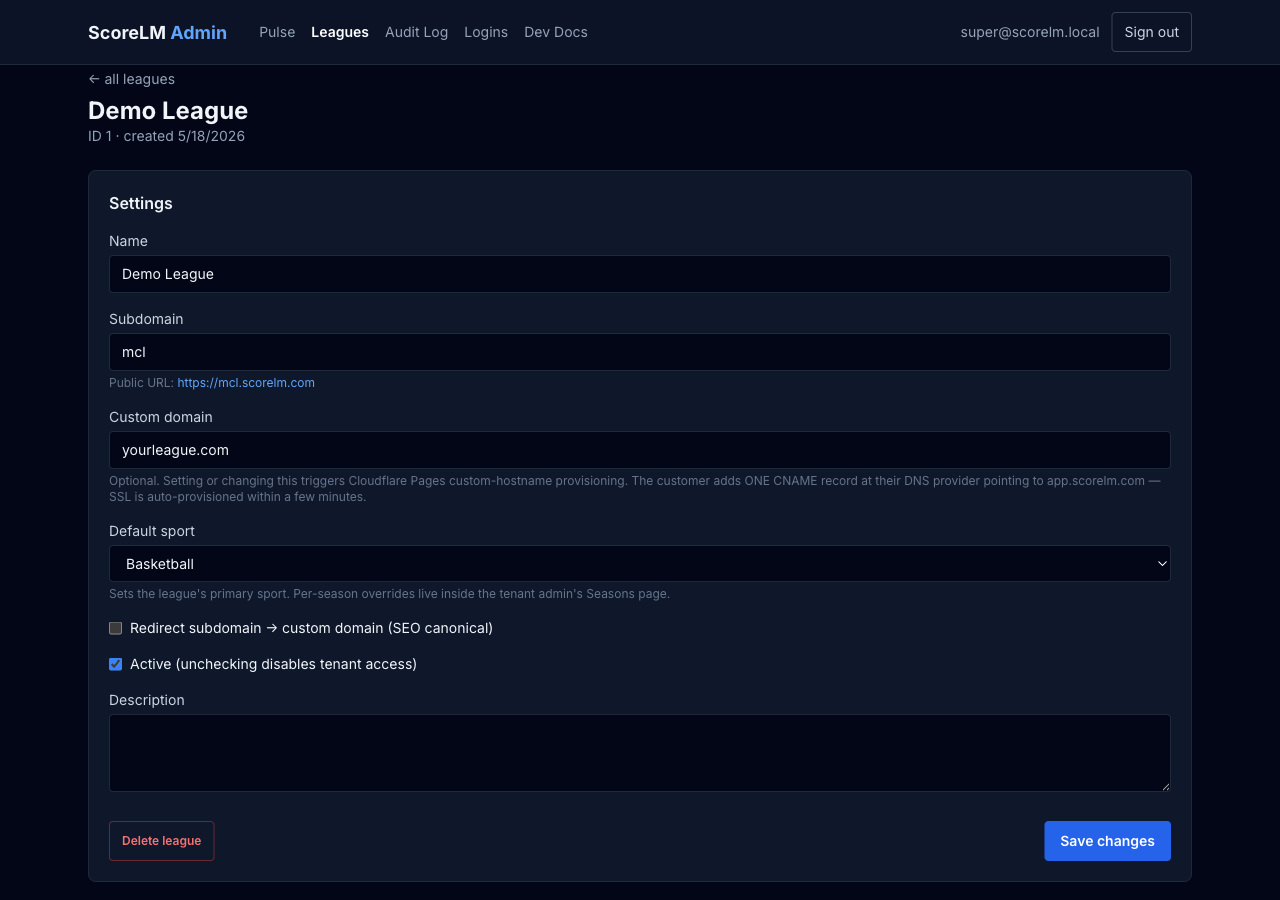
In your league's admin, paste the domain into the Custom Domain field and save. We register your domain in the background and set up SSL automatically. You don't need to do anything else.
Wait 5-15 minutes for SSL to provision
We confirm your CNAME points at app.scorelm.com and issue a free SSL certificate. The status on the league page moves from pending to active when it's done. If it's been more than 30 minutes, the CNAME is probably wrong -- recheck the value and TTL, then hit the Register button again to retry.
Test the domain in a fresh browser tab
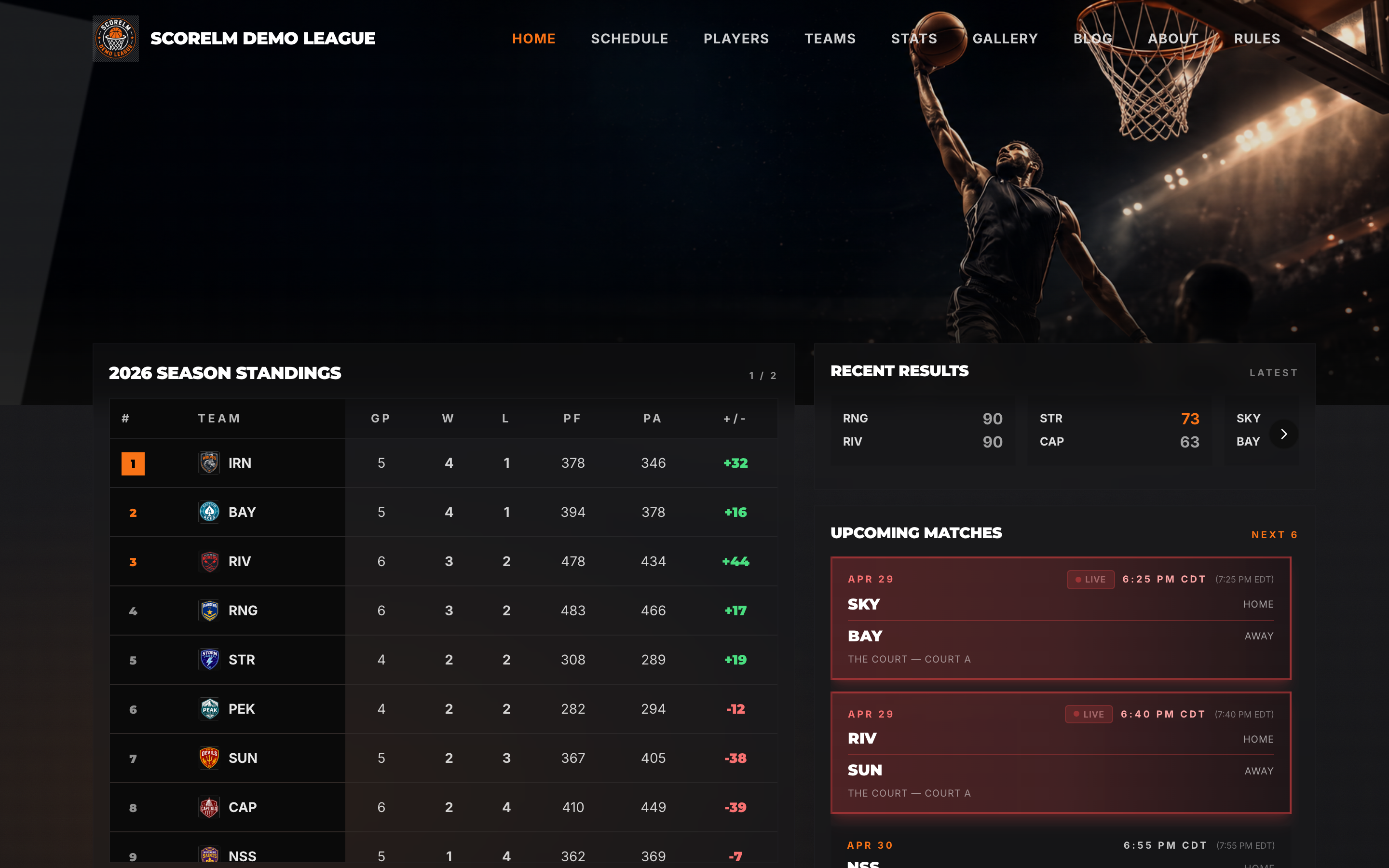
Open your domain in an incognito window. You should see your league site with a valid lock icon in the address bar. If you see an error page or a 'Not Secure' warning, the SSL is still being set up -- give it another few minutes. Check the page loads on mobile too. Once you're confident it works, share it with your league.
Optionally redirect bare domain to www (or vice versa)
If you want both yourleague.com and www.yourleague.com to work, add the second one to your league as well -- ScoreLM happily serves both. To force one to redirect to the other, set up a redirect rule at your registrar. Pick a primary -- search engines treat them as separate sites otherwise.
Pro Tips
What we've learned from a few hundred domain hookups
The DNS gotchas that catch every league at least once.
Use a CNAME, not an A record
It's tempting to just point an A record at an IP address -- don't. The addresses behind app.scorelm.com change from time to time. A CNAME follows the changes automatically; an A record will silently break in a few months when the address moves.
Don't proxy the CNAME if your domain is on Cloudflare
If your domain is on Cloudflare, leave the proxy off (the grey cloud, not orange) for the CNAME to app.scorelm.com. Double-proxying causes errors. We already handle the proxy on our end -- you don't need a second one.
Keep your subdomain working as a backup
Even after the custom domain is live, your free yourleague.scorelm.com subdomain keeps working. It's a useful fallback if you ever need to debug DNS or move providers. We never auto-redirect the subdomain unless you flip the 'Redirect to custom domain' toggle in league settings.
Check your DNS before opening a ticket
Visit https://dnschecker.org and look up your domain's CNAME. You should see app.scorelm.com. If you see anything else, the change hasn't fully spread across the internet yet, or there's a typo in the record.
Plan the cutover during a quiet window
DNS changes can take up to 48 hours to fully propagate, though most people see it within an hour. If you're moving from an existing site, lower your old DNS TTL to 300 seconds a day before the switch -- that way the cutover takes minutes instead of hours.
One domain per league, no wildcards
Each league owns one custom domain. If you want different domains for different seasons or sports, those should be separate leagues -- the platform is built around one domain per league. Wildcards (*.yourleague.com) aren't supported.
What actually happens when someone visits your domain
Your domain points to ours, we recognize it, and we serve your league site. SSL is handled automatically -- you never touch a certificate.
We register your domain in the background and SSL is issued within minutes once your CNAME is live.
That's the whole setup
One CNAME, one paste, one wait. After that, your league lives on your domain forever -- no cert renewals, no DNS upkeep, nothing to maintain.